What Is the Best Desk Setup for Productivity?
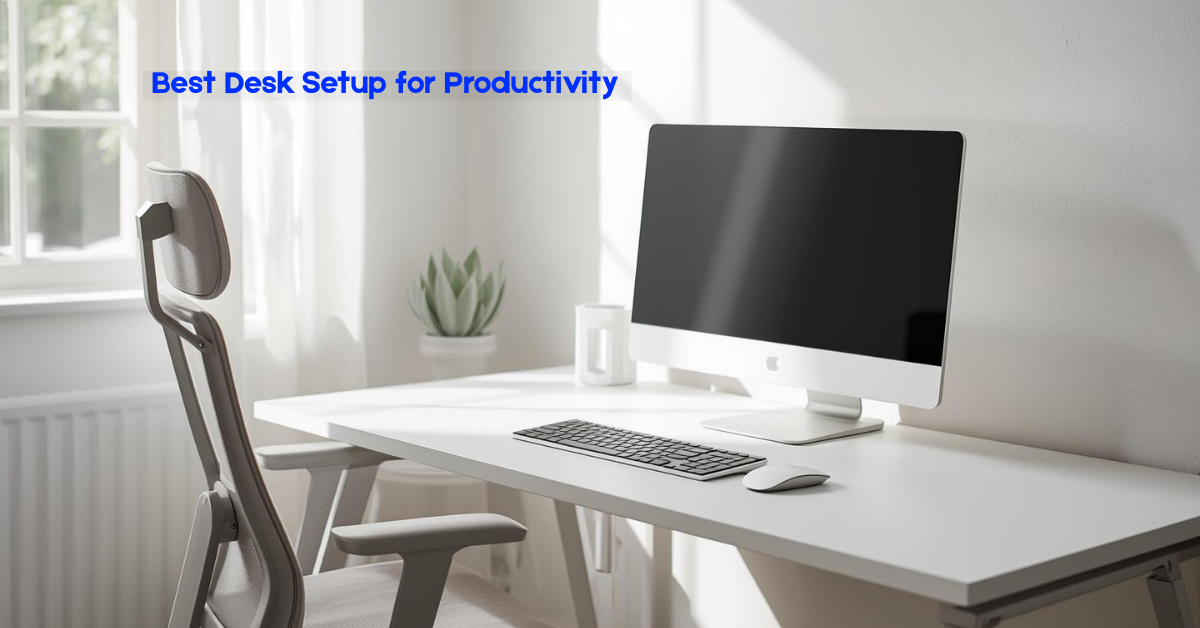
If you’ve ever sat down at your desk with good intentions, only to feel distracted, uncomfortable, or oddly unmotivated, you’re not alone. Your desk setup plays a much bigger role in your daily focus than most people realize. It’s not just about having a nice-looking workspace. It’s about creating an environment that quietly supports your brain, your body, and your workflow.
The best desk setup for productivity isn’t one-size-fits-all. It depends on how you work, what tools you use, and how long you sit each day. But there are clear principles that work for beginners, buyers, and general readers alike. Once you understand them, setting up a productive desk becomes much easier and far less expensive than you might think.
Let’s break it down in a practical, real-world way.
Quick thought: Take a look at your desk right now. Is it helping you focus, or quietly slowing you down?
Contents
- 1 1. Why Your Desk Setup Matters More Than You Think
- 2 2. What Actually Makes a Desk Setup “Productive”?
- 3 3. How to Create a Desk Setup for Productivity?
- 4 Lighting: The Silent Productivity Booster
- 5 4. How Does a Desk Setup Improve Productivity?
- 6 5. What to Keep on Your Desk (And What to Remove)
- 7 6. Single Monitor vs Dual Monitor Setup
- 8 7. Desk Setup for Productivity in Small Spaces
- 9 8. Accessories That Actually Help (Not Just Look Good)
- 10 9. Personal Touches: Yes or No?
- 11 10. Common Desk Setup Mistakes to Avoid
- 12 11. Building Your Desk Setup Over Time
- 13 Final Thoughts: The Best Desk Setup Is the One You Enjoy Using
1. Why Your Desk Setup Matters More Than You Think
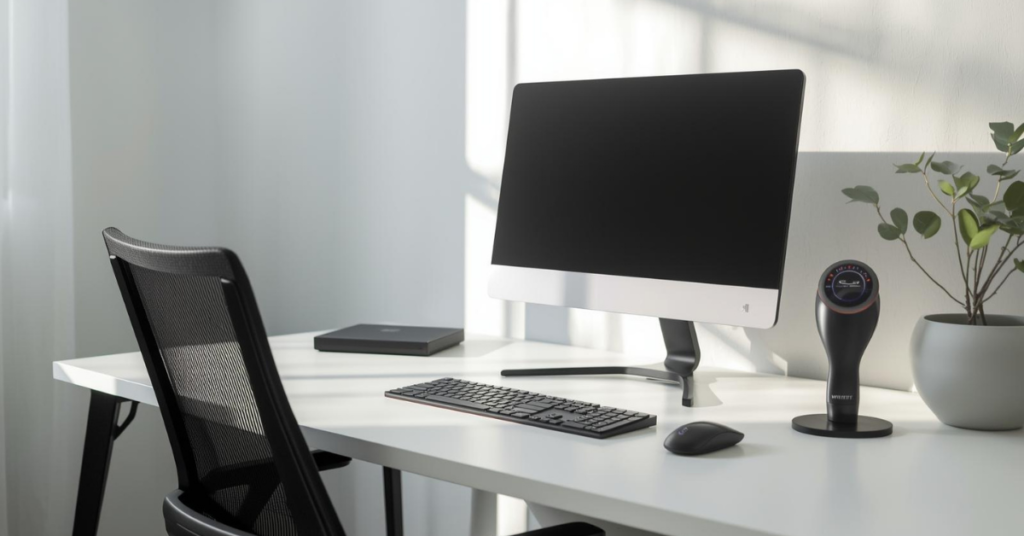
Your desk is where decisions are made, tasks get finished, and ideas either flow or stall. A poorly arranged desk creates tiny points of friction all day long. You reach too far for your mouse. Your screen strains your neck. Cables clutter your vision. Those small annoyances add up.
On the other hand, a well-thought-out desk setup for productivity reduces mental noise. You stop fighting your environment and start working with it.
Think of your desk like a silent assistant. When it’s set up right, it nudges you toward better posture, clearer thinking, and longer focus sessions—without you even noticing.
2. What Actually Makes a Desk Setup “Productive”?
A productive desk setup isn’t about cramming your desk with gear. It’s about balance.
At its core, productivity comes from three things:
- Comfort (your body doesn’t ache or fatigue quickly)
- Clarity (your eyes and mind aren’t overwhelmed)
- Efficiency (everything you need is within easy reach)
If your desk supports these three areas, you’ll naturally work better—even on days when motivation is low.
3. How to Create a Desk Setup for Productivity?
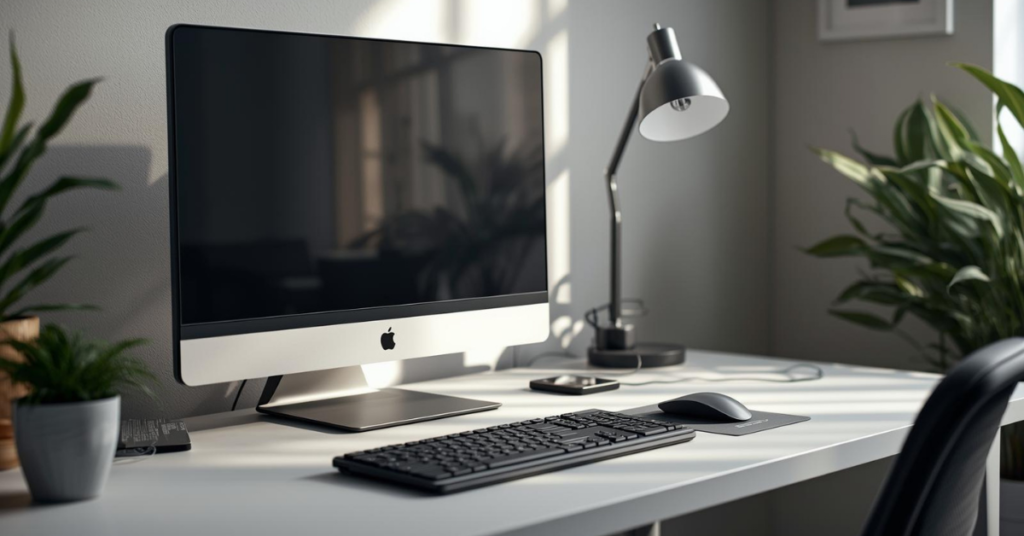
This is where most people overcomplicate things. You don’t need a full makeover overnight. Start with the basics and build from there.
Start With the Desk Itself
Your desk doesn’t need to be expensive, but it does need to fit your space and your body.
A good desk should:
- Give you enough surface area to work without clutter
- Allow your arms to rest comfortably at about a 90-degree angle
- Feel stable (wobbling kills focus faster than you think)
If you’re tall, avoid shallow desks. If you’re working in a small room, depth matters more than width.
Standing desks can be great, but only if you actually use the standing function. Otherwise, a solid fixed-height desk works just fine.
You don’t need to change everything today. Even one improvement, like desk height or screen position, can boost focus instantly.
Choose a Chair You Can Sit In for Hours
A productive desk setup fails instantly if the chair is wrong.
You don’t need a flashy gaming chair, but you do need:
- Proper lower back support
- Adjustable height
- A seat that doesn’t cut into your legs
If your chair forces you to constantly shift or slouch, your focus will suffer. Productivity drains quickly when your body is uncomfortable.
A simple rule: if you wouldn’t sit in it for three hours straight, don’t work in it.
Position Your Monitor the Right Way
Monitor placement is one of the most overlooked aspects of desk setup for productivity.
Your screen should be:
- About an arm’s length away
- With the top of the screen at or slightly below eye level
- Centered directly in front of you (not angled off to the side)
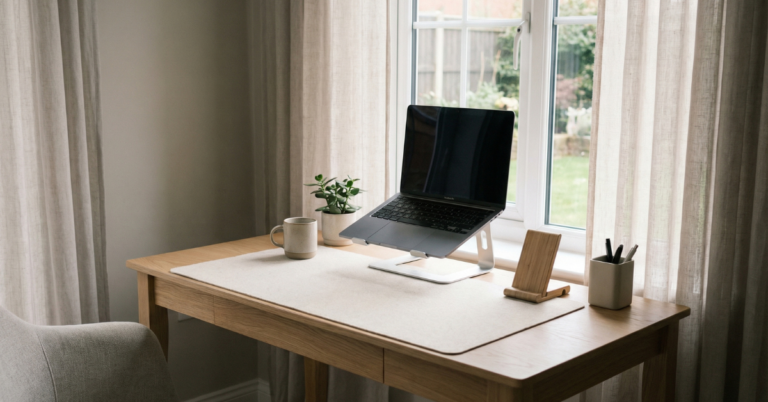
If you use a laptop, a laptop stand is one of the best low-cost productivity upgrades you can make. Pair it with an external keyboard and mouse, and your posture improves instantly.
Keyboard and Mouse Placement Matters
Your keyboard and mouse should feel natural, not forced.
- Keep them close enough so your elbows stay near your body
- Avoid reaching forward or outward
- Keep wrists neutral—not bent up or down
Mechanical keyboards aren’t required, but many people type more comfortably on them. The key is consistency and comfort, not hype.
Manage Cables Before They Manage You
Cable clutter is more than an aesthetic problem. It creates visual noise, which subtly increases mental fatigue.
Simple cable management ideas:
- Use adhesive cable clips under the desk
- Bundle cables with Velcro ties
- Mount a power strip under the desk
When your desk looks calmer, your mind often follows.
Lighting: The Silent Productivity Booster
Lighting is often ignored until eye strain shows up.
Natural light is ideal. Position your desk near a window if possible, but avoid glare directly on your screen.
For artificial lighting:
- Use a desk lamp with adjustable brightness
- Choose neutral or slightly warm light (around 4000–5000K)
- Avoid harsh overhead lighting when possible
Good lighting reduces headaches, eye fatigue, and that mid-day slump.
Think of your desk as a system. When every part works together, productivity feels natural instead of forced.
4. How Does a Desk Setup Improve Productivity?
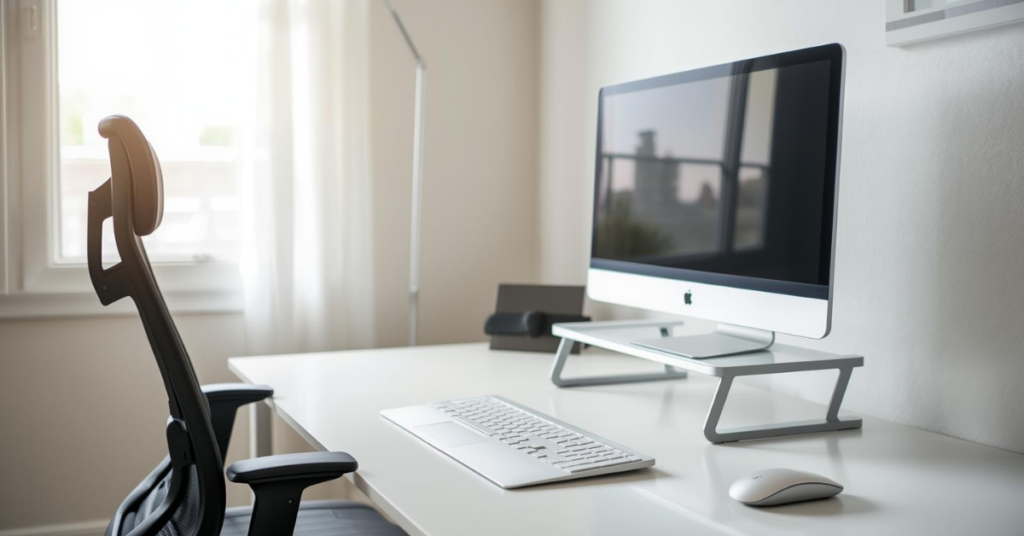
This is where the science meets real life.
A good desk setup improves productivity in ways you don’t always notice immediately.
It Reduces Decision Fatigue
When your workspace is organized, your brain doesn’t waste energy figuring out where things are. You sit down and start working. No friction. No delay.
It Encourages Better Posture
Proper ergonomics reduce physical strain. When your body feels supported, you can focus longer without breaks caused by discomfort.
It Minimizes Distractions
A clean, intentional desk reduces visual clutter. Fewer objects competing for attention means deeper focus.
It Creates a Mental “Work Mode”
Your brain associates your desk with productivity. Over time, just sitting there triggers a focused mindset.
Less clutter doesn’t mean less personality; it means more clarity.
5. What to Keep on Your Desk (And What to Remove)
This is where personal preference matters, but some guidelines help.
Keep:
- Your main computer or laptop
- Keyboard and mouse
- A notebook or planner
- One pen you like using
- A water bottle
Remove:
- Random papers
- Unused gadgets
- Decorative items that don’t inspire you
- Anything that doesn’t serve a clear purpose
Minimal doesn’t mean empty. It means intentional.
Smart layout beats a large space every time.
6. Single Monitor vs Dual Monitor Setup
This depends on your work style.
Single monitor works well if:
- You focus on one task at a time
- You value simplicity
- Desk space is limited
Dual monitors are helpful if you:
- Multitask often
- Compare documents or data
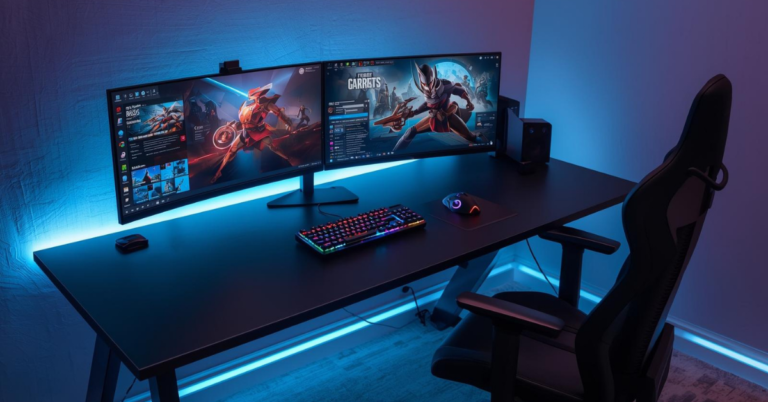
- Do design, editing, or research-heavy work
The key is alignment. Both screens should be at the same height and distance to avoid neck strain.
7. Desk Setup for Productivity in Small Spaces
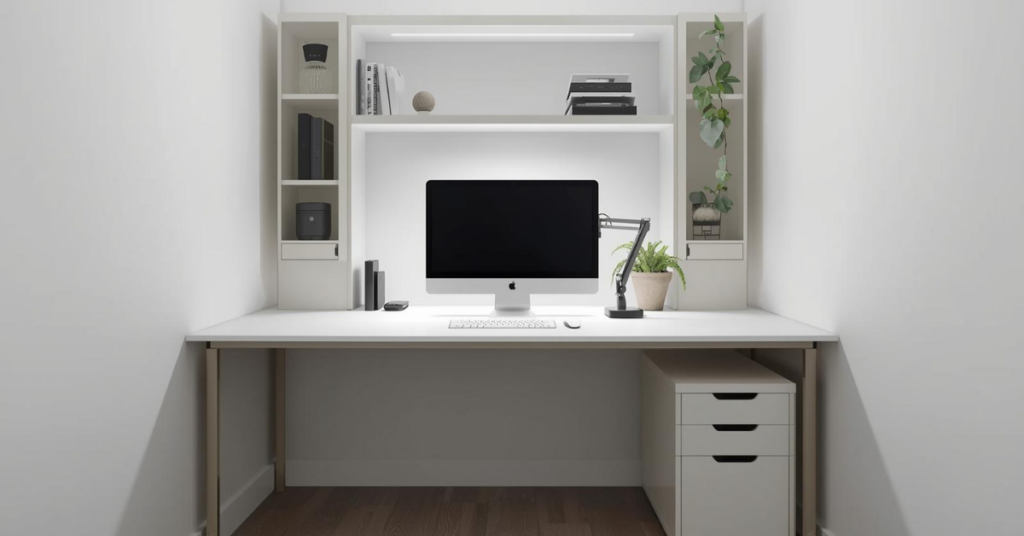
Not everyone has a home office. That’s okay.
For small spaces:
- Use vertical storage (shelves, monitor arms)
- Choose compact accessories
- Keep only daily essentials on the desk
A small desk can still be incredibly productive if it’s organized well.
A small desk doesn’t limit productivity; poor organization does.
8. Accessories That Actually Help (Not Just Look Good)
Some desk accessories genuinely improve productivity.
Useful additions include:
- Monitor arm (frees desk space)
- Desk mat (creates a defined work zone)
- Headphone stand (reduces clutter)
- External keyboard and mouse
Skip anything that adds complexity without clear value.
If an accessory doesn’t solve a real problem, it’s just desk decoration. Choose tools that simplify your workflow, not complicate it.
9. Personal Touches: Yes or No?
A completely sterile desk can feel uninspiring.
One or two personal items are fine:
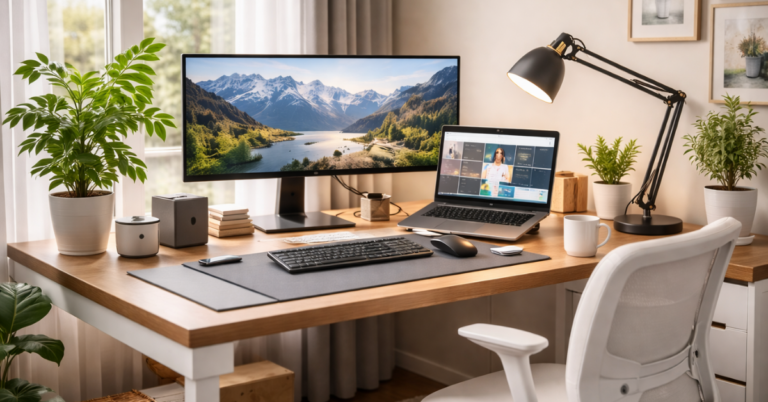
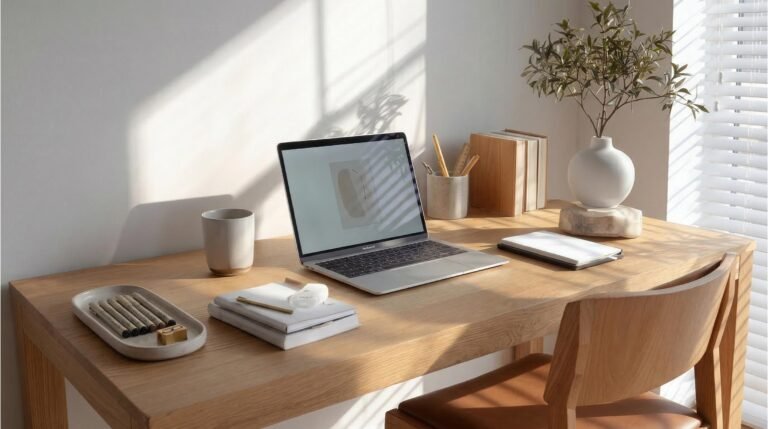
- A small plant
- A framed photo
- A simple piece of art
Your desk should feel like your space, not a showroom. The rule is simple: if it motivates or calms you, it belongs. If it distracts you, it doesn’t.
Inspiration is personal. Add only what genuinely helps you stay focused.
10. Common Desk Setup Mistakes to Avoid
Even well-meaning setups can go wrong.
Avoid these mistakes:
- Sitting too low or too high
- Placing the monitor off-center
- Overloading the desk with accessories
- Ignoring lighting
- Copying setups that don’t match your work style
Your desk should support your workflow, not someone else’s Instagram photo.
Avoiding these mistakes can improve productivity without spending a single dollar.
11. Building Your Desk Setup Over Time
You don’t need to buy everything at once.
Start with:
- Chair
- Monitor height
- Keyboard and mouse comfort
Then improve gradually. Small upgrades add up.
Progress beats perfection, especially when building your workspace.
Final Thoughts: The Best Desk Setup Is the One You Enjoy Using
The best desk setup for productivity isn’t about trends or expensive gear. It’s about creating a space that feels comfortable, clear, and supportive.
When your desk works with you instead of against you, productivity stops feeling forced. You sit down, start working, and stay focused longer, almost effortlessly.
That’s the real goal.
Ready to upgrade your desk setup for productivity?
Start with one small change today, adjust your monitor, clear unnecessary clutter, or improve your chair. Your future focus will thank you.
Still deciding? Explore more Tech Accessories reviews, comparisons, and buying guides on our site to find the best option for you.