
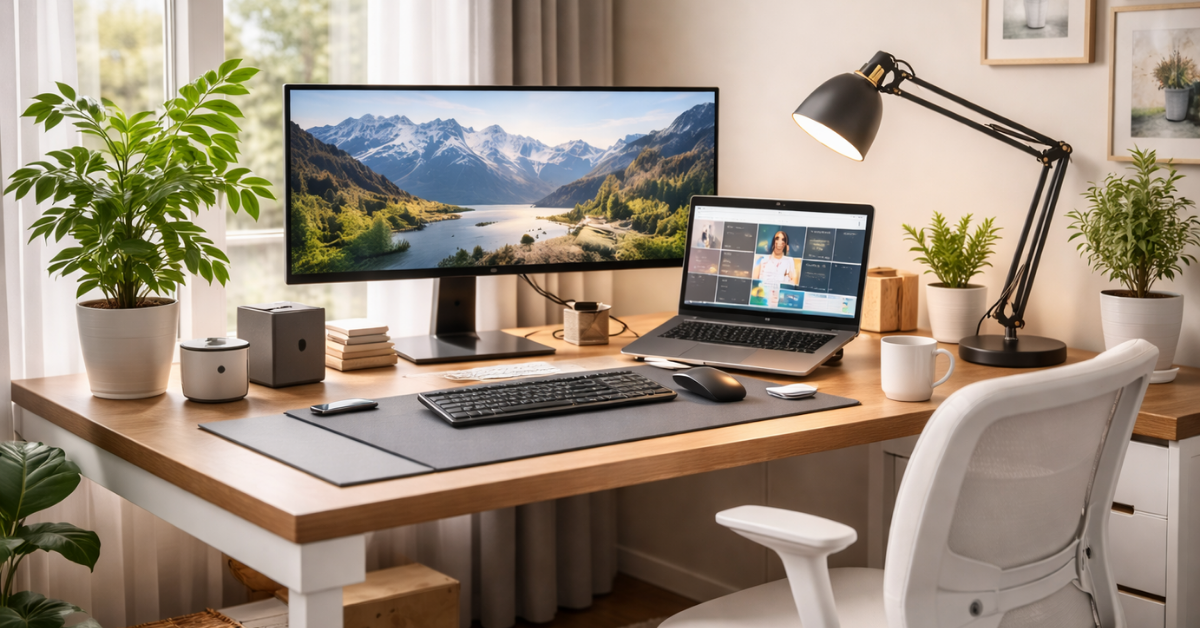
What Is the Best Desk Setup for Home Offices?
A professional-looking desk isn’t about expensive gadgets or copying ultra-minimalist Instagram trends. A well-designed Desk Setup is intentional, clean, and built for real work. In practice, a professional desk setup focuses on functionality, comfort, and visual clarity, elements that directly affect productivity and focus.
Whether you’re working from home, running an online business, or creating content for YouTube or blogs, your Desk Setup becomes your daily workspace and creative hub. The right desk setup ideas, combined with thoughtful accessories, can completely change how your workspace looks and how efficiently you work throughout the day.
In this guide, you’ll discover practical, proven desk setup upgrades that instantly make your workspace look more professional, without turning it into a gaming station or over-designed studio. Everything here is built around modern desk setup principles, ergonomic improvements, and productivity-focused accessories, with Amazon-friendly recommendations woven in naturally.
Contents
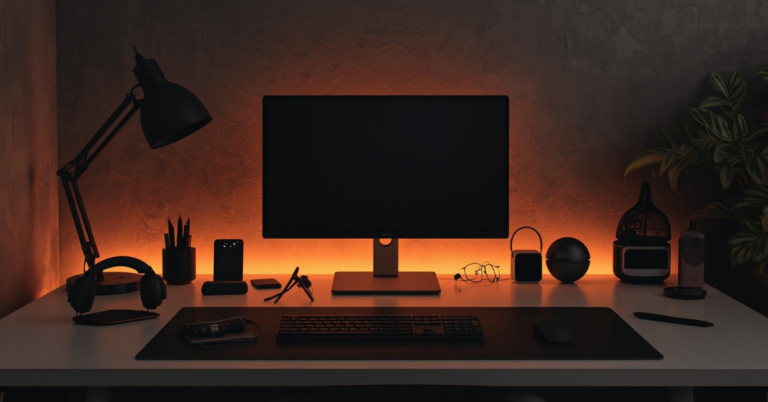
LED Desk Lamps (RGB & Eye-Care)
Lighting is one of the fastest ways to make a desk look either polished or messy, and most people underestimate it.
A professional desk setup always has intentional lighting, not just whatever overhead bulb happens to be in the room.
RGB vs Eye-Care Lighting (What Actually Works?)
- Eye-care LED lamps are ideal for focused work
They offer adjustable brightness and color temperature (warm to cool), which reduces eye strain during long work sessions. - RGB desk lamps can still look professional, when used subtly
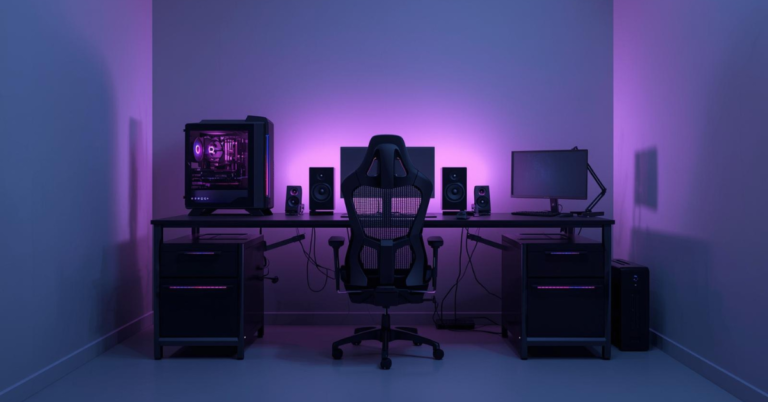
Soft ambient colors behind or beside your desk can add depth without screaming “gaming setup.”
The key is control. A lamp that lets you adjust:
- Brightness levels
- Color temperature
- Direction of light
will always look more professional than a fixed, harsh light source.
What to Look for in a Professional LED Desk Lamp
- Minimal, modern design
- Neutral colors (black, white, silver)
- Flicker-free and glare-reduced lighting
- Touch or remote controls
- Clamp or slim-base designs to save desk space
A well-chosen lamp doesn’t just improve visibility, it sets the mood of your workspace.
If you’re thinking about upgrading your desk setup, I’ve linked a few reliable LED desk lamp options below that are popular among professionals and remote workers.
Monitor Light Bars
If you want an instantly cleaner, more professional desk, monitor light bars are hard to beat.
Unlike traditional desk lamps, light bars sit directly on top of your monitor, eliminating clutter while providing perfectly directed light.
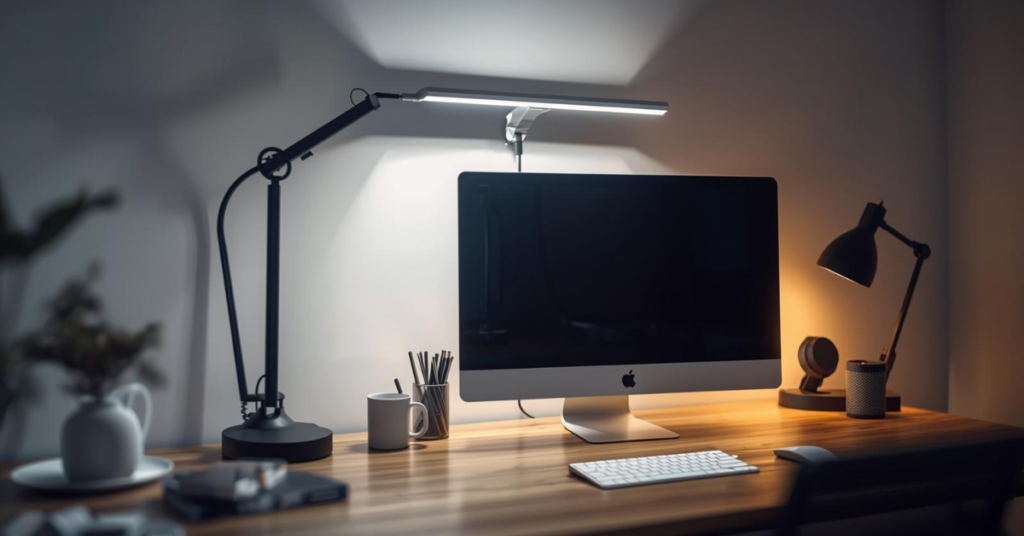
Why Monitor Light Bars Look More Professional
- No extra objects on your desk surface
- No visible lamp arms or bases
- Clean, symmetrical appearance
- Perfect for minimalist setups
They’re especially effective if you use:
- Large monitors
- Dual-monitor setups
- Laptops connected to external screens
Practical Benefits Beyond Looks
- Reduces screen glare
- Improves contrast between screen and desk
- Helps prevent eye fatigue during long sessions
- Keeps your desk evenly lit without harsh shadows
Professional setups prioritize function + form, and monitor light bars deliver both.
This is one of those upgrades that instantly improves how your desk looks and feels. You’ll find some well-reviewed monitor light bar options worth checking out below.
Laptop Stands (Adjustable Aluminum)
Nothing breaks a professional desk faster than a laptop lying flat with cables stretching everywhere.
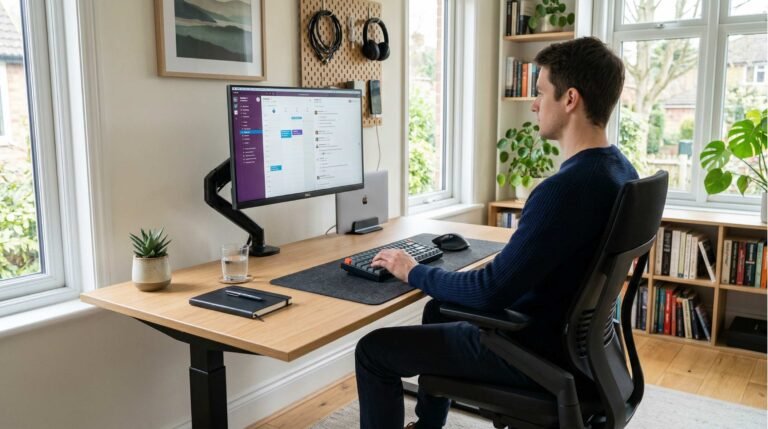
An adjustable aluminum laptop stand instantly adds structure, symmetry, and better posture to your setup.
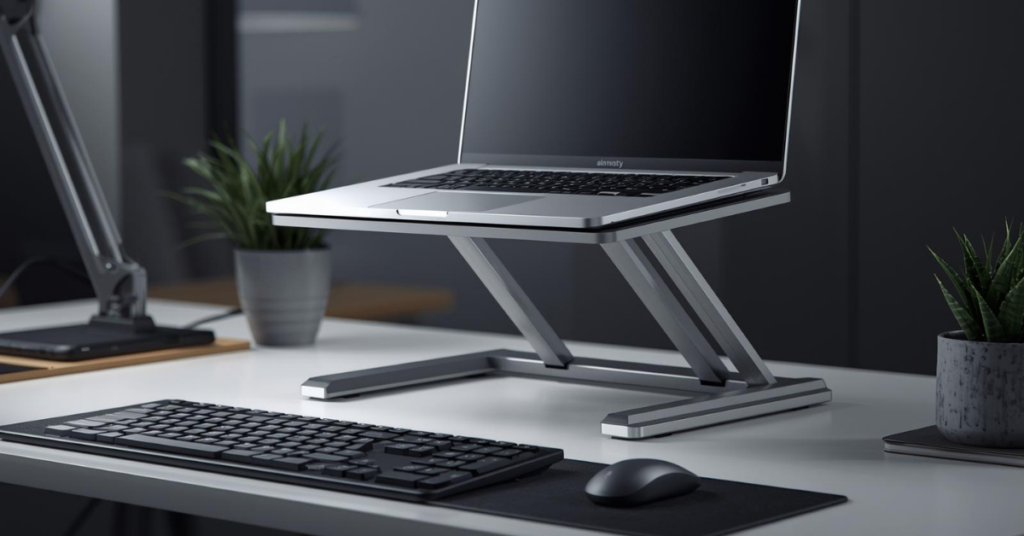
Why Aluminum Stands Look Professional
- Clean metallic finish
- Minimalist design
- Matches modern desks and accessories
- Durable and stable
Cheap plastic stands often look temporary. Aluminum stands look intentional.
Ergonomics Matter More Than You Think
Raising your laptop to eye level:
- Improves posture
- Reduces neck and shoulder strain
- Makes your desk look more organized
Many professionals combine a laptop stand with:
- External keyboard
- Wireless mouse
- Monitor or light bar
This setup instantly signals a serious workspace, not a casual browsing station.
This is one of those small upgrades that changes both comfort and appearance. I’ve added some popular adjustable aluminum laptop stand options below.
Wireless Keyboards & Mice
Cables are the silent killer of a professional desk aesthetic.
Even if everything else looks clean, tangled keyboard and mouse wires can make your setup feel unfinished.
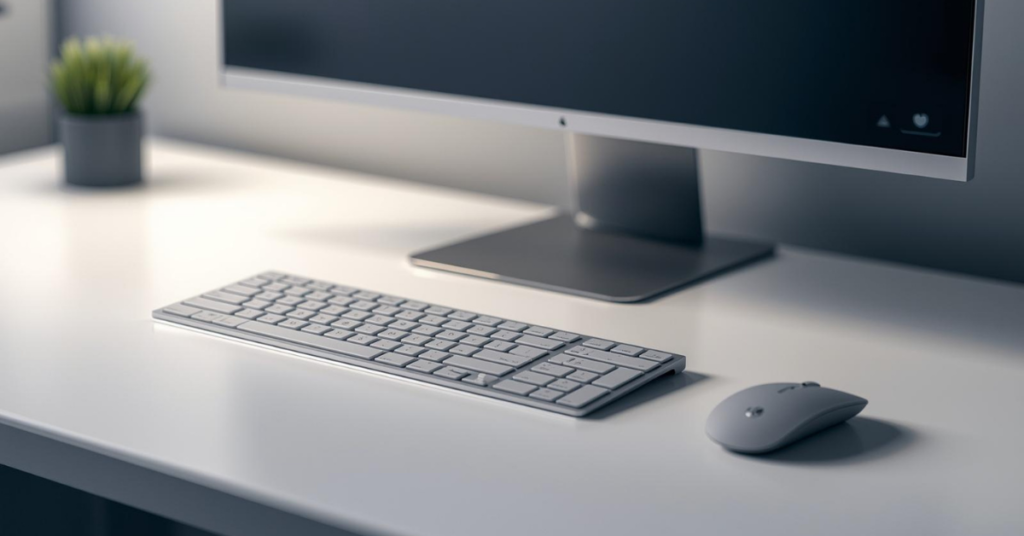
Why Wireless Accessories Look Better
- Cleaner desk surface
- Easier cable management
- More flexibility in positioning
- Better visual flow
But professionalism isn’t just about removing wires, it’s about choosing the right design.
What to Look for in Professional Wireless Gear
- Neutral color tones
- Low-profile or ergonomic designs
- Quiet keys and clicks
- Matching keyboard and mouse sets
Avoid flashy RGB-heavy designs unless your brand or workspace specifically calls for it. Subtlety wins in professional environments.
If you’re upgrading your desk accessories, I’ve included some well-reviewed wireless keyboard and mouse combos that fit professional setups perfectly.
Desk Cable Organizers
If there’s one thing that instantly ruins a desk setup, it’s cable clutter.
You can have the best desk, lamp, and accessories, but exposed cables make everything look chaotic.
Why Cable Management Is Non-Negotiable
A professional desk should:
- Look clean from every angle
- Hide unnecessary distractions
- Feel intentional, not improvised
Simple Cable Management Solutions That Work
- Under-desk cable trays
- Adhesive cable clips
- Cable sleeves for grouped wires
- Desk grommets or cable boxes
The goal isn’t perfection—it’s visual order.
When cables are out of sight, your desk instantly feels calmer, more organized, and more professional.
This is one of the cheapest upgrades with the biggest visual impact. I’ve linked some simple desk cable organizer options below that are easy to install and highly effective.
Laptop Cooling Pads
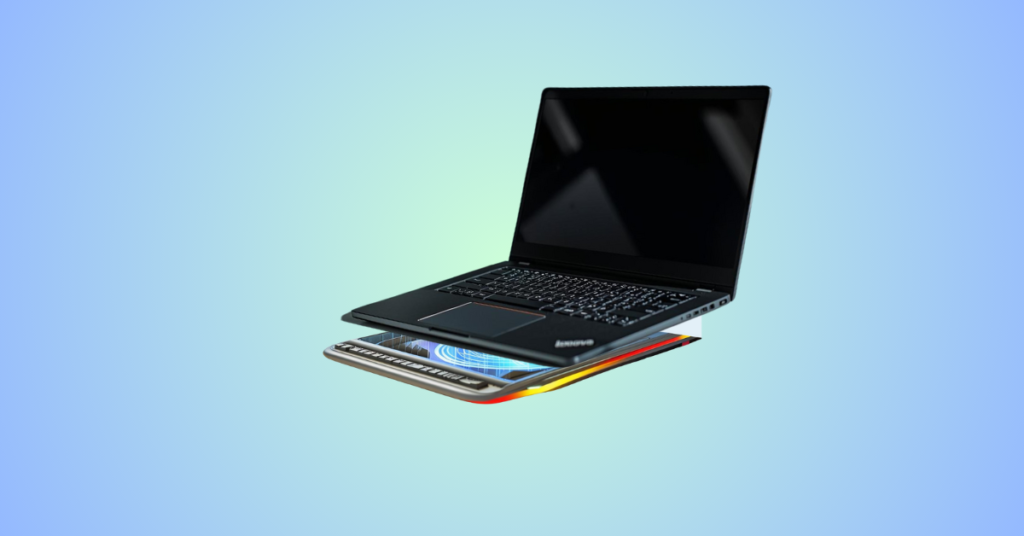
Cooling pads are often associated with gaming, but professional versions exist, and they serve an important purpose.
A clean, slim cooling pad:
- Protects your laptop
- Improves long-term performance
- Keeps your desk setup functional during heavy workloads
Why Professionals Should Care About Cooling
Overheating can lead to:
- Throttled performance
- Loud internal fans
- Shortened device lifespan
For content creators, remote workers, and anyone running demanding tasks, cooling isn’t optional, it’s maintenance.
What Makes a Cooling Pad Look Professional
- Slim profile
- Quiet fans
- Neutral colors
- Minimal branding
Avoid aggressive designs. A professional cooling pad should blend into your setup, not dominate it.
If your laptop runs warm during long sessions, there are some low-profile cooling pads worth checking out below that won’t ruin your desk aesthetic.
Bringing It All Together: The Professional Desk Mindset
A professional desk isn’t built overnight, and it’s definitely not built by buying random accessories.
It’s built by asking:
- Does this improve comfort?
- Does this reduce clutter?
- Does this make my workspace feel intentional?
When you combine:
- Proper lighting
- Clean monitor setup
- Elevated laptop positioning
- Wireless peripherals
- Hidden cables
- Thoughtful cooling
your desk naturally becomes more professional, without feeling forced or overdesigned.
Final Thought
A professional desk isn’t about spending more; it’s about choosing smarter accessories that work together. The right upgrades improve how your desk looks, how you feel working at it, and how seriously others perceive your workspace.
I’ve included carefully selected Amazon recommendations throughout this guide to help you build a clean, modern desk setup without overthinking the process.
Small changes. Big difference.
Still deciding? Explore more Tech Accessories reviews, comparisons, and buying guides on our site to find the best option for you.
One Comment