What is The Best Cozy Desk Setup at Home? The Ultimate Guide
There’s a difference between a cozy desk setup that looks good on Instagram and one you actually want to work at for eight hours. I’ve learned this the hard way. Two years ago, I had the “perfect” setup, clean lines, expensive monitor, and that trendy ring light everyone was using. It photographed beautifully. But by 2 PM every day, I had a headache, a stiff neck, and this weird urge to work from my couch instead.
Sound familiar?
Most of us spend more time at our desks than we do in our beds. Yet we treat workspace design like an afterthought—or worse, like a vanity project. The best cozy desk setup isn’t about impressing anyone. It’s about creating a space where you can focus deeply without your body screaming at you by lunchtime.
This guide breaks down exactly how to build that space, whether you’re working with a dedicated home office or carving out a corner in your studio apartment.
Contents
- 1 Why “Cozy” Matters More Than “Cool”
- 2 Start With What You Can’t See: The Foundation
- 3 Lighting: The Make-or-Break Element
- 4 The Visual Landscape: Creating Calm
- 5 Tech That Serves You (Not the Other Way Around)
- 6 Small Spaces, Big Comfort
- 7 The Cozy Details That Make It Yours
- 8 Building Your Setup Over Time
- 9 When Coziness Becomes Procrastination
- 10 The Real Secret
Why “Cozy” Matters More Than “Cool”
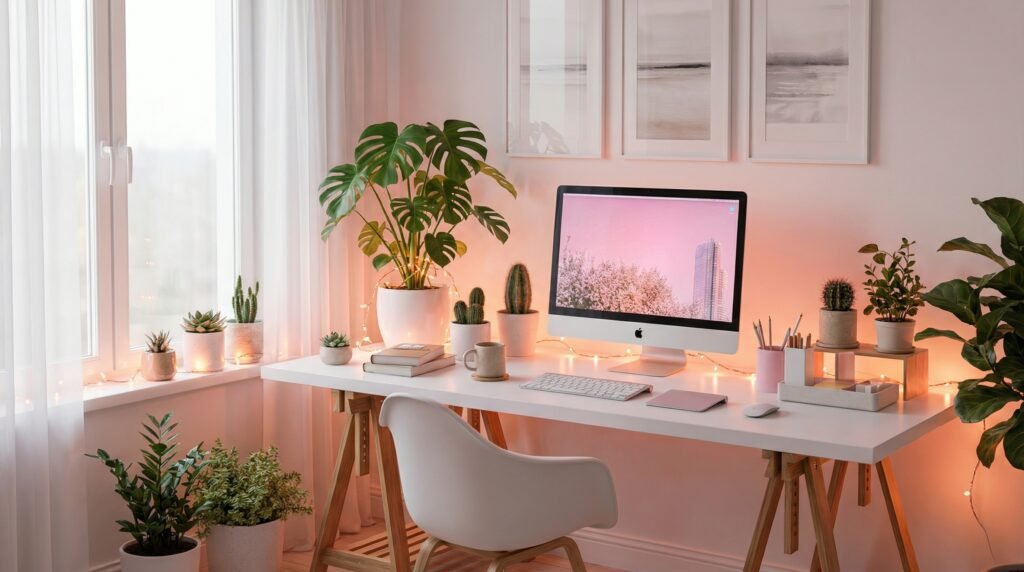
Let’s get something straight: cozy doesn’t mean cluttered. It doesn’t mean surrounding yourself with knick-knacks until you can’t find your keyboard.
Real coziness in a workspace is physiological. It’s about reducing the subtle stressors that drain your attention—harsh lighting, awkward posture, visual chaos, and replacing them with elements that help your nervous system settle.
When your workspace feels safe and comfortable, your brain stops scanning for threats (like that pile of unsorted cables or the glare hitting your screen) and redirects that energy toward actual work.
I’ve watched friends drop thousands on standing desks and ergonomic chairs, only to still feel antsy and unfocused. Usually, the missing piece wasn’t another gadget. It was warmth, actual and metaphorical.
Start With What You Can’t See: The Foundation
Before you buy a single plant or aesthetic desk mat, you need to handle the invisible stuff. These decisions determine whether your setup sustains you or slowly breaks you down.
The Chair Reality Check
Here’s the uncomfortable truth: your chair matters more than your desk. You’ll upgrade your monitor three times before you replace a good chair, so this is where you allocate serious budget if you can.
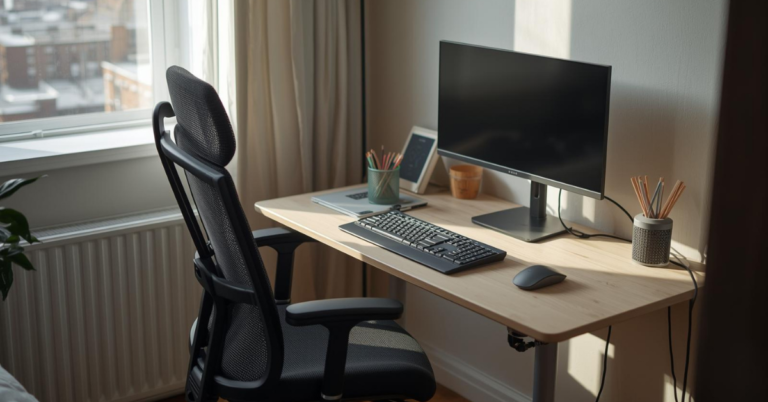
But “good” doesn’t automatically mean “expensive.” I’ve sat in $800 ergonomic chairs that felt wrong and $200 used office chairs that fit perfectly. The key is adjustability, seat height, lumbar support, armrest positioning. Your feet should sit flat on the floor with knees at roughly 90 degrees. Anything else, and you’re compensating with your lower back.
If you’re working with what you have, grab a firm pillow for lumbar support and a footrest (or stack of books) to get your angles right. It’s not perfect, but it’s better than pretending you’ll “get used to” bad posture.
Desk Height and Your Body
Standard desk height is 29-30 inches. That works for someone who’s about 5’10”. If you’re significantly taller or shorter, that “standard” is working against you.
The fix doesn’t require a motorized standing desk (though those are nice). Start by adjusting your chair so your elbows rest at desk height with shoulders relaxed. If your feet dangle, use that footrest. If your wrists angle upward to reach the keyboard, raise your chair and accept that you need a footrest.
This matters because your wrists, shoulders, and neck are connected in a tension chain. Fix the foundation, and you prevent problems upstream.
Make Your Desk Feel Like a Place You Want to Sit
Trendy setups look impressive, but cozy setups keep you working longer. Soft lighting, calming tones, and comfortable accessories reduce mental fatigue and help you stay focused naturally. Upgrade your workspace with comfort-first essentials designed for real daily use.
Lighting: The Make-or-Break Element
Nothing destroys coziness faster than bad lighting. Yet it’s the most common mistake I see—people working directly under harsh overhead LEDs or relying solely on their monitor’s glow.
Layer Your Light Sources
Think about your lighting in three layers:
Ambient light fills the room. You want this warm and indirect—bounce it off walls or ceilings if possible. Overhead fluorescents create harsh shadows and eye strain. If you can’t change the fixture, try a floor lamp in the corner with a warm bulb (2700K-3000K).
Task lighting illuminates your actual work surface. A desk lamp with adjustable brightness and color temperature gives you control. Position it to the side, not directly in front or behind your screen, to avoid glare.
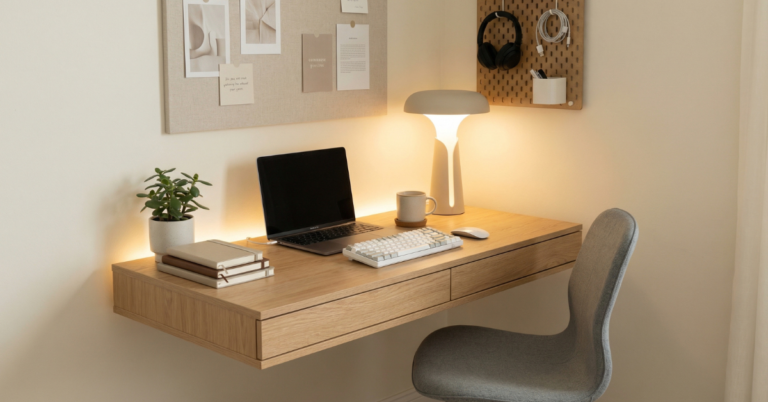
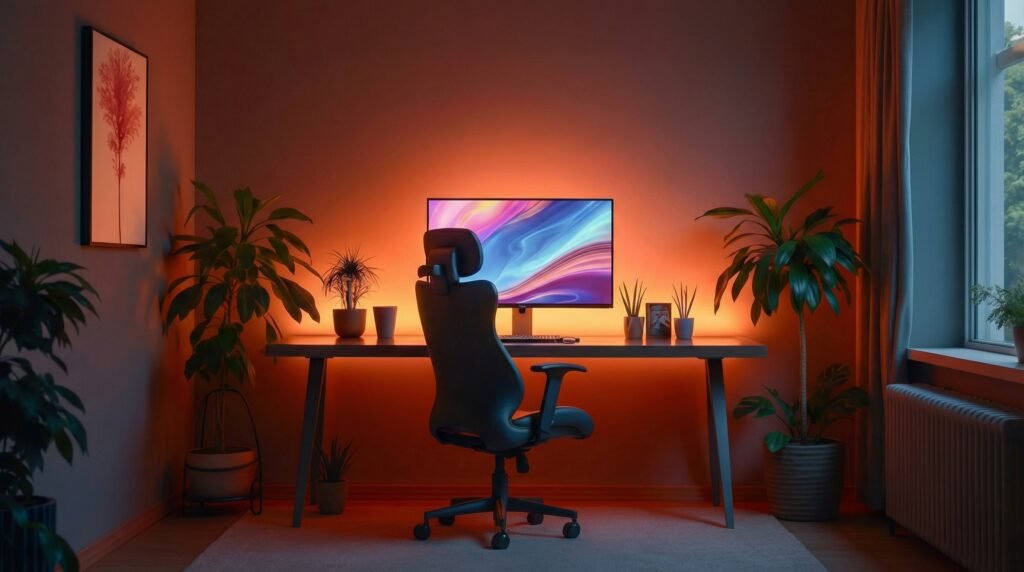
Accent lighting adds depth and warmth. This is your opportunity for coziness—string lights behind your monitor, a small lamp on a shelf, bias lighting that creates a soft glow around your screen. These aren’t just decorative. They reduce the contrast between your bright monitor and the surrounding darkness, which prevents eye fatigue.
I keep a small salt lamp on my desk—not because I believe in negative ions, but because its warm amber glow makes the space feel like a room, not an office. That psychological shift matters more than you’d think.
The Natural Light Balance
If you have a window, position your desk perpendicular to it, not facing it or with your back to it. Facing the window creates screen glare;背对 it means you’re working in your own shadow.
Morning light is your friend. It regulates your circadian rhythm and boosts alertness naturally. If your desk faces east, you’ll get this benefit without trying. If not, consider a light therapy lamp for dark winter mornings—it’s not just for seasonal depression. It helps maintain energy levels when you’re spending all day indoors.
Upgrade Your Lighting, Upgrade Your Mood
Harsh lighting kills productivity. A warm desk lamp with adjustable brightness instantly transforms your workspace into a calm, inviting zone. The right light reduces eye strain and makes your desk feel welcoming, not clinical.
👉 Get the Perfect Warm Desk Lamp
The Visual Landscape: Creating Calm
Once your body is supported and your eyes aren’t straining, you can address what you actually see. This is where most people start, but doing it last ensures your aesthetics don’t sabotage your comfort.
The Case for Visual Restraint
Every object in your visual field demands a tiny sliver of attention. The stack of papers, the blinking router light, the mug from yesterday’s coffee—they all register. Your brain filters them out, but that filtering costs mental energy.
A cozy desk setup isn’t empty; it’s intentional. Each item should earn its place through function or genuine joy.
Start by clearing everything off. Then add back only what you use daily. Find homes for everything else—in drawers, on shelves, in another room. The goal is a clear workspace with breathing room.
Warm Materials and Textures
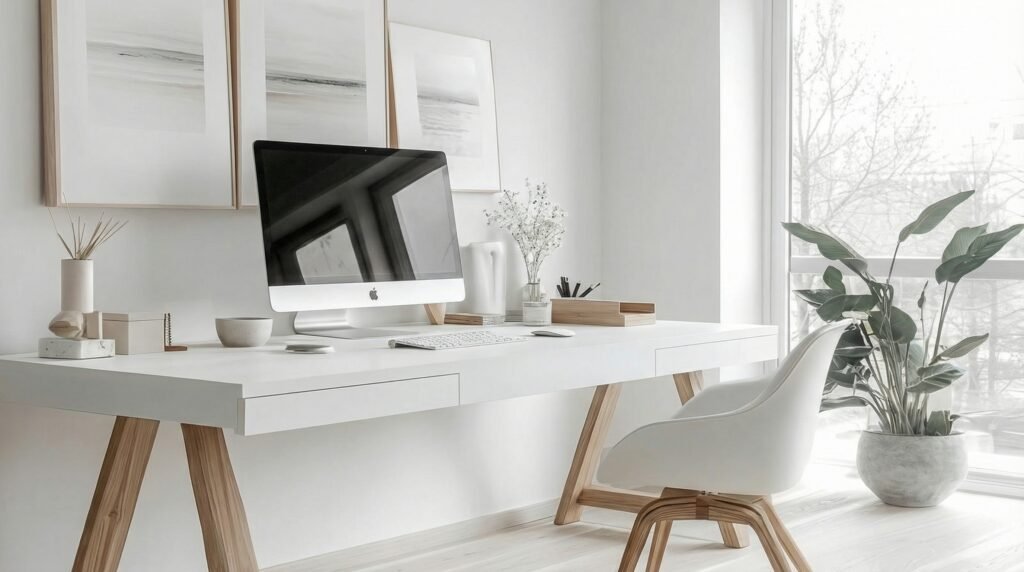
Cold surfaces feel institutional. Warm materials feel human.
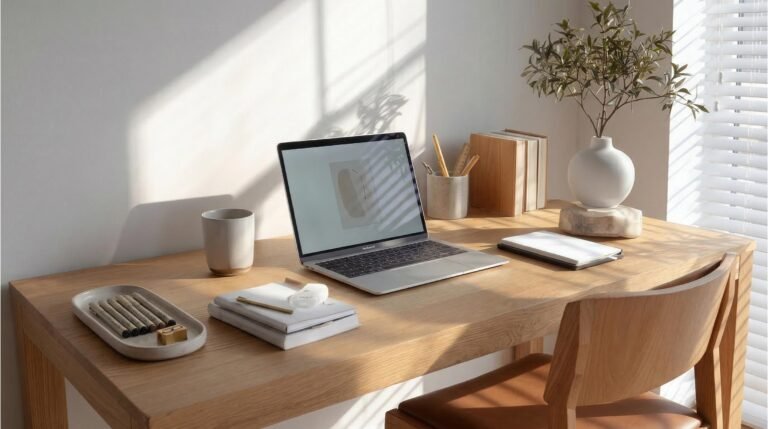
Wood grain, woven textures, matte ceramics, soft textiles—these elements signal “home” to your brain. You don’t need to replace your desk. A wooden monitor stand, a linen desk mat, a ceramic cup for pens—these small additions transform the feel of a space.
I use a felt desk mat in a warm gray tone. It softens the sound of my keyboard, protects the desk surface, and creates a defined “work zone” that feels contained and calm. When I’m done for the day, I roll it up and the desk becomes just furniture again. That ritual helps me separate work from life, which is crucial when they happen in the same room.
The Plant Question
Plants improve air quality marginally, but their real benefit is psychological. They add life, color, and a sense of caretaking to your space.
Choose plants based on your light conditions and your willingness to water them. Snake plants and ZZ plants survive neglect. Pothos thrive in various light and trail beautifully from shelves. If you have good natural light, a small succulent collection adds character without demanding much.
Place them where you’ll see them but not where they’ll clutter your immediate work area. A plant on a side table or windowsill beats one crowding your mouse pad.
Add Texture, Instantly Add Comfort
Wood, fabric desk mats, ceramic accessories, and soft finishes create a space that feels grounded and calm. Swapping cold plastic for warm textures can completely change how your desk feels every day.
👉 Browse Cozy Desk Accessories
Tech That Serves You (Not the Other Way Around)
Your devices should fade into the background, enabling your work without demanding constant attention. Here’s how to achieve that invisibility.
The Monitor Positioning Formula
Your monitor’s top edge should sit at or slightly below eye level. This keeps your neck in a neutral position. If you’re looking down at a laptop screen for hours, you’re creating future neck problems.
A simple laptop stand fixes this, paired with an external keyboard and mouse. You don’t need expensive gear—a stack of books works temporarily, and basic peripherals outperform built-in laptop keyboards for sustained typing.
Distance matters too. Sit an arm’s length away from your screen. Any closer strains your eyes; any farther and you’ll lean forward, compressing your spine.
Cable Management as Self-Care
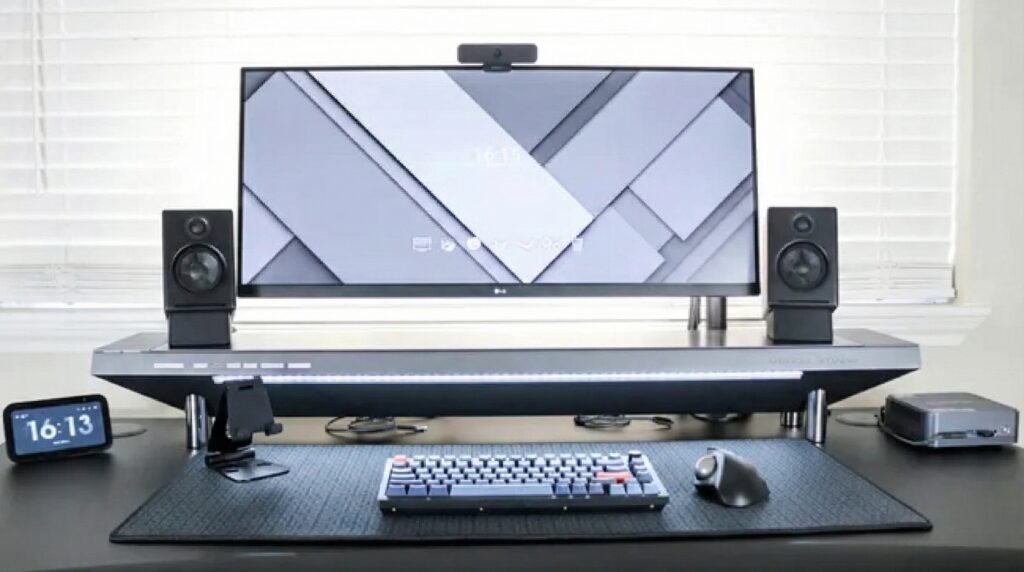
Visible cables create visual noise. They also collect dust and make you feel slightly out of control of your environment.
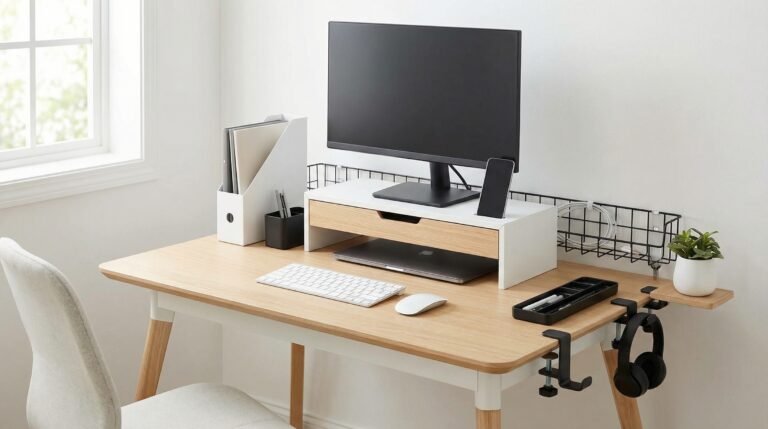
You don’t need fancy cable trays, though they help. Start with velcro ties to bundle cords running the same direction. Route them behind your desk legs or along the back edge. Use a cable box to hide power strips and their inevitable tangle of wall warts.
The goal isn’t perfection. It’s reducing the low-grade irritation of seeing chaos every time you glance down. That mental clarity is worth twenty minutes of organizing.
Sound and Focus
If you share space with others, or live near a busy street, sound management becomes part of your setup.
Noise-canceling headphones are the obvious solution, but they’re not always practical for long wear. Consider adding soft surfaces to your space: a rug, curtains, fabric wall hangings. These absorb sound rather than bouncing it around like hard surfaces do.
I keep a small Bluetooth speaker for ambient music or brown noise on days when I need to mask unpredictable sounds. It’s less isolating than headphones and creates a consistent auditory bubble that helps me focus.
Declutter Your Cables, Clear Your Mind
Messy cables create visual stress, even if you don’t realize it. Simple cable organizers, clips, and under-desk trays instantly clean up your setup and make your workspace feel intentional and calm.
👉 Fix Your Cable Clutter Today
Small Spaces, Big Comfort
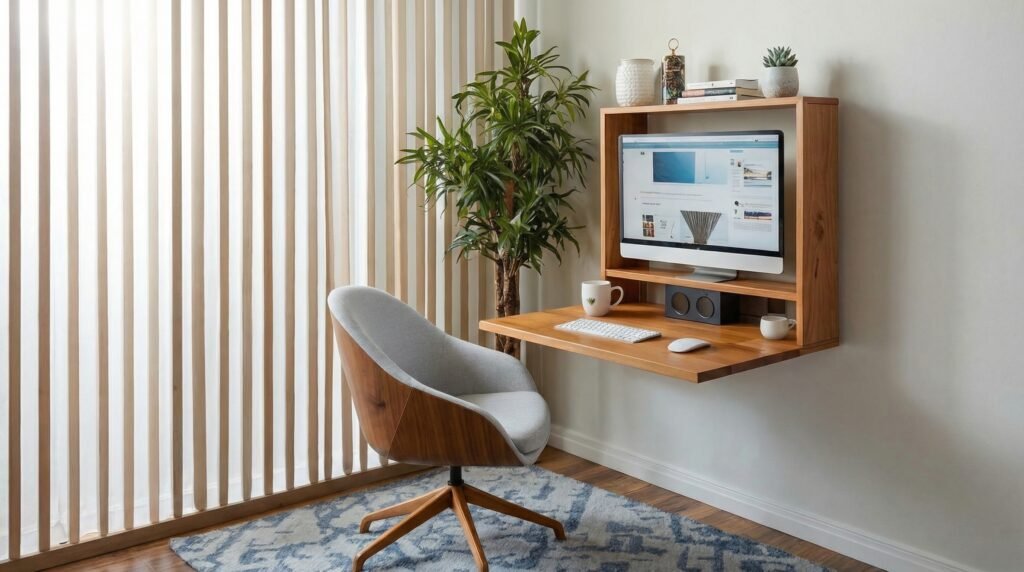
Not everyone has a dedicated office. Many of us are working from kitchen tables, bedroom corners, or converted closets. The principles stay the same; the execution just requires more creativity.
The Convertible Setup
If your desk needs to disappear after work hours, invest in pieces that make that transition easy. A rolling cart can hold your monitor and peripherals, wheeling into a closet at day’s end. A fold-down wall desk takes up zero floor space when closed. Even a nice tray that corrals your laptop, notebook, and pen—something you can lift off the table entirely, creates psychological separation between work mode and home mode.
The ritual of setting up and breaking down becomes part of your routine. It signals to your brain when it’s time to focus and when it’s time to release.
When your desk is in your bedroom or living room, visual boundaries matter even more. A room divider, a tall plant, or even a strategically placed bookshelf creates a sense of enclosure. You’re not working in your bedroom; you’re working in a workspace that happens to be in your bedroom.
Communicate with housemates or family about when you’re “at work” versus available. Headphones on, specific lighting, a closed door—these signals prevent the friction of constant interruption.
Turn Any Small Corner Into a Cozy Workspace
You don’t need a large office to feel comfortable. Compact desks, vertical organizers, and warm lighting can transform even the smallest space into a productive, cozy setup.
👉 Find Small-Space Desk Solutions
The Cozy Details That Make It Yours
Here’s where personality enters. These aren’t requirements, but they’re the touches that transform a functional space into one you actually want to spend time in.
Scent and Atmosphere
Our sense of smell ties directly to memory and emotion. A subtle scent can anchor you in work mode or help you relax when the day ends.
I avoid candles at my desk (fire hazard, plus competing with my monitor’s glow), but a small diffuser with essential oils works well. Citrus or rosemary for morning focus; lavender or cedar for afternoon calm. Keep it subtle, overpowering scent is as distracting as any other sensory overload.
The Comfort Objects
A soft throw blanket draped over your chair for cold mornings. A mug that feels good in your hands. A small object that reminds you why you’re working—a photo, a souvenir from a meaningful trip, a quote that resonates.
These aren’t distractions. They’re anchors. They remind you that you’re a human being doing work, not a productivity machine. That perspective prevents burnout better than any ergonomic intervention.
Temperature and Airflow
Stuffy rooms kill focus. If you can’t control the thermostat, a small desk fan creates air movement that keeps you alert. In winter, a space heater near your feet (safely positioned, of course) prevents the distraction of being cold.
Your body regulates temperature constantly. Help it out, and your mind has more resources available for actual thinking.
Building Your Setup Over Time
You don’t need to buy everything at once. In fact, you shouldn’t. The best setups evolve as you learn what you actually need versus what looked appealing in a product photo.
Start with the foundations: chair, desk height, lighting. These affect your physical health immediately. Add the tech improvements next, monitor position, cable management, sound. Finally, layer in the aesthetic and comfort elements that make the space feel like yours.
Wait to buy anything until you can articulate exactly what problem it solves. “This looks nice” isn’t a good enough reason. “My neck hurts because my monitor is too low” is.
I’ve had my current setup for three years, and it still changes monthly. Small tweaks, a different lamp position, a new plant, reorganized drawers—keep it feeling fresh without requiring constant investment.
When Coziness Becomes Procrastination
One warning: there’s a line between cozy and cluttered, between comfortable and distracting. If you find yourself rearranging your desk instead of working on your actual tasks, you’ve crossed it.
The goal is a space that supports your work, not replaces it. If you’re spending more time curating your setup than using it, simplify. Remove elements until you’re slightly under-stimulated. That’s usually where focus lives.
Your desk is a tool. A beautiful, comfortable tool, but still a tool. It serves your larger goals, your creative work, your career growth, your financial stability, your sense of purpose. Keep that hierarchy clear.
The Real Secret
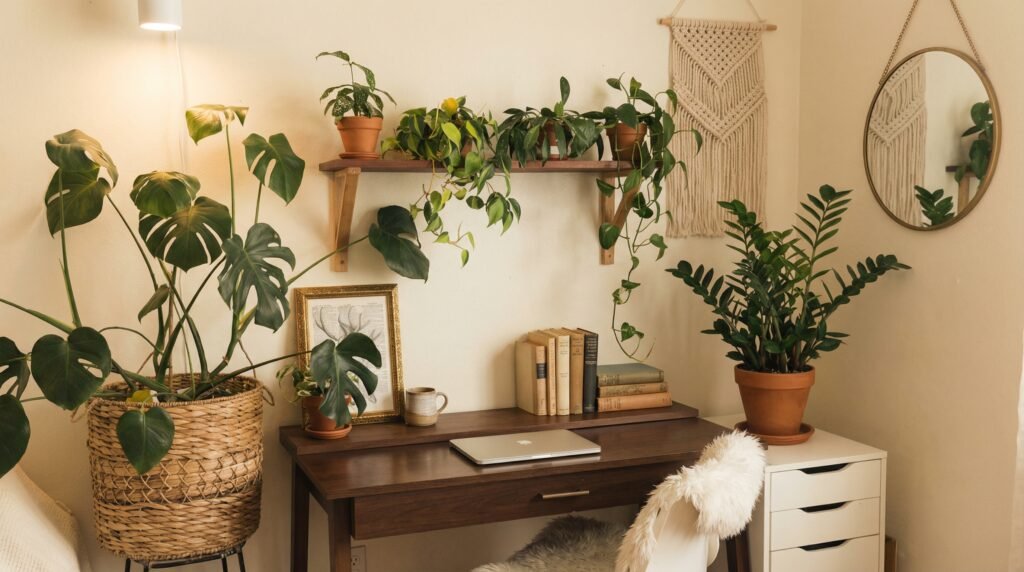
After years of obsessing over workspace design, helping friends set up their offices, and constantly refining my own, I’ve realized something:
The best cozy desk setup is the one you don’t think about.
When everything works, when your body is supported, your eyes are comfortable, your space feels safe and personal, you stop noticing your environment entirely. Your attention flows to your work, your creative project, the email you’re writing, the code you’re debugging.
That’s the goal. Not a setup that impresses visitors or photographs well for social media. A setup that disappears, leaving only you and your work in the most comfortable possible container.
Start where you are. Use what you have. Improve one element at a time. Trust that small, consistent adjustments create better results than any single purchase or redesign.
Your future self, the one working comfortably through the afternoon without pain or distraction, will thank you for the attention you’re paying now.
What’s the one element of your current setup that’s working against you? Identify it this week. Fix it next week. Repeat. That’s how you build a workspace that actually works.
Design a Desk That Feels Like You
The real secret to a cozy desk setup isn’t perfection — it’s personality. Neutral palettes, plants, warm lighting, and simple decor create a space that feels calm, focused, and uniquely yours.
Want to See More Desk Setup Ideas?: Explore “Techzler’s Blog”