
What Are the Best Gaming Setup Essentials in 2026?
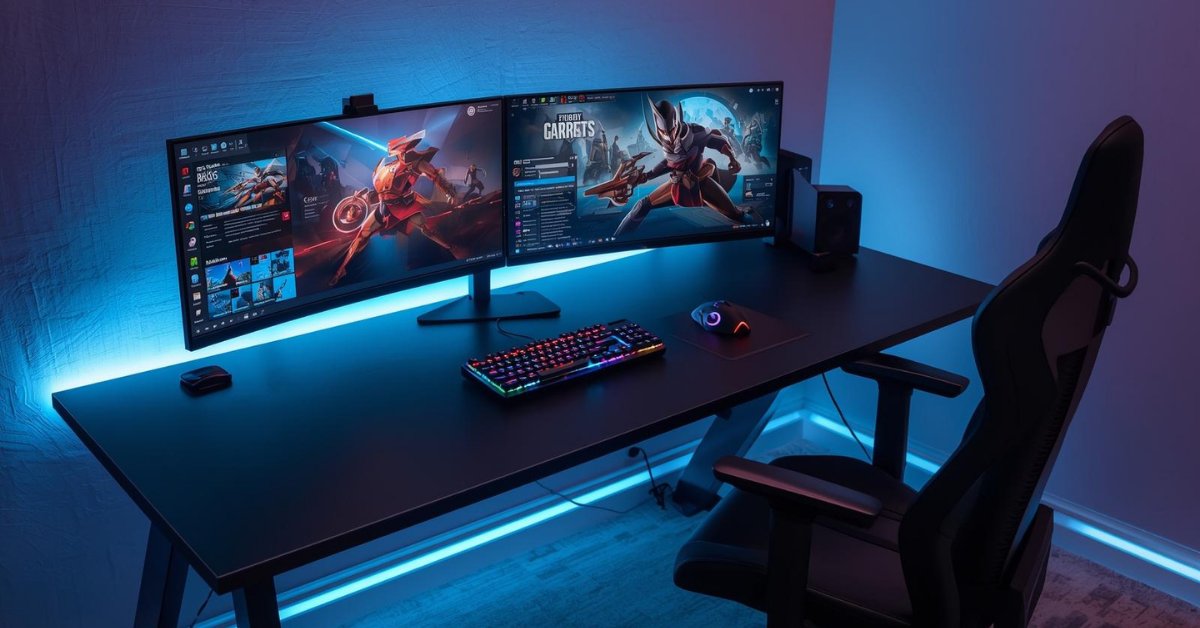
Gaming has evolved dramatically over the past few years, and 2026 promises some of the most exciting advancements yet. Whether you’re a casual gamer looking to level up your experience or a serious enthusiast aiming for the ultimate setup, knowing the best gaming setup essentials can make all the difference. A great gaming setup isn’t just about flashy RGB lights or a high-end PC; it’s about comfort, performance, and practicality. In this guide, we’ll break down the must-have elements for a gaming desk setup for productivity in 2026.
Contents
- 1 Why Your Gaming Setup Matters
- 2 The Core of a Gaming Setup: Your Desk
- 3 Monitors: Where Clarity Meets Speed
- 4 Gaming Chair: Comfort Meets Ergonomics
- 5 Keyboard & Mouse: Precision Tools
- 6 Audio Setup: Hear Every Detail
- 7 Lighting & Ambiance: Setting the Mood
- 8 Storage & Organization: Less Clutter, More Focus
- 9 Connectivity: The Backbone of Modern Gaming
- 10 Personal Touches: Make It Your Own
- 11 Practical Tips for Beginners
- 12 Wrapping It Up
Why Your Gaming Setup Matters
Before diving into gear, it’s essential to understand why a well-thought-out setup matters. Your gaming desk setup isn’t just a place to play—it can impact your health, performance, and even creativity. Sitting for long hours with poor posture can cause neck, back, and wrist pain. A cluttered or inefficient desk can make you less productive and more frustrated during gaming sessions.
A properly organized and ergonomic setup ensures comfort, maximizes efficiency, and even enhances your overall gaming experience. It’s about blending technology with a space that supports you, mentally and physically.
Ready to level up your gaming setup? Check out the latest gear and must-have accessories for 2026!”
“Don’t start building your desk setup without seeing our curated list of top gaming essentials!
The Core of a Gaming Setup: Your Desk
Choosing the Right Desk
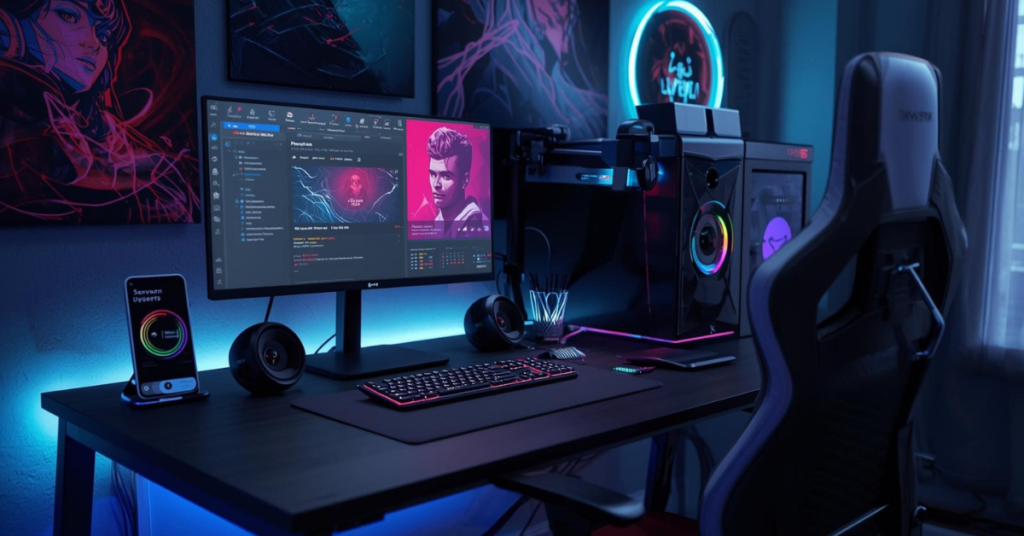
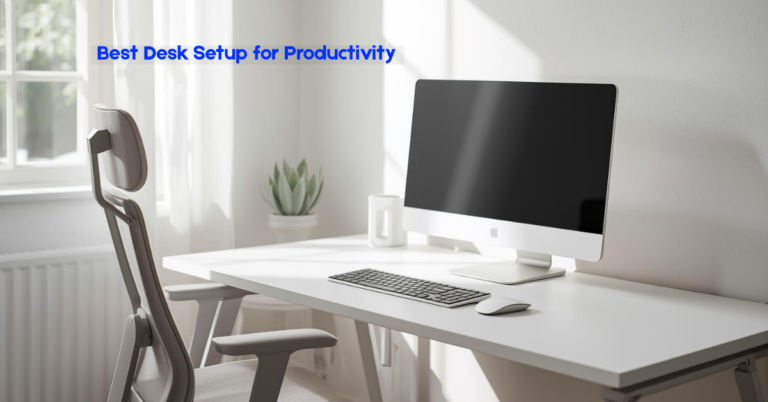
The desk is the centerpiece of any gaming setup. In 2026, desks are not just flat surfaces—they’re engineered to support multi-monitor rigs, cable management, and ergonomic positioning. When picking a desk, consider:
- Size: Your desk should comfortably fit your monitor(s), keyboard, mouse, and any additional accessories. A minimum width of 48 inches is recommended for single-monitor setups, while dual or triple-monitor rigs may require 60 inches or more.
- Height adjustability: Standing desks or adjustable desks are becoming standard. Being able to switch between sitting and standing can reduce fatigue and improve circulation.
- Build quality: Look for solid materials like steel frames or high-quality MDF surfaces to support heavier setups without wobbling.
- Cable management: Integrated trays or grommets keep wires neat and prevent clutter—a small detail that makes a huge difference.
A desk isn’t just furniture; it’s the foundation of your setup. Skimping here can lead to a cramped, uncomfortable experience.
Discover the best ergonomic gaming desks that fit any space and boost productivity.”
“Upgrade your setup with a desk designed for comfort and performance. Explore top picks here.
Monitors: Where Clarity Meets Speed
Your monitor choice can make or break your gaming experience. In 2026, several key features are worth paying attention to:
- Resolution: 1440p is now the sweet spot for many gamers, offering a balance between performance and visual clarity. 4K monitors are fantastic if you have a high-end GPU and want stunning visuals.
- Refresh rate: Higher refresh rates (144Hz and above) provide smoother gameplay, crucial for competitive gaming.
- Panel type: IPS panels offer excellent color accuracy and viewing angles, while VA panels provide deep contrast.
- Size & curvature: 27-32 inches is ideal for immersive gameplay. Curved monitors enhance immersion and reduce eye strain for wide setups.
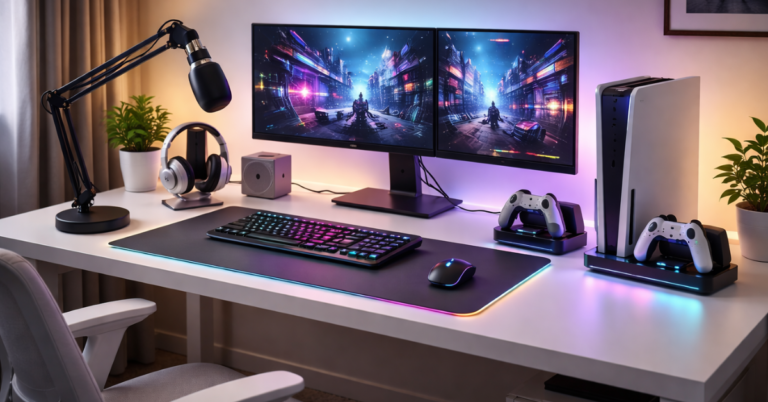
If you’re a multitasker, consider a dual-monitor setup. It’s not just for streaming—you can have your game on one screen and reference guides, chats, or productivity apps on the other.
See which monitors give you the smoothest gameplay and crispest visuals in 2026.”
“Upgrade your screen for ultra-smooth performance—check the best monitors today!
Gaming Chair: Comfort Meets Ergonomics
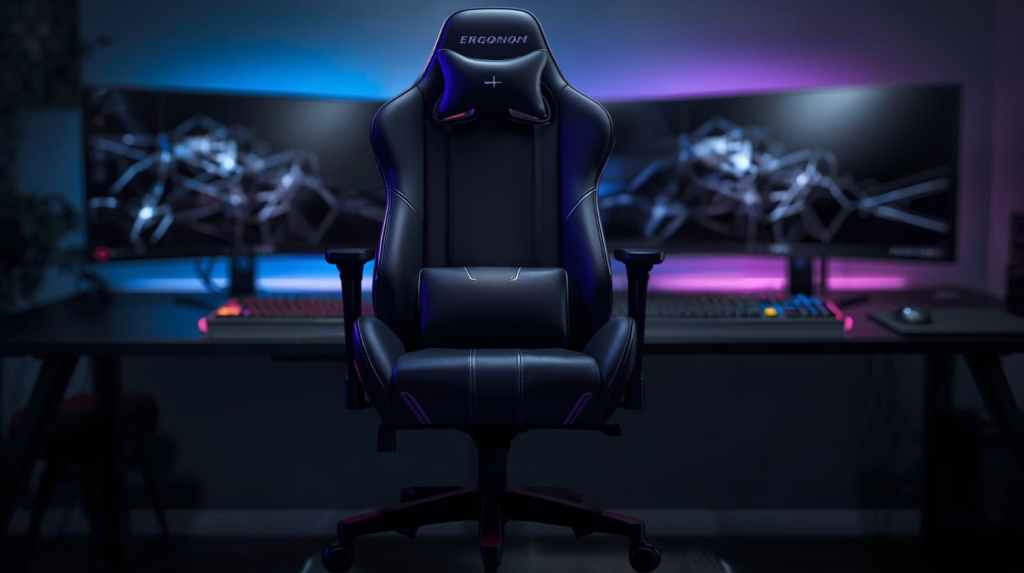
A great gaming chair is no longer a luxury, it’s a necessity. With hours of sitting, comfort and support are paramount.
- Ergonomics: Look for adjustable lumbar support, armrests, and tilt mechanisms.
- Material: Breathable mesh is excellent for long sessions, while leather or faux leather adds style.
- Durability: Check reviews for weight capacity and build quality. A chair that sags or breaks quickly isn’t worth it.
Some gamers swear by chairs designed for office use over traditional “racing-style” gaming chairs, especially if you prioritize posture and long-term comfort.
Comfort is key for long gaming sessions—see our top-rated ergonomic chairs!”
“Don’t compromise on support, upgrade to a chair that protects your back and posture. Explore top picks here.
Keyboard & Mouse: Precision Tools
Your input devices can dramatically affect your performance. In 2026, both wired and wireless options have advanced to the point where latency is almost negligible.
Keyboard essentials:
- Mechanical switches for tactile feedback
- RGB lighting is optional but fun for ambiance
- Compact layouts for more desk space
Mouse essentials:
- Adjustable DPI for precision
- Comfortable grip for prolonged use
- Extra programmable buttons for MMO or MOBA games
Pairing your keyboard and mouse with a high-quality mousepad (ideally extended to cover both devices) keeps movements smooth and consistent.
Precision matters—explore keyboards and mice designed for pro gamers.”
“Level up your controls with top mechanical keyboards and gaming mice!
Audio Setup: Hear Every Detail
Immersive sound can elevate gaming from ordinary to extraordinary. Whether it’s footsteps in a shooter or the subtle ambience of an RPG, clear audio helps you play better.
- Headsets: Look for surround sound or high-fidelity stereo, with a comfortable fit for long sessions. Noise-canceling microphones are great for online communication.
- Speakers: If you prefer external audio, invest in a 2.1 or 5.1 speaker system. Positioning matters—keep speakers at ear level for the best experience.
Audio isn’t just about hearing, it’s about sensing. Good sound design can give you a competitive edge.
Hear every detail—check out the best gaming headsets and speaker setups.”
“Don’t miss a sound—shop premium audio for your ultimate setup.
Lighting & Ambiance: Setting the Mood
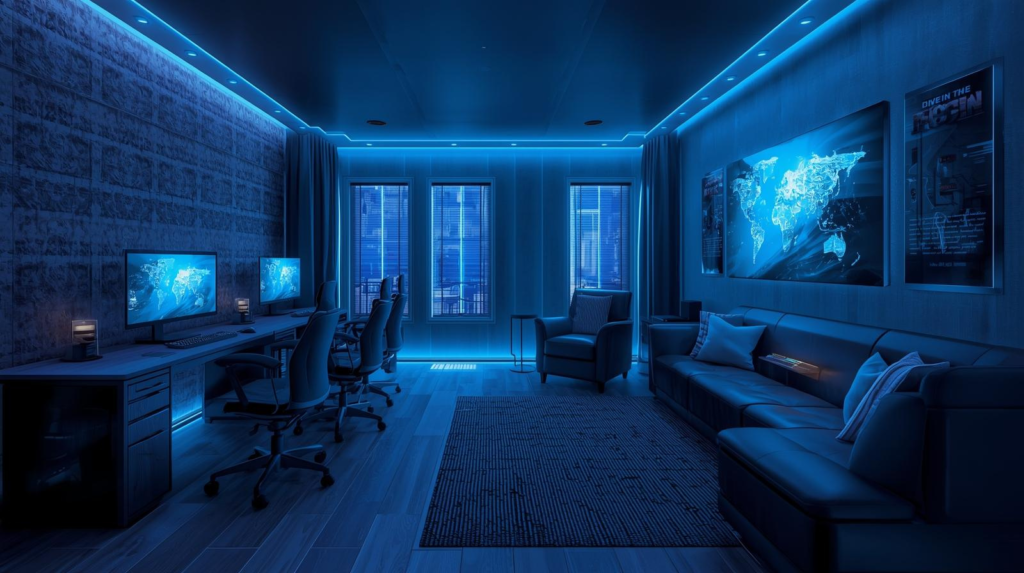
Lighting may seem cosmetic, but it influences focus and immersion. Proper lighting reduces eye strain and enhances the overall aesthetic of your gaming desk setup.
- Bias lighting: Placing LED strips behind your monitor reduces eye fatigue and improves contrast perception.
- Smart lighting: RGB bulbs or smart lamps let you adjust brightness and color temperature to match your game or mood.
- Task lighting: A desk lamp with adjustable brightness helps when reading or multitasking.
A well-lit, visually pleasing space can subtly improve your reaction times and comfort.
Transform your setup with RGB lighting and ambient accessories!”
“Set the mood, see the latest lighting options for immersive gaming.
Find The Best Gaming Lights Here
Storage & Organization: Less Clutter, More Focus
Even the best gear fails if your desk is a mess. In 2026, storage solutions are sleek and functional.
- Drawers & trays: Store cables, controllers, and accessories out of sight but within reach.
- Shelving: Use wall-mounted shelves to free up desk space for your monitor and peripherals.
- Cable management: Velcro straps, cable sleeves, or under-desk trays keep everything tidy.
An organized desk not only looks great but helps maintain focus and reduces stress during intense gaming sessions.
Connectivity: The Backbone of Modern Gaming
Fast, reliable connections are critical in online gaming. Even the best gear can’t compensate for lag.
- Internet: Fiber-optic connections are ideal. If you must use Wi-Fi, ensure your router supports the latest standards (Wi-Fi 6 or 6E).
- Ports: Check that your desk setup supports multiple USB-C, HDMI, and DisplayPort connections.
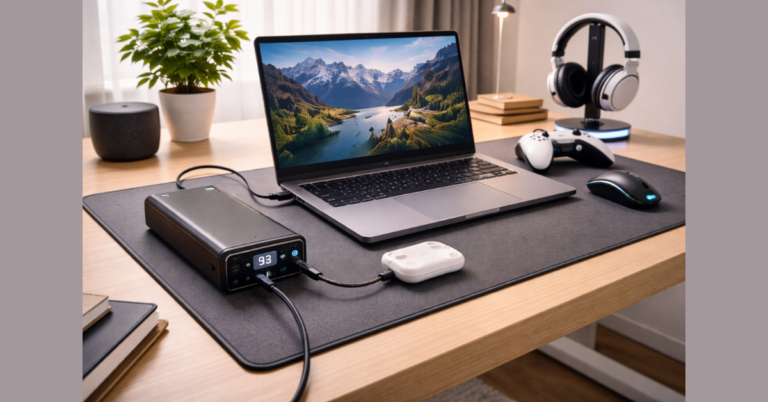
- Power management: Surge protectors and power strips with USB ports are lifesavers for multiple devices.
Connectivity isn’t glamorous, but a poor setup here will frustrate you faster than any slow mouse or low-res monitor.
Personal Touches: Make It Your Own
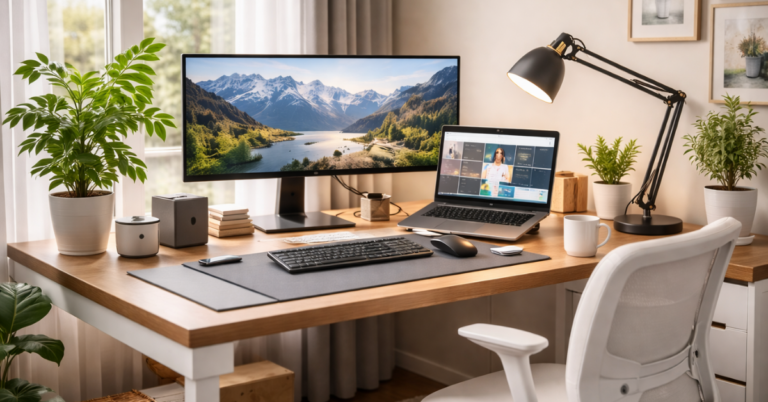
Finally, a gaming setup should reflect you. While performance matters, your desk is also a creative space.
- Decor: Posters, figurines, or collectibles add personality.
- Plants: A small plant can improve air quality and add a calming touch.
- Cable aesthetics: Color-coded or custom-sleeved cables can be a fun way to express style.
A personalized space is more inviting, encouraging longer sessions without fatigue or distraction.
Practical Tips for Beginners
If you’re just starting, building a gaming desk setup for productivity can feel overwhelming. Here are some simple tips:
- Start small: Begin with a good desk, chair, and monitor. Add peripherals gradually.
- Prioritize ergonomics: Comfort is more important than aesthetics at first.
- Invest in quality: Cheap gear often fails fast. It’s better to spend a little more upfront.
- Think long-term: Modular setups allow for easy upgrades as technology evolves.
- Declutter regularly: A tidy workspace improves both gaming and productivity.
Wrapping It Up
Creating the best gaming setup essentials in 2026 isn’t about buying the flashiest gear—it’s about thoughtful choices that improve comfort, performance, and focus. Start with a solid desk, choose ergonomic seating, invest in high-quality monitors and peripherals, and pay attention to audio and lighting. Keep your space organized, personalize it, and prioritize connectivity.
By blending these elements, you’re not just gaming—you’re creating a workspace that supports productivity, health, and long-term enjoyment. Whether you’re diving into competitive esports, streaming, or casual gaming, the right setup will make every session better.
Still deciding? Explore more Gaming Desk Setup reviews, comparisons, and buying guides on our site to find the best option for you.


One Comment