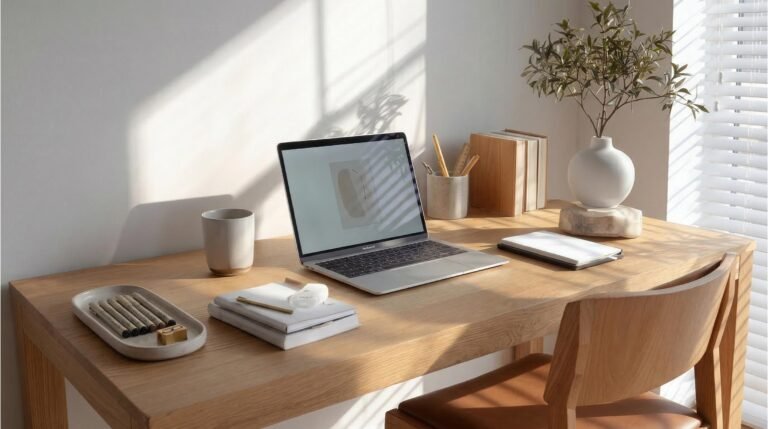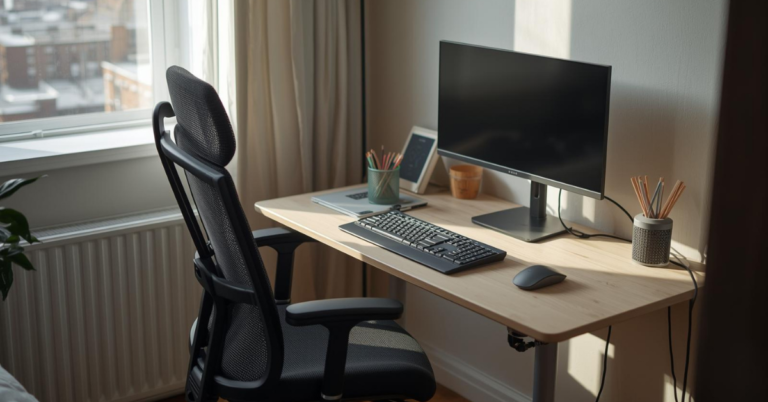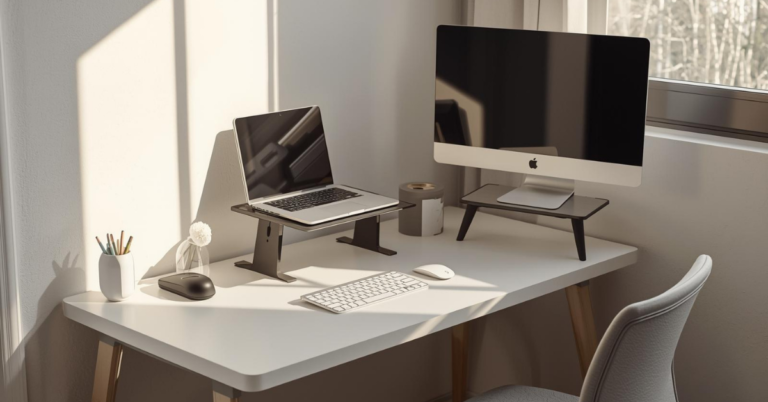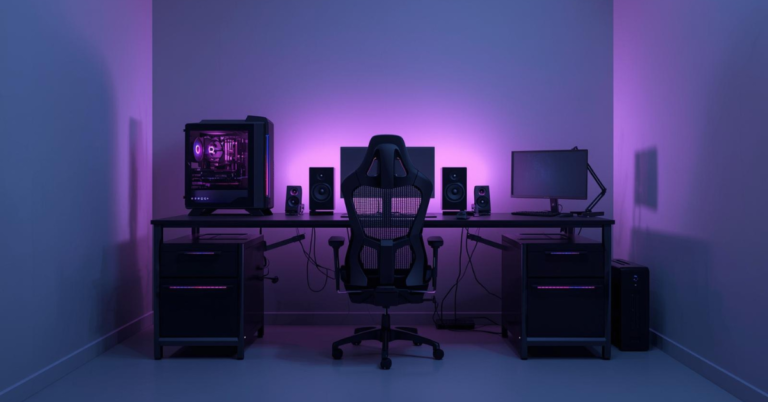
The Best Desk Setup Ideas for Productivity: Ultimate Guide
Looking for the best desk setup ideas to boost productivity?. The right desk setup can dramatically improve focus, comfort, and daily performance. Poor lighting, cluttered surfaces, and uncomfortable accessories quietly drain energy and increase burnout, often without you realizing it. That’s why choosing the right desk setup ideas matters more than working longer hours.

Effective desk setup ideas focus on ergonomics, smart layout, proper lighting, and practical tech accessories that reduce distractions at the source. Even small improvements, like better monitor positioning or cleaner cable management, can make your workspace feel calmer and more efficient.
In this ultimate guide, you’ll discover proven desk setup ideas for productivity, including ergonomic tips, space-saving layouts, aesthetic upgrades, and essential accessories that help you work better every day.
Contents
- 1 Understanding Your Workspace Needs
- 2 Essential Elements of a Productive Desk Setup
- 3 Desk Setup Ideas for Different Work Styles
- 4 Ergonomic Workspace Solutions
- 5 Organizing Your Desk for Maximum Efficiency
- 6 Small Workspace Desk Optimization
- 7 Lighting Solutions for Productivity and Eye Health
- 8 Technology Integration for a Seamless Workflow
- 9 Productive Desk Accessories Worth the Investment
- 10 Personalizing Your Workspace for Motivation
- 11 Conclusion: Creating Your Ideal Productive Workspace
- 12 FAQ
- 12.1 What are the essential elements of a productive desk setup?
- 12.2 How can I optimize my small workspace desk?
- 12.3 What are some ergonomic workspace solutions?
- 12.4 Are desk accessories worth the investment for small spaces?
- 12.5 How can I personalize my workspace for motivation?
- 12.6 What are some effective cable management solutions?
- 12.7 How can I create a seamless workflow with technology integration?
- 12.8 What are the benefits of using a wireless mouse?
- 12.9 How can I balance natural and artificial light in my workspace?
Key Takeaways
- Understand the importance of a well-organized workspace for productivity.
- Discover simple yet effective ways to upgrade your workspace.
- Learn how to create a workspace that supports comfort and clarity.
- Explore the best practices for maintaining a productive workspace.
- Find out how small changes can make a significant difference in your productivity.
Understanding Your Workspace Needs
Knowing what you need in your workspace is key to being productive. To make a space that really helps you work, you must think about your habits, what you can do, and what you want to achieve.
You don’t need to rebuild your entire desk to see real productivity gains.
Small upgrades, like an ergonomic chair, proper lighting, or a clean cable setup, can dramatically improve focus and comfort.
👉 Explore Productivity-Boosting Desk Accessories
Assessing Your Work Style
Your work style shapes what you need in your workspace. Do you prefer a quiet spot or do you work better with some noise? Thinking about your work habits will show you the best setup for you. For example, creative types might need room for brainstorming and planning.
Identifying Your Space Constraints
It’s important to know the size of your workspace. Measure it and think about any limits it has. Consider the layout and how to make it work for you. If your desk is small, look for compact or multi-use furniture.
Setting Productivity Goals
Setting clear goals helps you stay focused. Think about what you want to get out of your workspace. Do you want to work faster, avoid distractions, or balance work and life better? Having clear goals will help you choose the right furniture and tools.
By understanding your work style, knowing your space limits, and setting goals, you can create a ergonomic workspace solution that fits you perfectly.
Essential Elements of a Productive Desk Setup
To be more productive, you need the right things on your desk. A tidy workspace makes you more efficient and comfortable while working.
Core Components vs. Nice-to-Haves Desk Setup Accessories
It’s important to know the difference between must-haves and nice extras. Core components are things like a good computer, a comfy chair, and enough light. Nice-to-haves are things that make your space better, like plants or fancy lamps.
Here are some key things to think about:
- Know what you do most to figure out what you need.
- Choose furniture that’s good for your health.
- Think about how your space looks to make you happier and more creative.
Balancing Functionality and Aesthetics
It’s important to have a desk that’s both useful and looks good. Add things like art or plants to make it welcoming. But don’t forget about keeping it functional.
desk that looks good doesn’t just feel better—it keeps you motivated.
From minimalist accessories to subtle RGB lighting, the right setup can make long work sessions feel effortless.
👉 See Aesthetic Desk Setup Essentials
Creating a Workflow-Friendly Layout
Set up your desk to help you work better. Put things you use a lot where you can easily get them. Try a minimalist desk design to cut down on distractions and help you focus.
By focusing on these key points, you can make a productive desk setup that really works for you.
Desk Setup Ideas for Different Work Styles
Your work style greatly affects your ideal desk setup. Whether you’re a creative professional or an administrative expert, knowing your needs is key. This helps create a space that boosts productivity and comfort.
Creative Professional Setups
Creative pros need a desk that inspires and is flexible. Look for a big surface for brainstorming and a comfy, ergonomic chair for long hours. Adding a whiteboard or a large monitor can spark creativity.
Administrative and Data-Focused Layouts
For those in admin or data roles, a tidy and organized desk is essential. Use desk organizers and file holders to keep important papers handy. A dual-monitor setup helps manage multiple tasks at once.
Hybrid Work Arrangements
With more hybrid work arrangements, a versatile desk is crucial. Invest in portable and flexible gear that moves easily between home and office.
Transitioning Between Home and Office
For smooth transitions, use cloud storage for files. Choose a lightweight, compact desk that packs up easily.
Adaptable Setup Components
Components like modular desks, wireless peripherals, and adjustable lighting make your space flexible. They adapt to different settings.
Ergonomic Workspace Solutions
To make your work area comfy and productive, think about ergonomic workspace solutions. A well-set ergonomic space boosts your work efficiency and cuts down injury risks.

Proper Chair Selection and Positioning
Finding the right chair is key for a healthy back and comfy work spot. Choose a chair that adjusts in height and has good lumbar support. Make sure your feet are flat on the floor or on a footrest, with knees at or below hip level.
Desk Height and Monitor Placement
Your desk should be at a height that lets you work with elbows at 90 degrees and wrists straight. Place your monitor right in front of you, about 20-25 inches away. It should be at a height where you can look slightly down, to lessen eye strain.
Keyboard and Mouse Ergonomics
Position your keyboard right in front of your body, with wrists straight and elbows at 90 degrees. Use a mouse close to your body and at the same height as your keyboard.
Wrist Support Solutions
Use a wrist rest for your keyboard and mouse to ease wrist strain. This can help prevent carpal tunnel syndrome.
Typing Position Optimization
For better typing, keep your wrists straight and avoid bending them up or down. Take breaks to stretch your hands and wrists.
By using these ergonomic workspace solutions, you can make your work area more comfy and productive.
- Adjust your chair height and lumbar support for optimal comfort.
- Position your monitor to reduce eye strain.
- Use ergonomic accessories like wrist rests for keyboard and mouse.
Organizing Your Desk for Maximum Efficiency
A well-organized desk boosts your work efficiency and productivity. Effective strategies help you create a workspace that supports your workflow. This keeps you focused on your tasks.
The Zone System for Desk Organization
The zone system divides your desk into areas for different tasks. It categorizes your workspace into zones like a primary work zone, a reference zone, and a storage zone.
Assigning tasks to specific zones streamlines your workflow. For example, your primary work zone can be for your computer and important documents. The reference zone can hold books and manuals you often need.
Cable Management Solutions
Good Cable Management keeps your desk tidy and organized. Unmanaged cables can make your desk messy, distracting, and even damage your equipment.
Use cable organizers, zip ties, or cord concealers to manage cables. These tools keep your cables neat and easy to find, saving you time.
Daily-Use Items Arrangement
Strategically arranging your daily-use items boosts desk efficiency. Place items you use often within reach to save time and reduce movement.
Use a desk tray for pens, paperclips, and other small items. This keeps them organized and within arm’s reach. Here’s a table to help organize your daily-use items:
| Item | Ideal Location | Storage Solution |
|---|---|---|
| Pen and Pencil | Within arm’s reach | Desk Tray |
| Frequently used documents | Primary work zone | File organizer |
| Reference materials | Reference zone | Shelf or bookcase |
By using these strategies, you can make your workspace more functional and efficient. This boosts your productivity and helps you achieve your work goals.
Small Workspace Desk Optimization
You don’t need a big desk to be productive. Making the most of your small desk is key. With the right strategies, you can have an efficient and comfy workspace, even in tight spaces.
Using vertical space is a great way to optimize your desk. Vertical space utilization lets you keep your desk clear while keeping important items close. Think about adding shelves or stackable storage above your desk.
Vertical Space Utilization
Maximizing vertical space is easy with wall-mounted shelves, hanging organizers, or tiered desk organizers. This method saves space and keeps your area organized. As productivity expert Laura Vanderkam says,
“A cluttered workspace can lead to a cluttered mind.”
Multi-Functional Furniture Selection
Choosing multi-functional furniture is key for small desk optimization. Look for desks with built-in storage or ones that can turn into standing workstations. This saves space and makes your work area healthier.
Space-Saving Accessories for Small Desks
Adding space-saving accessories can also improve your small desk. Choose compact keyboards, wireless mice, and foldable task lamps. These items help keep your workspace tidy, letting you focus better.
By using these tips, you can turn your small desk into a productive spot. It’s not about the desk’s size, but how you use it.
Lighting Solutions for Productivity and Eye Health
Good lighting can change your workspace for the better. It boosts productivity and eye health. The right light can make a big difference in how you work and feel all day.
Natural vs. Artificial Light Balance
Finding the right mix of natural and artificial light is key. Natural light lifts your mood and boosts productivity. But, it’s not always easy to get enough, especially indoors. Adding artificial lighting helps keep the light level steady and comfy.
Best Desk Lamps for Different Tasks
Picking the right desk lamp is important. For tasks like reading or writing, a lamp with a high color rendering index (CRI) is best. For computer work, a lamp that lets you adjust brightness and color can ease eye strain.
Color Temperature Considerations
The color of your light affects how well you work and your eye health. Warm white light (2700K-3000K) is calming and good for tasks that don’t need intense focus. Cool white light (3500K-5000K) is energizing and better for tasks that need focus.
| Task Type | Recommended Color Temperature | Benefits |
|---|---|---|
| Reading/Writing | Warm White (2700K-3000K) | Relaxing, reduces eye strain |
| Computer Work | Cool White (3500K-5000K) | Energizing, improves focus |
Technology Integration for a Seamless Workflow
Adding the right tech to your workspace boosts your productivity. A smooth workflow happens when all tech works well together. This reduces distractions and increases what you can do.
Monitor Setup Options
Choosing the right monitor setup is key for a productive workflow. How you arrange your monitors affects your work efficiency.
Single vs. Dual Monitor Arrangements
A single monitor works for simple tasks. But, a dual monitor setup improves multitasking. With two monitors, you can have many apps open at once, cutting down on window switching.
Space-Saving Monitor Stands
Use monitor stands that save space to keep your desk tidy. These stands let you stack monitors vertically or are small. They help organize your space and let you adjust monitor heights for comfort.

Compact Keyboards and Wireless Mouse Selection
Compact keyboards and wireless mice make your workspace clean. They let you work anywhere on your desk without being tied down.
Compact keyboards save space. Wireless mice get rid of cord clutter. Pick a wireless mouse with good battery life and accuracy.
Wireless Charging Pad Implementation
A wireless charging pad gets rid of charging cables. Just put your devices on it to charge.
This tech keeps your workspace clean by cutting down on cables. It keeps your devices charged and ready to go.
Productive Desk Accessories Worth the Investment
Choosing the right desk accessories can really boost your productivity. They make your workspace better for work and comfort. Ergonomic, functional, and tech accessories help you work more efficiently and comfortably.
Ergonomic Accessories
Ergonomic accessories are made to be comfortable and safe. They help prevent strain and injury. Footrests and document holders are two key items to consider.
Footrests for Under Desk Comfort
A footrest helps keep your posture right. It lets you adjust your seat for better circulation and less back pain.
Document Holders and Writing Slopes
Document holders keep papers at eye level. This cuts down on neck strain. Writing slopes also help by making writing more comfortable for your wrists and hands.
Functional Desk Organizers
Desk organizers keep your space tidy and your things easy to find. This saves time and makes your work flow better.
| Organizer Type | Benefits |
|---|---|
| Desk Trays | Keep frequently used items organized and within reach |
| Cable Management Systems | Reduce clutter and improve workspace aesthetics |
| Drawer Organizers | Maximize storage and keep your workspace tidy |
Tech Accessories for Efficiency
Tech accessories can make your work smoother and less distracting. Think about a wireless charging pad or a compact keyboard to make your space more efficient.
Adding these accessories to your desk can make your work area better. It becomes more efficient, comfortable, and organized. This supports your goals for productivity.
Personalizing Your Workspace for Motivation
Turning your workspace into a personalized haven can really boost your motivation and productivity. A workspace that shows your personality and style can change how you feel about your work.
Incorporating Meaningful Décor
Adding personal touches like family photos, artwork, or collectibles can make your space feel welcoming. Think about displaying items that inspire you or remind you of your goals. For example, a vision board with motivational quotes or a display of achievements can keep your goals in mind.
Plants and Natural Elements
Adding plants and natural elements to your workspace can make it look better and feel calmer. Some ideas include:
- Adding a small potted plant or succulent to your desk
- Incorporating natural textures like wood or stone into your decor
- Using a vase with fresh flowers to add a pop of color
Color Psychology in Workspace Design
The colors in your workspace can really affect your mood and productivity. Different colors can make you feel different things; for example, blue is calming, while yellow boosts creativity. Think about the emotional impact of the colors you choose.
By adding meaningful decor, plants, and a thoughtful color scheme, you can make a stylish workstation layout that motivates you. Personalizing your workspace is about creating a place that inspires you to do your best.
Productivity isn’t about discipline alone.
It’s about designing an environment that supports deep focus, comfort, and creativity, every single day.
👉 Build Your Ideal Desk Setup Today
Conclusion: Creating Your Ideal Productive Workspace
Now that you’ve looked into designing a productive workspace, it’s time to put it all together. Your ideal workspace should fit your needs, making you more productive and happy at work.
Using the desk setup ideas we talked about, you can make a space that works well and looks good. It doesn’t matter if you have a small workspace setup or lots of room. The goal is to make your space as efficient as possible.
A productive workspace is more than just how things are arranged. It’s also about making a space that motivates and inspires you. Adding things that show your personality and work style can make your space more creative and productive.
Use what you learned from this guide to start making your ideal workspace now. With a well-designed space, you’ll be ready to take on your tasks and reach your goals.
Productivity isn’t about discipline alone.
It’s about designing an environment that supports deep focus, comfort, and creativity, every single day.
👉 Build Your Ideal Desk Setup Today
FAQ
What are the essential elements of a productive desk setup?
A productive desk setup has a few key parts. You need a comfy chair and a desk that fits right. Also, having a computer and keyboard is important.It’s also key to make your desk look good and work well. This means arranging things in a way that helps you get things done.
How can I optimize my small workspace desk?
To make the most of a small desk, use the walls. Hang shelves or storage units to save floor space. Choose furniture that does more than one thing.Also, pick accessories that don’t take up much room. Things like small keyboards and wireless mice are great.
What are some ergonomic workspace solutions?
Ergonomic solutions start with the chair. Choose one that supports your back and legs. Make sure your desk is at the right height.Place your monitor so it’s easy to see. Use accessories that help your wrists and feet. This makes working more comfortable and safer.
Are desk accessories worth the investment for small spaces?
Yes, some desk accessories are worth it, even for small spaces. Ergonomic tools, organizers, and tech gadgets can make your work better and more comfortable.
How can I personalize my workspace for motivation?
To make your workspace motivating, add things that mean something to you. Plants and natural elements can also help. Use colors that make you feel good.
What are some effective cable management solutions?
Good cable management means using cable ties and organizers. You can also use boxes to keep things tidy. This makes your space look better and work better.
How can I create a seamless workflow with technology integration?
To improve your workflow, think about your monitor setup. Single or dual monitors can help. Use small keyboards and wireless mice for less clutter.Wireless charging pads also help keep things tidy. This makes your work area more efficient and comfortable.
What are the benefits of using a wireless mouse?
Wireless mice offer more freedom and cut down on clutter. This makes your work area more comfortable and efficient.
How can I balance natural and artificial light in my workspace?
To balance light, place your desk near a window if you can. Use desk lamps to add light where needed. Choose lamps with the right color for your tasks.
Want more desk setup ideas and tech guides?
Explore our blog for practical tips, honest reviews, and smart desk upgrades that actually improve how you work.