Small Desk Setup: What Are The Best Tips? – Discover
What Are The Best Tips For Small Desk Setup? You sit down to work. Coffee in hand. Ready to tackle the day. Then you realize you have no room for the coffee. Your mouse keeps hitting the wall. Your monitor feels like it’s hovering over your keyboard. And that “temporary” stack of papers? It’s now a permanent skyscraper on the left side of your desk.
If you’re working with a small desk setup, you already know the struggle. Limited square footage doesn’t mean limited productivity—but it does mean you have to be intentional. Every inch matters. Every choice has consequences.
I’ve been there. I’ve worked from closet desks, corner nooks, and that awkward space between the bed and the window. Over time, I figured out what actually moves the needle when space is tight.
This isn’t about building a Pinterest-perfect workspace. It’s about creating something that works, something that doesn’t fight you every time you sit down.
Let’s get into it.
Contents
- 1 Why Small Desk Setups Fall Apart So Quickly?
- 2 Small Desk Setup Essentials That Actually Matter
- 3 How to Organize a Desk Area Without the Clutter
- 4 Space-Saving Desk Accessories Worth Your Money
- 5 Ergonomic Tips for Real-World Small Spaces
- 6 Common Small Desk Setup Mistakes to Avoid
- 7 Simple Upgrades That Make a Noticeable Difference
- 8 Working With the Space You Have
- 9 Conclusion
Why Small Desk Setups Fall Apart So Quickly?
Here’s the thing about compact spaces: they don’t forgive clutter.
A large desk absorbs mess. A small desk amplifies it. That single coffee cup takes up 15% of your usable surface. One loose cable becomes a visual distraction. Before you know it, you’re working around your workspace instead of within it.
The discomfort creeps in gradually. First, it’s just a tight fit. Then your shoulders start rounding forward because your monitor’s too close. Your neck cranes down at a laptop screen for hours. You develop that special kind of fatigue that comes from fighting your environment all day.
Most people blame themselves. “I just need to be more organized.” But organization isn’t the root problem, design is. A small desk setup demands smarter decisions, not stricter rules.
The good news? Once you understand the pressure points, fixing them is straightforward.
Free Up Desk Space Without Sacrificing Comfort
A compact keyboard instantly creates more room on a small desk while keeping typing comfortable and accurate. It’s one of the easiest upgrades if your workspace feels cramped or cluttered.
See the best compact keyboards for small desks →
Small Desk Setup Essentials That Actually Matter
When space is limited, you can’t afford “nice to have.” You need “need to have.”
Here are the non-negotiables I’ve learned to prioritize:
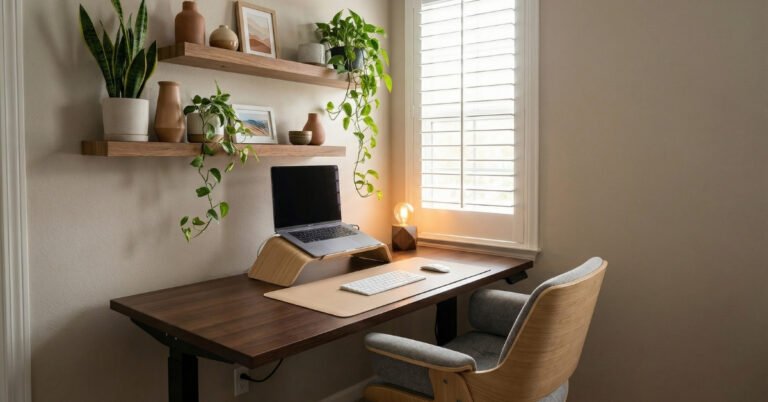
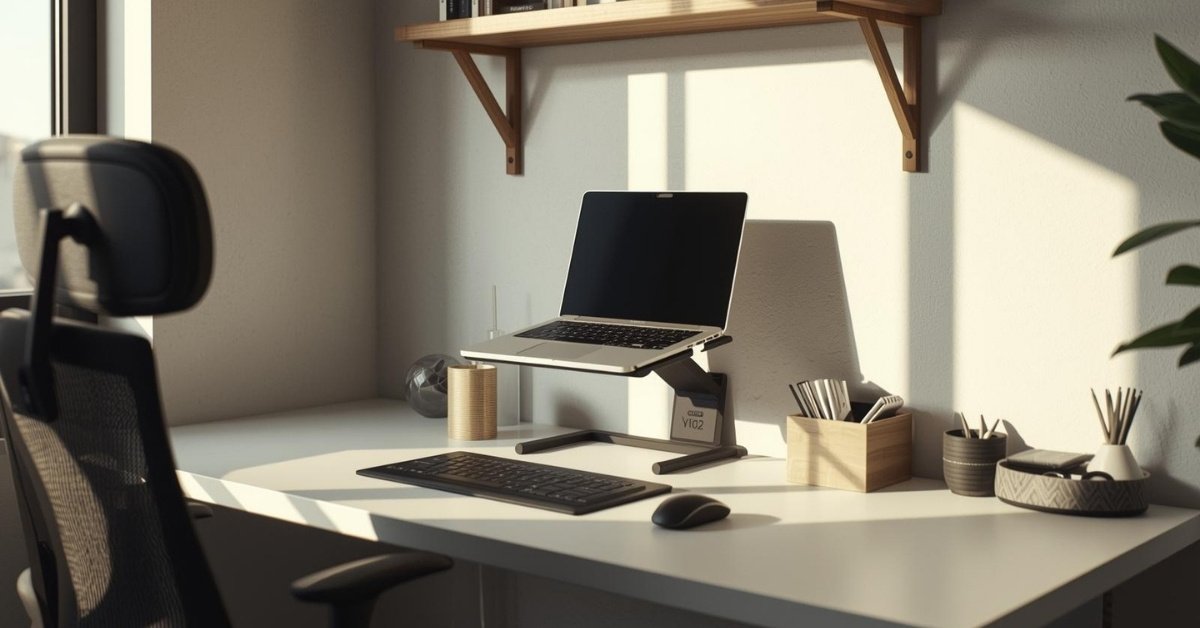
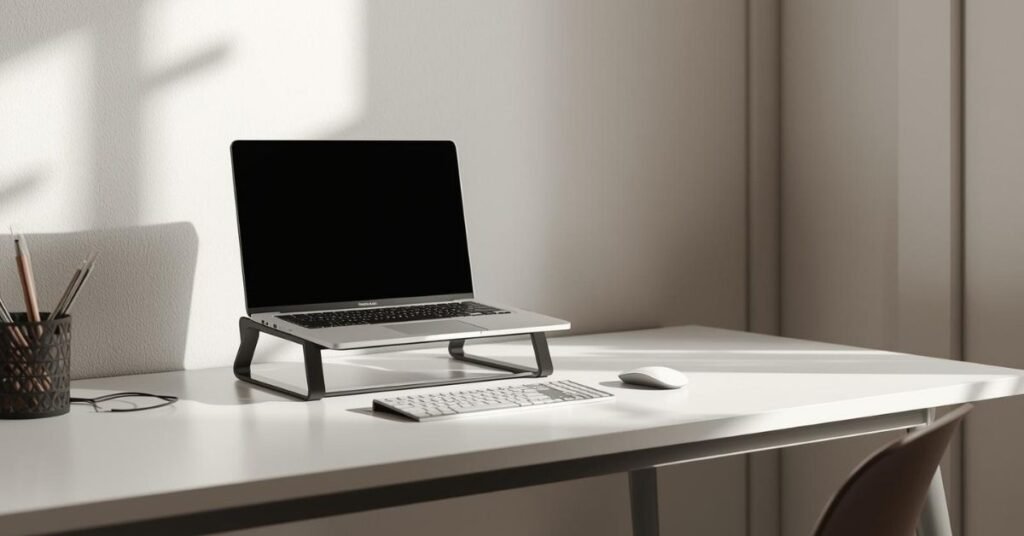
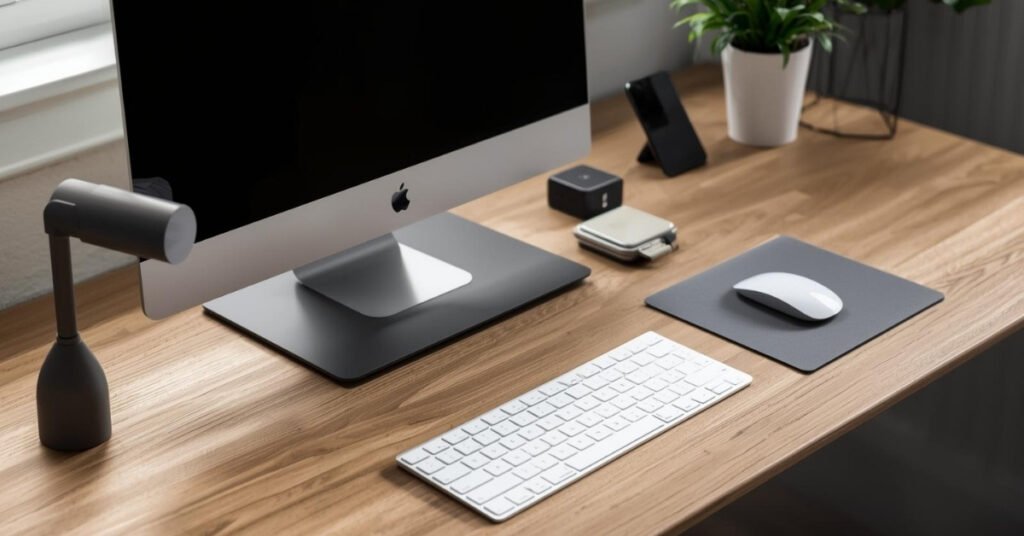
A monitor at the right height. If you’re working from a laptop full-time, you’re setting yourself up for neck and eye strain. The top of your screen should sit at or slightly below eye level. On a small desk, this usually means a monitor arm or a compact laptop stand—not a stack of books that eats surface area.
A keyboard and mouse that fit your space. Full-sized mechanical keyboards look great on YouTube. On a 24-inch desk, they’re space hogs. Consider tenkeyless or 75% layouts. They give you function without the footprint.
One good light source. Natural light is ideal, but if your desk faces a wall, you need a desk lamp that doesn’t consume your workspace. Look for clamp-mounted or architect-style lamps that stay off the surface.
Cable management from day one. On a large desk, messy cables are an eyesore. On a small desk, they’re a functional hazard. They snag. They tangle. They make you not want to plug anything in. Address this early, not as an afterthought.
These four elements form your foundation. Everything else builds from here.
How to Organize a Desk Area Without the Clutter
Organization isn’t about buying more containers. It’s about removing decisions.
When your small desk setup is organized well, you don’t think about where things go. You just use them. Here’s how to get there:
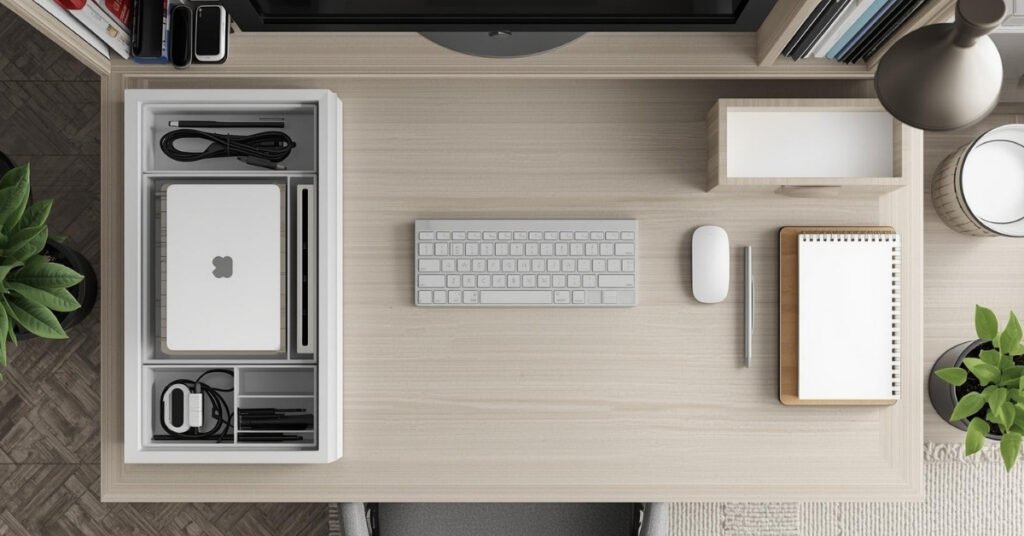
Define zones, even on limited real estate. Your monitor and keyboard form the “work zone.” Everything else needs a home outside of it. Designate a specific spot for your phone. A specific drawer or tray for pens and notebooks. When everything has an address, you spend less time hunting and more time doing.
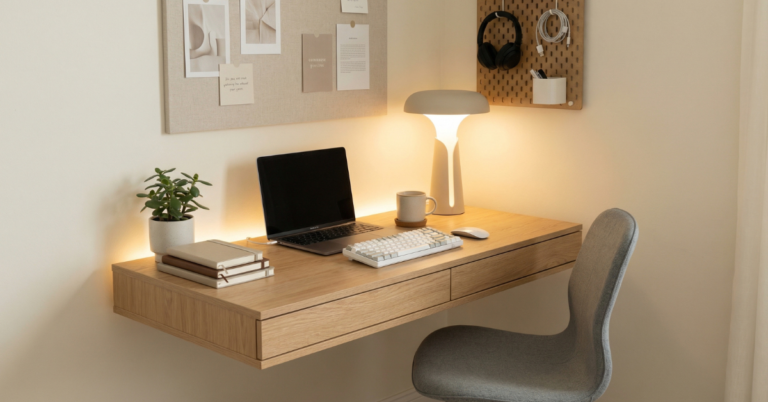
Use vertical space ruthlessly. Walls aren’t just for decoration. A simple pegboard or magnetic strip above your monitor can hold headphones, notes, and small tools. This keeps essentials accessible but off your work surface.
Embrace the “one in, one out” rule. Small desks don’t have room for accumulation. When you buy a new gadget, something old needs to graduate to storage or donation. This isn’t minimalism for aesthetics—it’s physics. You can’t fit ten pounds of stuff in a five-pound bag.
Keep only today’s tools visible. That notebook from last month? The charger you use twice a week? Store them. Your active workspace should contain only what you need for the current task. Everything else is visual noise.
These desk organization ideas sound simple because they are. The challenge is consistency. Spend five minutes at the end of each day resetting your space. It’s the easiest way to start fresh tomorrow.
Space-Saving Desk Accessories Worth Your Money
Not all compact gear is created equal. Some “space-saving” products just create new problems, unstable laptop stands, tiny mouse pads that cramp your hand, organizers that hold less than they claim.
After years of trial and error, here are the space-saving desk accessories that earn their keep:
Monitor arms. These are game-changers for small desks. By lifting your screen off the surface, you reclaim 25-30% of your usable space underneath. You also gain adjustability. Suddenly you can position your monitor exactly where your neck and eyes need it.
Under-desk drawers. The underside of your desk is dead space until it isn’t. Slim adhesive drawers can hold cables, adapters, and small supplies without requiring surface area. Just check your desk’s clearance first.
Compact wireless chargers. A charging pad built into a small stand, or one that mounts under your desk, eliminates cable sprawl. Look for vertical stands that hold your phone at a readable angle—they save space and reduce neck strain from looking down.
Cable clips and sleeves. These are cheap but transformative. Route cables along the back edge of your desk, not across it. Bundle related cords together. The visual calm this creates is hard to overstate.
A decent compact desk pad. Not a massive leather blotter, a appropriately sized pad that defines your mouse and keyboard area. It adds comfort, reduces noise, and creates a visual boundary that helps your brain switch into work mode.
Avoid the temptation to fill every “saved” space with something new. The goal of compact desk accessories is breathing room, not more stuff.
Stop Letting Clutter Steal Your Focus
A smart desk organizer keeps everyday items within reach without crowding your workspace. When everything has a place, your desk stays calm and functional.
Find space-saving desk organizers here →
Ergonomic Tips for Real-World Small Spaces
Ergonomics advice often assumes you have a 30-inch deep desk and room for an elaborate chair. Reality is messier. Maybe your desk is in a corner. Maybe your chair hits the bed behind you. Maybe you’re working from a built-in that can’t be modified.
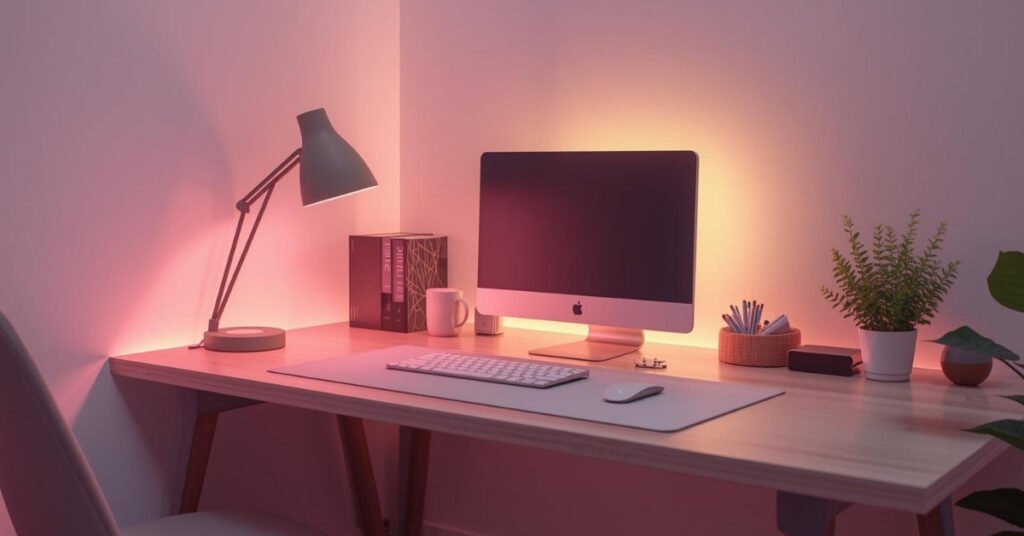
Here’s how to build an ergonomic desk setup within actual constraints:
Prioritize monitor distance and height. If you do nothing else, get this right. Your screen should be an arm’s length away, with the top at eye level. On a shallow desk, this might mean pushing your keyboard back or using a monitor arm to float the screen over your workspace. It’s worth the adjustment.
Support your feet. If your chair is too tall for your desk (common with small setups), your feet dangle. This cuts off circulation and strains your lower back. A simple footrest, or even a sturdy box, fixes this. Don’t ignore it.
Mind your elbows. They should rest at roughly 90 degrees when typing. If your desk is too high (common with dining tables repurposed as desks), raise your chair and use a footrest. If it’s too low, consider desk risers. Your shoulders will thank you.
Move every hour. Small desks encourage static positions. There’s nowhere to shift to. Set a timer. Stand up, stretch, walk to the kitchen. The best ergonomic tool is variety.
Consider your lighting angle. Small desks often end up against walls with overhead lighting directly behind you. This creates glare on your screen and eye strain. If you can’t reposition, an anti-glare screen protector or bias lighting behind your monitor helps.
These adjustments don’t require expensive equipment. They require attention. Notice where your body complains, then experiment with small changes.
Common Small Desk Setup Mistakes to Avoid
I’ve made most of these. You don’t have to.
Buying furniture for a fantasy version of your work. That massive desk pad looks incredible in photos. On your 20-inch desk, it leaves no room for your mouse. Measure your actual space. Shop for your reality, not your aspiration.
Ignoring cable management until it’s a crisis. Cables have a way of multiplying when you’re not looking. Address them during setup, not six months later when you’re crawling under the desk with zip ties and regret.
Stacking monitors without considering sight lines. Vertical monitor setups save horizontal space, sure. But if you’re constantly looking up, you’re straining your neck. Make sure the primary screen sits at comfortable eye level.
Overloading with “productivity” tools. A small desk can’t accommodate a physical timer, a whiteboard, a phone stand, a document holder, and a cup of six pens. Each addition steals space from actual work. Be ruthless about what earns a spot.
Neglecting your non-desk environment. If your chair hits the wall when you roll back, or if you have to contort to get into your desk, the problem isn’t your desk setup—it’s the room around it. Sometimes the best desk upgrade is moving the bed six inches.
These mistakes share a theme: they prioritize the idea of a setup over the experience of using it. Stay focused on how it feels to work there.
Simple Upgrades That Make a Noticeable Difference
You don’t need to rebuild your small desk setup from scratch. Small, targeted changes often yield the biggest improvements.
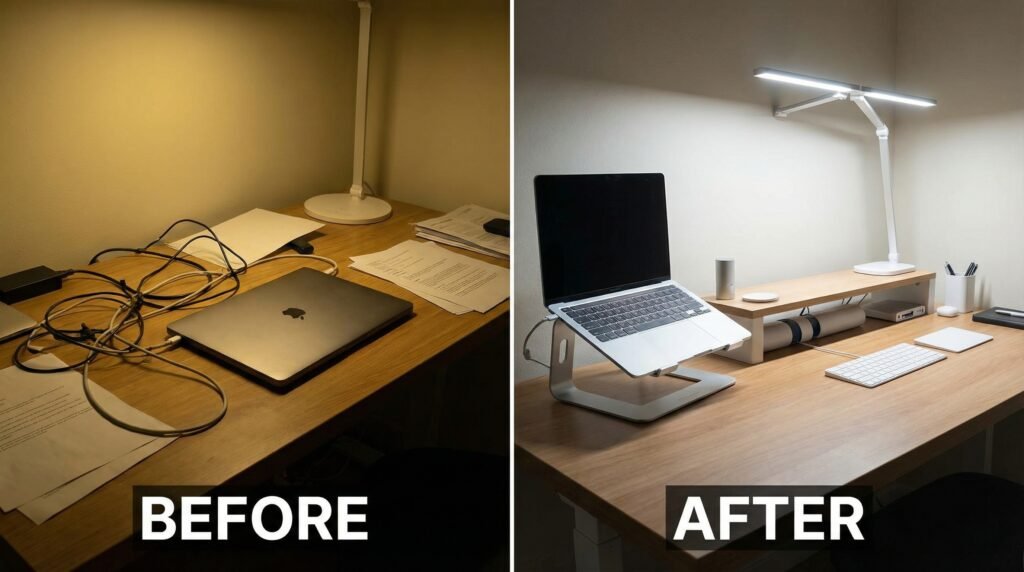
Upgrade your lighting. A $30 desk lamp with adjustable color temperature reduces eye strain more than you’d expect. Warm light for evening, cool light for focus. Your eyes adapt throughout the day; your lighting should too.
Add texture intentionally. A small wool felt desk pad. A wooden phone stand. These tactile elements make a compact space feel considered rather than cramped. They signal to your brain that this is a place for focused work.
Improve your audio setup. If you’re taking calls from your laptop speakers, you’re working harder than you need to. Even basic earbuds with a microphone reduce fatigue. If you prefer headphones, a simple hook under your desk keeps them accessible but off your surface.
Revisit your chair situation. You don’t need a $1,000 ergonomic chair. But if you’re working from a dining chair or a stool, your body knows. Look for something with adjustable height and basic lumbar support. Your desk and chair work as a system—one can’t compensate for the other.
Create a shutdown ritual. At the end of each workday, clear your surface. Put cables away. Close your laptop. This kind of setup removes friction from your workday by creating a clear boundary between work time and personal time. It’s psychological as much as practical.
These upgrades share a quality: they’re invisible when they work. You don’t notice good lighting. You don’t think about a comfortable chair. You just work better.
Upgrade Your Desk Without Replacing Everything
You don’t need a full makeover. A few well-chosen desk accessories can dramatically improve comfort, organization, and focus in a small space.
See desk setup upgrades that actually make a difference →
Working With the Space You Have
Here’s the truth that took me too long to learn: your small desk setup doesn’t need to be anything other than functional.
Social media shows us expansive offices with natural light and vintage rugs. Those are nice. They’re also not available to most people. If your desk is in a corner of your bedroom, or squeezed into a studio apartment, that’s not a problem to solve, it’s a parameter to work within.
The best small desks I’ve seen share common traits. They’re clean but not sterile. They have personality without chaos. Most importantly, they support the person using them without demanding constant attention.
If your desk feels cramped or distracting, start with one change from this guide. Just one. See how it feels for a week. Then consider another. Transformation doesn’t require a weekend overhaul. It builds through small, intentional adjustments.
Your workspace should fade into the background when you’re working. It should hold your tools, support your body, and stay out of your way. That’s the standard. Everything else is decoration.
Conclusion
A small desk setup isn’t a compromise. It’s a constraint that forces clarity.
You learn what you actually need. You discover that more surface area doesn’t equal more output. You build a space that serves your work instead of showcasing your aspirations.
Focus on comfort over aesthetics. Prioritize usability over trends. Work with the dimensions, lighting, and limitations you have rather than fighting them.
The goal isn’t a desk that looks good in photos. It’s a desk that feels good at 3 PM on a Tuesday when you’re deep in a project and everything just flows.
Start small. Adjust as you go. And remember, the best setup is the one you actually use.
Build a Desk Setup That Works With Your Space
The right accessories make small desks more comfortable, organized, and productive. Choose upgrades that solve real problems—not just add clutter.
Explore our recommended desk setup accessories →
Need specific product recommendations or help troubleshooting your particular setup? Drop your situation in the comments, dimensions, equipment, specific frustrations, and I’ll help you prioritize your next improvement.
Explore “Techzler’s Blog” For More Desk Setup Ideas