Is the HP OmniBook X FLIP 16-Inch 2-in-1 Actually Practical?
Contents
- 1 1. Introduction
- 2 2. What Is the HP OmniBook X FLIP Copilot+ PC?
- 3 3. Key Features & How They Actually Work
- 4 4. Real-World Usage & Experience
- 5 5. Pros and Cons (Honest & Balanced)
- 6 6. Who Should Buy This Product?
- 7 7. Who Should Avoid This Product?
- 8 8. Comparison With Alternatives
- 9 9. Pricing, Value for Money & Availability
- 10 10. FAQs
- 11 11. Final Verdict
1. Introduction
If you’ve been laptop shopping recently, you’ve probably noticed how confusing the market has become — and this is exactly why devices like the HP OmniBook are getting so much attention. Traditional laptops still dominate, tablets keep getting more powerful, and now we’re seeing a new wave of 2-in-1 devices that promise to replace both. Add AI branding, Copilot+ labels, and new processor architectures into the mix, and it’s easy to feel overwhelmed.
Many people looking at a device like the HP OmniBook X FLIP Copilot+ PC are trying to solve a practical problem: they want one machine that can comfortably handle work, light creativity, meetings, media consumption, and occasional touch-based interaction — without carrying multiple devices or constantly worrying about battery life.
This review is written for those people.
Rather than repeating HP’s marketing language, I’m going to break down what the OmniBook X FLIP 16-inch 2K Touch actually offers in everyday use — where it shines, where it falls short, and who will genuinely benefit from owning it.
2. What Is the HP OmniBook X FLIP Copilot+ PC?
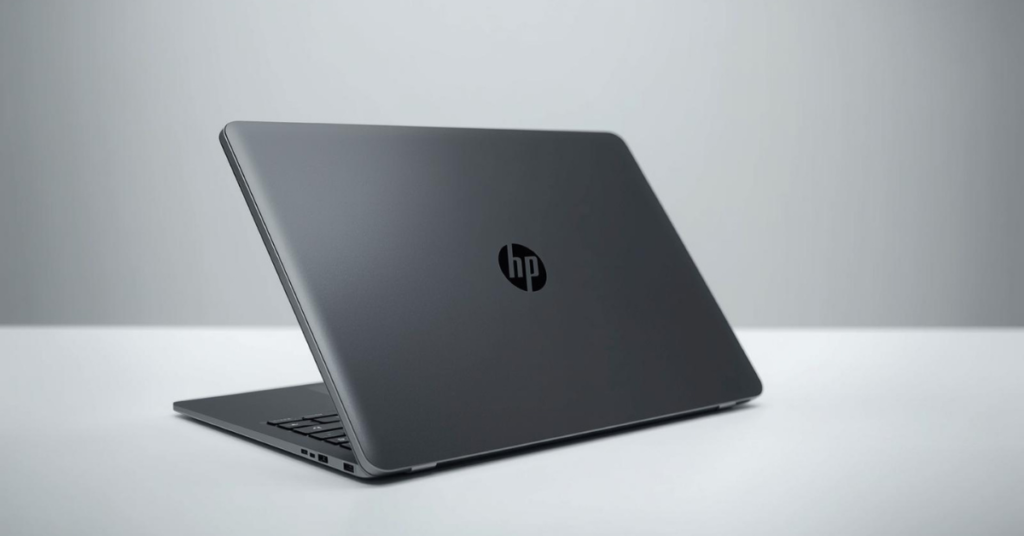
At its core, the HP OmniBook X FLIP is a large-screen, premium 2-in-1 laptop designed for professionals and general users who value flexibility and battery efficiency over raw performance.
It features:
- A 16-inch 2K touchscreen
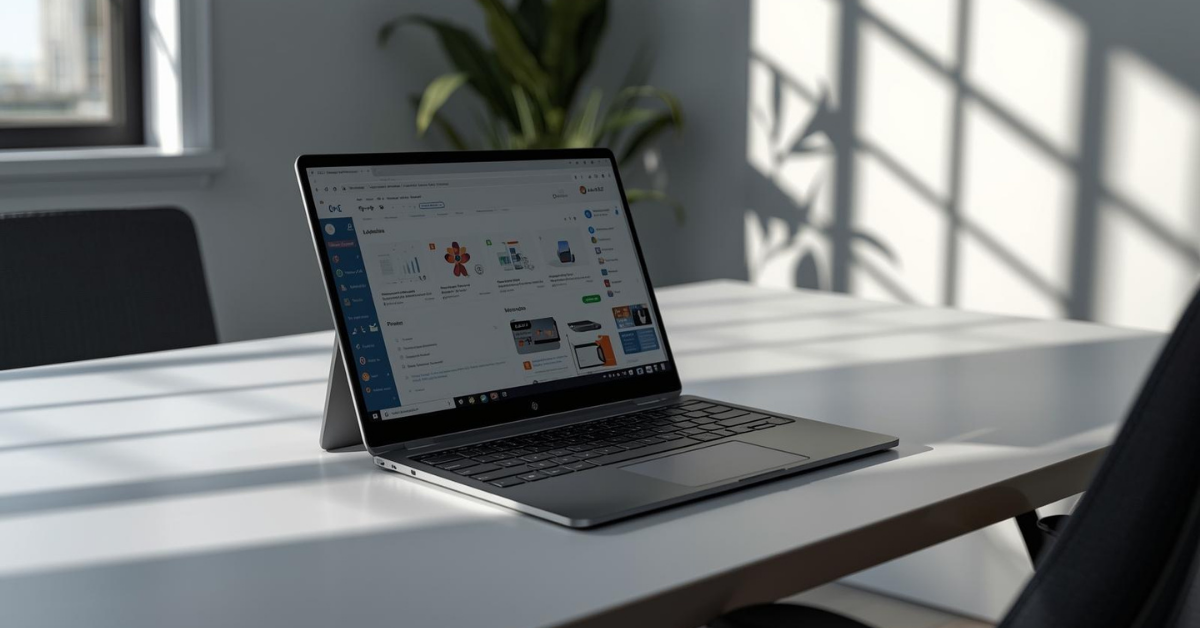
- A 360-degree hinge that allows laptop, tent, stand, and tablet modes
- Qualcomm’s Snapdragon X-series ARM processor
- Integration with Windows Copilot+ features
This is not a gaming laptop, and it’s not a workstation replacement. HP clearly positions it as a productivity-first device — something you can comfortably use for long workdays, meetings, writing, browsing, light creative work, and streaming.
Who it’s designed for
- Office professionals
- Remote workers
- Students who want a premium, long-lasting device
- Creators focused on writing, design review, or light editing
- Anyone who values silence, portability, and battery life
Who it’s NOT for
- Hardcore gamers
- Video editors working with heavy 4K timelines
- Engineers reliant on legacy x86-only software
- Users who want maximum GPU performance
🔥 Looking for the best Laptop right now?
👉 Check today’s top-rated Laptops on Amazon
🔗 View Best Laptops on Amazon
3. Key Features & How They Actually Work
16-Inch 2K Touch Display
The display is one of the first things you notice — and for good reason.
- Resolution: 2K (2560 × 1600)
- Aspect ratio: 16:10 (more vertical space for work)
- Touch support: Yes
- Size: Large without feeling oversized
In real use, the screen feels spacious and comfortable. Reading documents, working with spreadsheets, or keeping two apps side by side feels natural. The added vertical space is especially helpful for browsing, writing, and coding.
Touch response is accurate and smooth, but realistically, most users will treat it as a convenience feature, not a primary input method.
360-Degree Flip Design
The hinge feels solid and well-balanced. You can:
- Use it as a traditional laptop
- Flip it into tent mode for presentations
- Fold it flat for tablet-style interaction
- Prop it in stand mode for media consumption
That said, this is a 16-inch device, so tablet mode works best when placed on a desk or lap. Holding it like an iPad for long periods isn’t practical — and HP likely doesn’t expect you to.
Snapdragon X-Series Processor (Copilot+ PC)
This is where things get interesting.
Instead of Intel or AMD, HP uses a Snapdragon X ARM-based processor, optimized for:
- Battery efficiency
- Always-on responsiveness
- Quiet operation
- AI workloads via NPU
In daily use:
- Apps launch quickly
- Multitasking feels smooth
- Fans rarely spin up (often not at all)
However, performance depends heavily on software compatibility. Most modern Windows apps run well, but some older or niche x86 programs may rely on emulation — which works, but isn’t perfect.
Copilot+ Features (Practical Reality)
Copilot+ branding sounds impressive, but in real terms:
- AI features are subtle
- Useful for summaries, writing assistance, and basic automation
- Not a replacement for professional AI tools
Think of Copilot+ as a bonus layer, not the main reason to buy this laptop.
Keyboard, Trackpad & Input
- Keyboard: Comfortable, well-spaced, good travel
- Trackpad: Large, responsive, accurate
- Pen support: Optional (depends on configuration)
Typing for long sessions feels natural, which is important for professionals and students.
🔥 Looking for the best Laptop right now?
👉 Check today’s top-rated Laptops on Amazon
🔗 View Best Laptops on Amazon
4. Real-World Usage & Experience
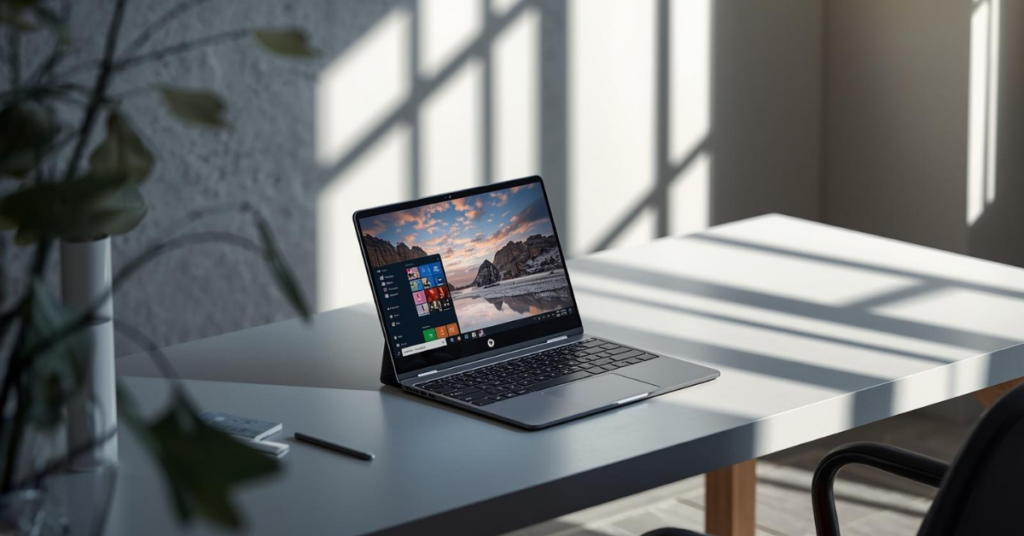
Using the OmniBook X FLIP day to day feels calm — and that’s a compliment.
It wakes instantly, stays cool, and doesn’t distract you with fan noise. Battery anxiety disappears quickly, especially if you’re used to charging mid-day.
What feels good
- Long battery life (often full workdays)
- Silent operation
- Large, comfortable screen
- Easy switching between modes
- Clean Windows experience
What takes getting used to
- ARM app compatibility quirks
- Limited ports compared to thicker laptops
- Tablet mode is situational, not primary
Nothing feels broken — but it does feel different if you’re coming from a traditional Intel laptop.
5. Pros and Cons (Honest & Balanced)
Pros
- Excellent battery life
- Large, sharp 2K display
- Quiet, cool operation
- Premium build quality
- Comfortable keyboard
- Flexible 2-in-1 design
Cons
- Not ideal for heavy creative workloads
- ARM compatibility can be limiting
- Large size reduces true “tablet” usability
- Limited appeal for gamers or power users
6. Who Should Buy This Product?
This laptop makes sense if you:
- Work long hours on documents, research, or browsing
- Attend frequent online meetings
- Value battery life over raw performance
- Want a large screen without carrying a bulky workstation
- Prefer a quiet, distraction-free device
It’s especially well-suited for remote professionals, consultants, writers, and students.
7. Who Should Avoid This Product?
You should probably look elsewhere if You:
- Rely on specialized Windows software
- Do heavy video editing or 3D work
- Want to play modern games
- Prefer smaller, ultra-portable devices
8. Comparison With Alternatives
vs Intel-Based 2-in-1s
- Better battery life
- Cooler operation
- Slightly weaker compatibility
vs MacBook Air
- More flexible form factor
- Touchscreen support
- Slightly less refined ecosystem
vs Surface Laptop Studio
- Larger screen
- Better endurance
- Less creative-focused hardware
9. Pricing, Value for Money & Availability
Pricing varies by configuration, but this is clearly a premium device.
The value comes from:
- Battery longevity
- Display quality
- Build materials
- Quiet performance
If those matter to you, the price makes sense. If you want raw power, it doesn’t.
10. FAQs
Q1: Can it replace a tablet?
Not fully. It works best as a laptop that occasionally behaves like a tablet.
Q2: Is ARM compatibility still an issue?
Less than before, but niche apps can still be problematic.
Q3: Is it good for students?
Yes, especially for long study sessions and note-taking.
Q4: Does Copilot+ feel necessary?
Helpful, but not essential.
Q5: Is the screen good for media?
Very. Sharp, bright, and comfortable.
Q6: Does it run hot?
Rarely. Thermal performance is excellent.
11. Final Verdict
The HP OmniBook X FLIP Copilot+ PC 16-inch 2K Touch is a thoughtful, well-balanced device for people who prioritize comfort, battery life, and flexibility over raw horsepower.
It’s not trying to impress benchmark charts — it’s trying to fit naturally into your day. For the right user, it succeeds quietly and confidently.
If that sounds like what you need, it’s worth serious consideration.
Don’t let slow machines hold you back — explore the HP OmniBook X FILP with M4 Max chip today.
Need More Options? Explore more honest laptop reviews on Techzler →