
How to Pick the Best Smartphone for Your Needs?
Contents
- 1 Understand How You Use Your Smartphone
- 2 Android vs iPhone – Which One Should You Choose?
- 3 Smartphone Performance Explained (CPU & RAM)
- 4 How Much Storage Do You Really Need?
- 5 Camera Specifications That Actually Matter
- 6 Battery Life and Charging Speed Explained
- 7 Display Quality – What to Look For?
- 8 Design, Durability, and Build Quality
- 9 Smartphone Software Updates and User Experience
- 10 Important Extra Features to Consider
- 11 How Much Should You Spend on a Smartphone?
- 12 Common Smartphone Buying Mistakes to Avoid
- 13 Final Checklist Before Buying a Smartphone
- 14 Final Verdict – Choosing the Right Phone for You
Inroduction
Choosing a smartphone today can feel overwhelming—especially if you’re not a tech expert. With hundreds of models on the market, flashy marketing terms, and constant new releases, it’s easy to feel confused or pressured into buying something you don’t actually need.
The good news? You don’t need to understand every technical detail to choose the right smartphone. What really matters is knowing how you use your phone and which features actually improve your daily experience.
This beginner-friendly guide breaks everything down in simple, clear language. By the end, you’ll know exactly what to look for—and what to ignore—so you can confidently pick the best smartphone for your needs.
🔥 Looking for the best smartphones right now?
👉 Check today’s top-rated smartphones on Amazon (Updated Daily)
🔗 View Best Smartphones on Amazon
Understand How You Use Your Smartphone
Before looking at brands, prices, or specs, take a moment to think about your real usage. This step alone eliminates most confusion.
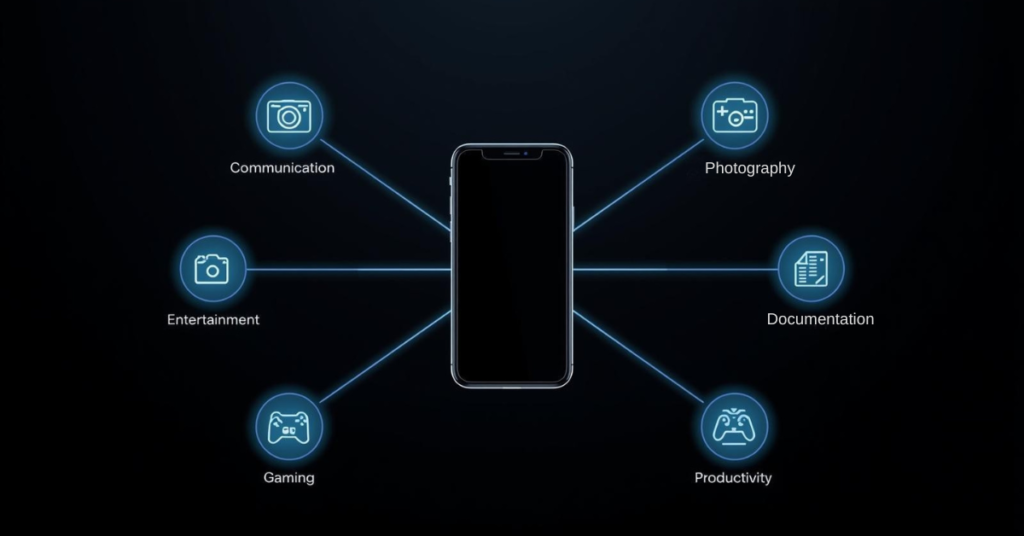
Ask yourself:
- Do I mostly use my phone for calls, messaging, and social media?
- Do I take a lot of photos or videos?
- Do I play games or use heavy apps?
- Do I need my phone to last all day without charging?
- Am I buying this phone for work, school, or travel?
Your answers will guide every decision that follows.
For example:
- A casual user doesn’t need the most powerful processor.
- A photography lover should focus on camera quality.
- A frequent traveler should prioritize battery life and durability.
Android vs iPhone – Which One Should You Choose?
The first big decision is choosing the operating system (OS). This affects how your phone looks, feels, and works every day.
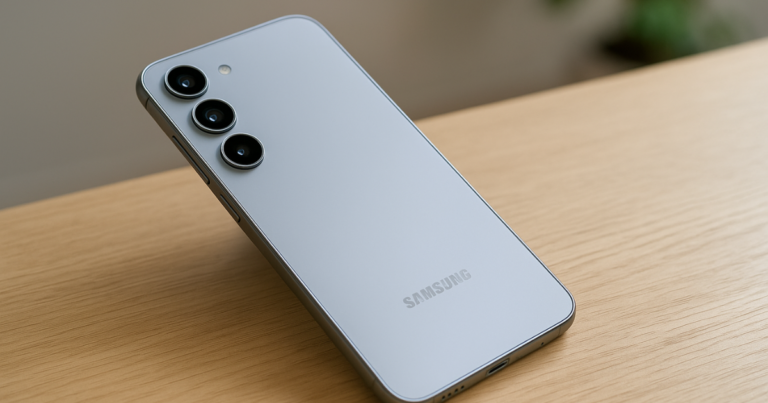
Android
Android phones come in many shapes, sizes, and price ranges.
Pros:
- Huge variety of brands and models
- More customization options
- Excellent budget and mid-range choices
- Works well with Google services
Cons:
- Software updates vary by brand
- Interface differs between manufacturers
Android is ideal if you want flexibility, value for money, or lots of hardware options.
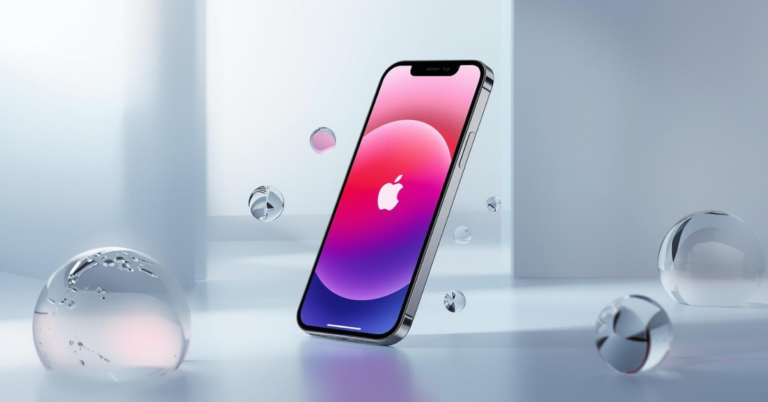
iOS (iPhone)
Apple’s iOS is exclusive to iPhones.
Pros:
- Smooth, polished user experience
- Long-term software updates
- Excellent security and privacy
- Strong ecosystem (Mac, iPad, Apple Watch)
Cons:
- Fewer device choices
- Generally more expensive
- Less customization
iPhones are great if you want simplicity, reliability, and long-term support.
Smartphone Performance Explained (CPU & RAM)
You don’t need to memorize processor names, but understanding performance basics helps you avoid slow phones.

Processor (CPU)
The processor is the “brain” of your smartphone.
- Basic users: Mid-range processors are more than enough
- Gamers or heavy users: Look for flagship or upper mid-range chips
If a phone was released within the last 2–3 years and isn’t extremely cheap, its processor is likely fine for everyday tasks.
RAM (Memory) Of Smartphone
RAM affects how smoothly apps run and how well your phone handles multitasking.
- 4–6 GB RAM: Good for basic use
- 8 GB RAM: Ideal for most users
- 12 GB+ RAM: Mostly for power users and gamers
For beginners, 6–8 GB of RAM is the sweet spot.
How Much Storage Do You Really Need?
Storage determines how many apps, photos, videos, and files you can keep.
Recommended Smartphone Storage Sizes
- 64 GB: Minimum (not ideal long-term)
- 128 GB: Best for most users
- 256 GB or more: Great for photographers and video users
If you take lots of photos or download videos, choose 128 GB or higher.
Some Android phones support microSD cards, which is a bonus—but don’t rely on it alone.
Camera Specifications That Actually Matter
Many beginners think more megapixels automatically mean better photos. That’s not true.
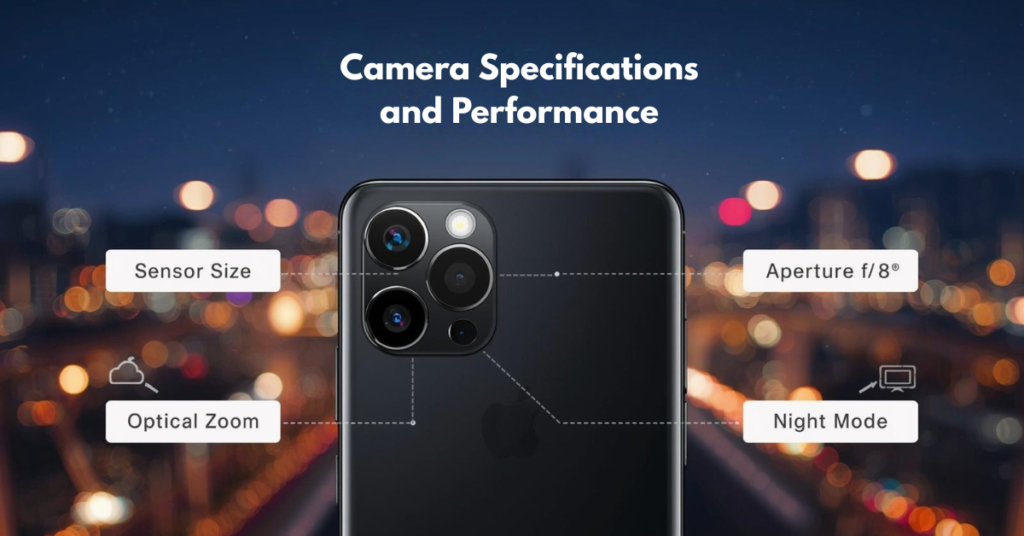
What really matters:
- Image processing
- Sensor quality
- Lens performance
- Software optimization
What to Look For In Your Smartphone Camera
- Good low-light performance
- Reliable autofocus
- Image stabilization (OIS)
- Natural colors (not over-processed)
If possible, check real photo samples or reviews rather than spec sheets.
Front Camera (Selfies & Video Calls)
If you use video calls or social media:
- Look for good lighting performance
- Stable video quality
- Natural skin tones
Again, real-world results matter more than numbers.
📸 Love photography or social media?
👉 See smartphones with the best cameras for your budget
[🔗 Check Best Camera Phones]
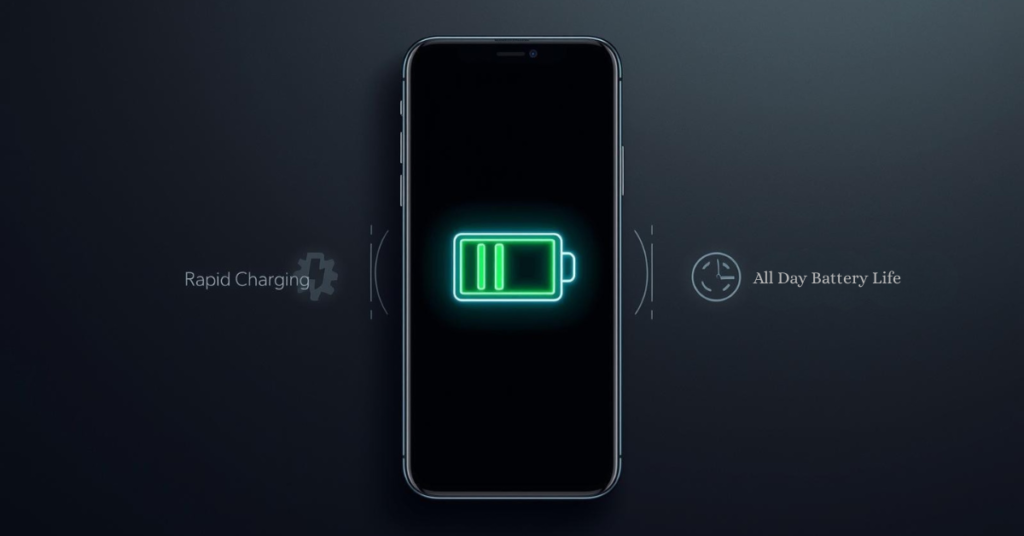
Battery Life and Charging Speed Explained
Battery life can make or break your smartphone experience.
Battery Capacity
Measured in mAh (milliamp-hours), but bigger isn’t always better.
- 4,500–5,000 mAh: Excellent for most users
- 4,000–4,500 mAh: Still very good with optimization
What Actually Affects Battery Life
- Screen size and brightness
- Processor efficiency
- Software optimization
- Your usage habits
Charging Speed
Fast charging is extremely convenient.
- 18–25W: Decent
- 30–45W: Very good
- 65W+: Extremely fast
Wireless charging is nice but not essential for beginners.
Display Quality – What to Look For?
You look at your phone screen all day, so this matters.
Smartphone Screen Size
- 6.1–6.4 inches: Balanced and comfortable
- 6.5–6.8 inches: Better for videos and gaming, but bigger in hand
Choose what feels comfortable—not what’s trending.
Display Type
- LCD: Cheaper, acceptable quality
- OLED / AMOLED: Better colors, deeper blacks, more power-efficient
If your budget allows, AMOLED is worth it.
Refresh Rate
- 60Hz: Standard
- 90Hz–120Hz: Smoother scrolling and animations
Once you use a high-refresh-rate screen, it’s hard to go back—but it’s not mandatory for beginners.
Design, Durability, and Build Quality
A phone should feel good in your hand and survive daily use.
Materials
- Plastic: Lightweight and durable
- Glass: Premium feel but fragile
- Metal frame: Strong and premium
Durability Features
- Water resistance (IP rating)
- Scratch-resistant glass
- Solid frame
If you’re clumsy or travel often, durability matters more than looks.
Smartphone Software Updates and User Experience
Software affects how your phone feels months and years later.
Things to Consider
- How often does the brand update its phones?
- Is the interface clean or cluttered?
- Are there unnecessary pre-installed apps?
Phones with clean software and regular updates tend to age better.
Important Extra Features to Consider
These may seem small, but they matter.
Useful Extras
- 5G support (for future-proofing)
- Dual SIM (great for travel or work)
- Fingerprint sensor (side or under-display)
- Face unlock
- NFC (for contactless payments)
Headphone jacks are rare now, but if you need one, check before buying.
How Much Should You Spend on a Smartphone?
You don’t need the most expensive phone to get a great experience.
Budget Ranges
- Entry-level: Basic use, calls, messaging
- Mid-range: Best value for most people
- Flagship: Premium features and performance
For beginners, mid-range phones usually offer the best balance of price and performance.
Common Smartphone Buying Mistakes to Avoid
- Buying based only on brand name
- Choosing the highest specs without understanding them
- Ignoring battery life
- Overpaying for features you won’t use
- Skipping reviews and comparisons
Final Checklist Before Buying a Smartphone
✔ Comfortable screen size
✔ At least 6–8 GB RAM
✔ 128 GB storage if possible
✔ Reliable camera (not just high megapixels)
✔ Good battery life
✔ Clean software and updates
✔ Fits your budget
Final Verdict – Choosing the Right Phone for You
There is no universal “best smartphone.” The best phone is the one that fits your lifestyle, habits, and budget.
If you focus on:
- How you use your phone
- Practical features
- Real-world performance
You’ll make a smart choice—without stress or confusion.
Take your time, compare a few options, and remember: a well-chosen mid-range phone can feel just as satisfying as a flagship.
Ready to choose your perfect smartphone?
👉 Compare prices, reviews, and deals on Amazon now
🔗 Find the Best Smartphone for You
One Comment