What Makes a Gaming Desk Setup Look Professional?
Contents
- 1 1. Introduction: Why a Professional Gaming Desk Setup Matters
- 2 2. Understanding the Basics of a Professional Gaming Setup
- 3 3. Gaming Desk Setup Essentials That Define a “Professional” Look
- 4 4. Essential Gaming Accessories That Upgrade Your Desk Instantly
- 5 5. Simple Gaming Setup Ideas That Still Look Premium
- 6 6. Budget-Friendly Professional Gaming Desk Setup
- 7 7. Gaming PC vs Laptop vs Console: What Looks Most Professional?
- 8 8. Beginner Gaming PC Guide: What to Know Before Building or Buying
- 9 9. Step-by-Step: How to Build a Professional Gaming Desk Setup
- 10 10. Final Touches That Make a Gaming Desk Look Truly Professional
- 11 11. Final Thoughts: Professional Doesn’t Mean Expensive
1. Introduction: Why a Professional Gaming Desk Setup Matters
Gaming has changed a lot over the years. What started as a casual hobby, playing on a couch with a controller, has evolved into something more intentional. Today, a gaming desk setup is not just about playing games. It’s about comfort, performance, focus, and even productivity.
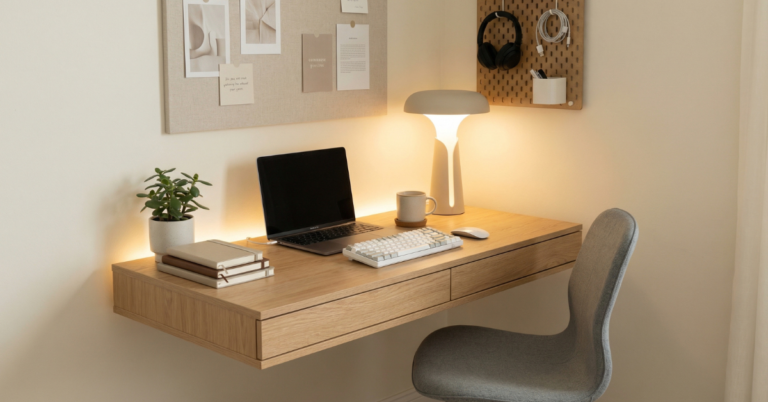
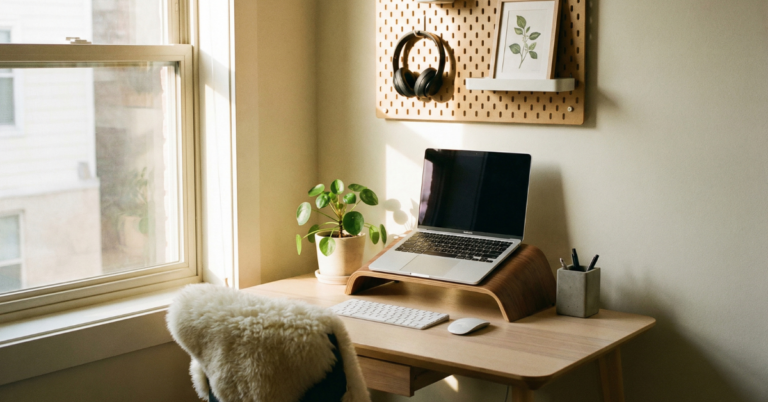
A professional gaming desk setup doesn’t mean expensive gear or flashy RGB everywhere. It means your space looks organized, intentional, and functional. When someone sees it, they immediately feel that it was planned, not thrown together.
This guide is for:
- Gaming for beginners who want a clean start
- Students setting up their first desk
- Casual gamers upgrading from a random setup
- Content creators who want a desk that looks good on camera
If you’ve ever looked at your desk and thought, “Something feels off,” you’re in the right place.
🎮 Building Your First Professional Gaming Desk?
Skip the guesswork. Check out the essential gear I recommend for clean, comfortable, and beginner-friendly gaming setups—tested and easy to upgrade.
View Recommended Gaming Desk Essentials
2. Understanding the Basics of a Professional Gaming Setup
Before talking about accessories and aesthetics, you need to understand the foundation. A professional look starts with the right choices, not the most expensive ones.
2.1 Gaming PC Basics vs Gaming Laptop Basics
Gaming PC basics explained simply
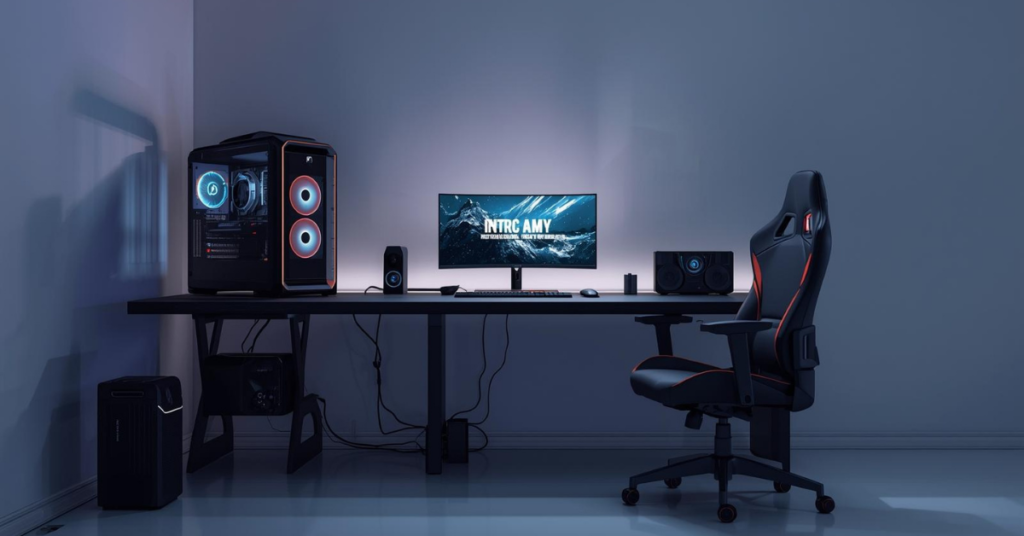
A gaming PC setup usually includes:
- A desktop tower
- Separate monitor(s)
- Keyboard and mouse
- External speakers or headset
This setup tends to look more professional because everything has a dedicated place. It also allows better cable management and customization.
Gaming laptop for casual gaming: when it makes sense
A gaming laptop for casual gaming is perfect if:
- You’re short on space
- You move often
- You want one device for gaming and work
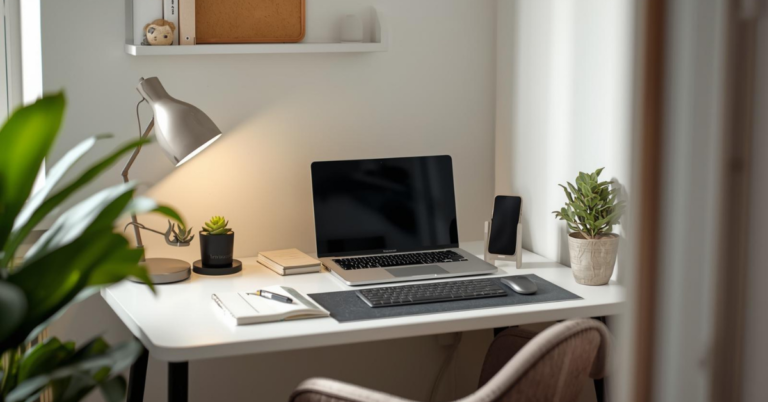
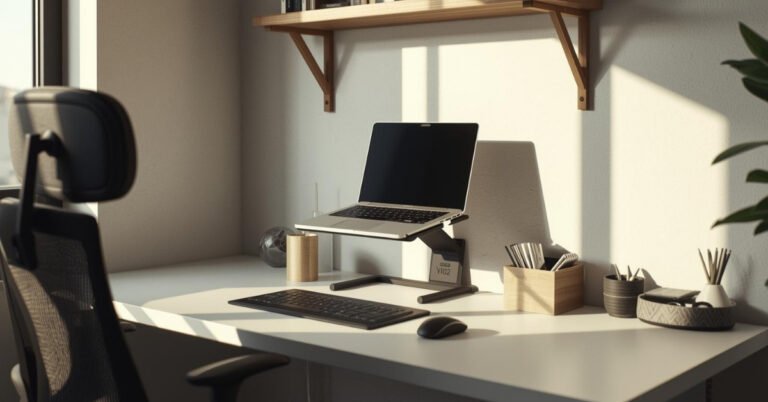
Laptop setups can still look professional, especially when paired with a monitor, stand, and external keyboard.
Gaming laptop vs PC: which looks more professional on a desk?
Purely from a desk aesthetics point of view:
- Desktop PCs look more “serious” and structured
- Gaming laptops look clean and modern when done right
Both can look professional. The difference is in how you arrange them.
If you’re still deciding between a gaming PC or gaming laptop, I’ve curated a short list of clean, desk-friendly options that work perfectly for beginners and casual gamers.
Compare Beginner-Friendly Gaming PCs & Laptops
2.2 Gaming Setup Essentials You Should Never Skip
No matter your budget, these gaming desk setup essentials are non-negotiable:
- Stable desk with enough depth
- Comfortable chair
- Good monitor positioning
- Clean cable routing
Flashy RGB doesn’t matter if your setup is uncomfortable or cluttered. A professional look always starts with function.
3. Gaming Desk Setup Essentials That Define a “Professional” Look
3.1 The Desk: Foundation of Your Setup
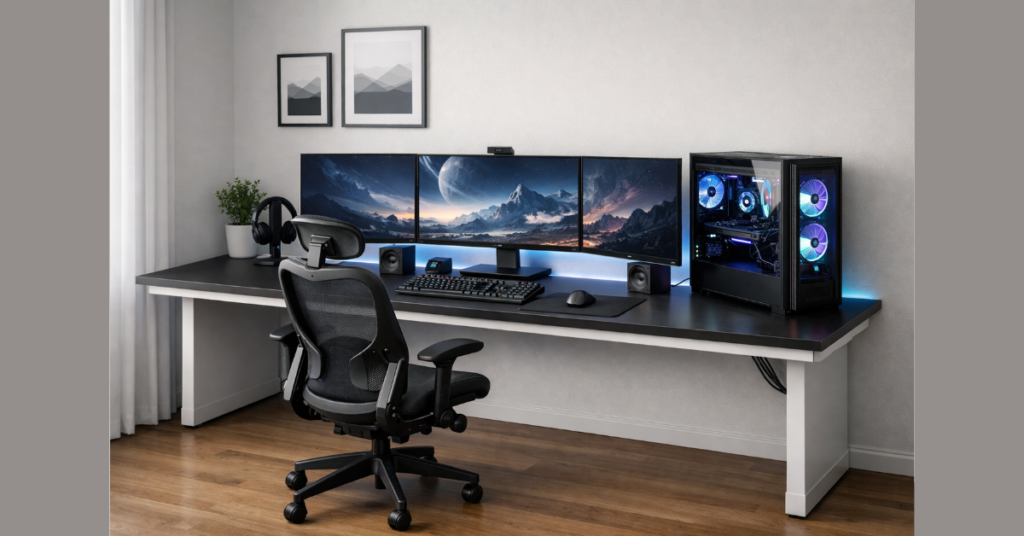
Your desk is the backbone of everything.
What to look for:
- Width: At least 120cm (47 inches) for comfort
- Depth: Enough space to keep the monitor at a safe viewing distance
- Material: Solid wood or metal frames feel more premium
- Stability: A shaky desk instantly kills the professional look
A deeper desk also improves desk setup for productivity, giving you space to work, game, and organize.
3.2 Chair, Monitor, and Desk Layout
A professional gaming setup feels good to sit at, even for hours.
What makes a gaming setup comfortable:
- Chair with proper lumbar support
- Monitor at eye level
- Keyboard and mouse aligned naturally
Visual cleanliness matters too:
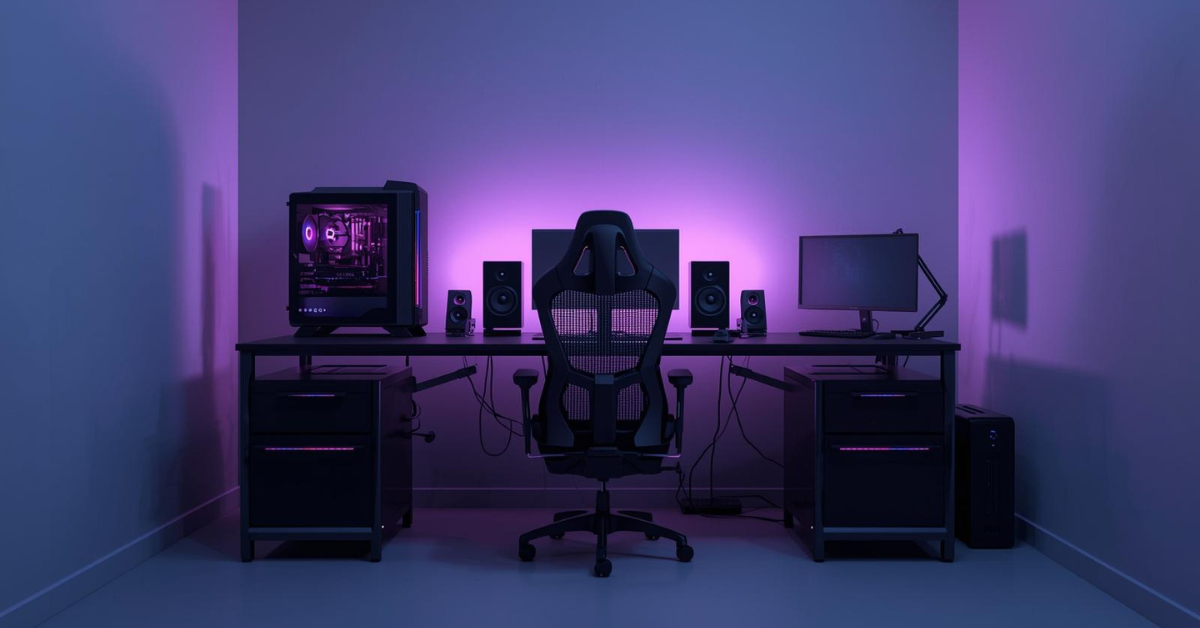
- Centered monitor
- Symmetry where possible
- Cables hidden or routed neatly
Even budget setups look professional when they’re clean and balanced.
🪑 Your desk and chair matter more than RGB.
These are the most comfortable, space-efficient desks and chairs that instantly make a gaming setup look professional—without overspending.
Shop Professional Gaming Desks & Chairs
4. Essential Gaming Accessories That Upgrade Your Desk Instantly
4.1 Must-Have Gaming Accessories
Not all accessories are equal. Some are essential; others just add clutter.
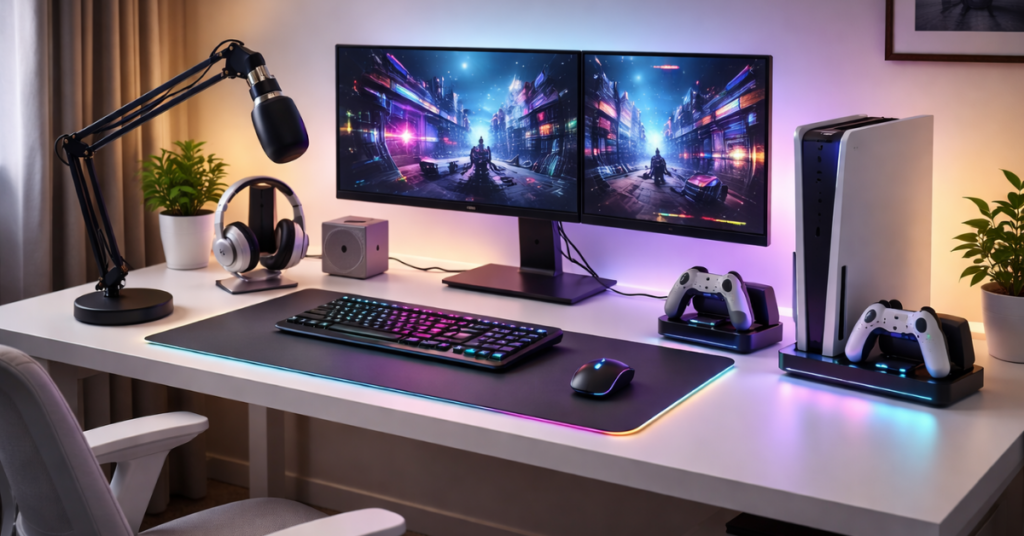
Essential gaming accessories:
- Mechanical or quality membrane keyboard
- Reliable gaming mouse
- Large mouse pad or desk mat
- Headset or speakers
These are the must-have gaming accessories that affect both performance and appearance.
What accessories do gamers really need?
Only what improves comfort, control, and organization. Everything else is optional.
4.2 Gaming Accessories for Beginners
If you’re starting out, keep it simple.
Gaming accessories for beginners should be:
- Neutral colors (black, white, gray)
- Compact
- Multi-purpose
Avoid oversized gear, unnecessary LED panels, or random gadgets. Professional setups breathe, they’re not crowded.
👉 Quick question:
Is your current setup helping you play better, or just taking up space?
If you’re unsure, this is usually the sign that your desk needs simplification, not more gear.
Start with one improvement today, better layout, cleaner cables, or a more comfortable chair, and your setup will already feel more professional.
🎯 Not sure which accessories are actually worth buying?
Here’s a starter list of must-have gaming accessories that improve comfort, performance, and desk aesthetics—nothing unnecessary.
See Must-Have Gaming Accessories
5. Simple Gaming Setup Ideas That Still Look Premium
You don’t need complexity to look professional.
Simple gaming setup ideas that work:
- One monitor instead of three
- Single accent light instead of full RGB strips
- Neutral desk with one highlight color
Minimalist vs RGB-heavy desks
- Minimalist setups feel timeless
- Heavy RGB looks impressive, but can age fast
Ironically, simplicity often looks more “pro” than expensive chaos.
6. Budget-Friendly Professional Gaming Desk Setup
6.1 Budget Gaming Setup Checklist
A professional look doesn’t require a premium budget.
Beginner Gaming Setup Checklist:
- Solid desk
- Comfortable chair
- Decent monitor
- Clean keyboard + mouse
- Basic lighting
This budget gaming setup checklist keeps you focused on what matters first.
Prioritize:
- Comfort
- Performance
- Organization
- Looks (last)
6.2 Choosing the Right Laptop or PC on a Budget
Affordable gaming laptop for students
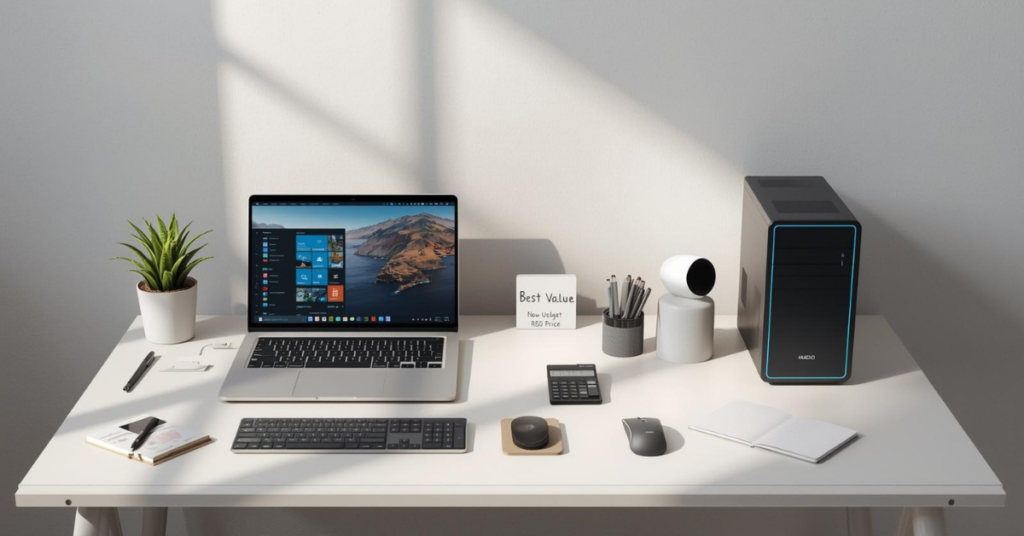
Look for:
- Dedicated GPU
- At least 16GB RAM
- Good cooling
An affordable gaming laptop for students can still anchor a clean desk when paired with a monitor.
Budget gaming laptop guide
Avoid paying for:
- Overdone RGB
- Ultra-thin designs with poor cooling
How much should a gaming PC cost?
For beginners:
- Entry-level PC: reasonable, balanced specs
- Mid-range PC: best value long-term
A well-chosen budget PC often looks more professional than an overpriced flashy one.
💸 Professional doesn’t mean expensive.
These are the best budget gaming laptops, PCs, and accessories that still look clean and professional on a desk.
View Budget Gaming Setup Picks
7. Gaming PC vs Laptop vs Console: What Looks Most Professional?
Gaming laptop vs PC desk aesthetics
- PCs dominate visually
- Laptops win for flexibility
Gaming PC vs console
- Console setups look cleaner
- PC setups look more “workstation-like”
Which fits beginners best?
- Console: simplicity
- Laptop: versatility
- PC: long-term professionalism
There’s no wrong answer, only what fits your space and goals.
🎯 Before you buy anything new, pause for a moment.
A professional gaming desk setup isn’t about owning everything, it’s about owning the right things for your space, budget, and habits.
If you’re building on a budget, focus on:
- Comfort first
- Clean layout second
- Performance third
- Aesthetics last
Do this, and your setup will already look more professional than 90% of gaming desks online.
🤔 Still deciding between PC, laptop, or console?
Compare desk aesthetics, performance, and value side-by-side with beginner-friendly recommendations.
8. Beginner Gaming PC Guide: What to Know Before Building or Buying
Gaming PC guide for beginners
Before you buy or build:
- Understand your use case
- Don’t overbuy power you won’t use
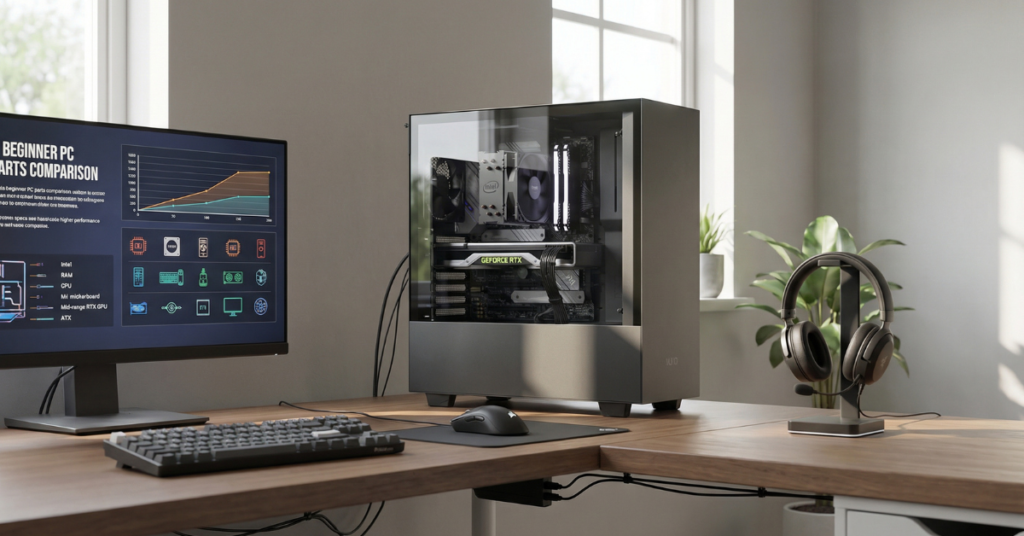
Gaming PC specs explained (simple version)
- CPU: overall responsiveness
- GPU: gaming visuals
- RAM: multitasking
- Storage: speed and load times
Is building a gaming PC hard?
Not really, but it requires patience. Pre-built systems are fine for beginners who want a clean, instant setup.
9. Step-by-Step: How to Build a Professional Gaming Desk Setup
How to build a gaming setup step by step
- Desk first – choose size and placement
- Hardware next – PC/laptop, monitor, peripherals
- Accessories – mouse pad, stand, audio
- Lighting – subtle, indirect
- Final touches – cable management, spacing
Common beginner mistakes
- Too much RGB
- Ignoring ergonomics
- Filling empty space unnecessarily
A beginner gaming setup guide should always emphasize balance.
✅ Want to build your setup without missing anything?
Use this beginner-approved checklist to build a clean, professional gaming desk step by step.
Get the Gaming Desk Setup Checklist
10. Final Touches That Make a Gaming Desk Look Truly Professional
The difference between “good” and “professional” is in the details.
Lighting balance
- Warm bias lighting
- Avoid harsh direct LEDs
Desk organization
- Leave negative space
- Use cable trays or sleeves
Future-proofing
- Leave room for upgrades
- Don’t lock yourself into trends
A professional desk also works as a desk setup for productivity, not just gaming.
11. Final Thoughts: Professional Doesn’t Mean Expensive
The biggest myth in gaming setups is that professional equals expensive.
It doesn’t.
A professional gaming desk setup:
- Looks intentional
- Feels comfortable
- Stays organized
- Grows with you
If you’re a beginner, start small. Build over time. Learn what works for you.
The best setups aren’t bought in one day; they’re refined.
🎮 Ready to build a professional gaming desk you’ll actually enjoy using?
These are the exact tools, desks, and accessories I’d recommend if I were starting today—clean, comfortable, and beginner-friendly.
Build Your Professional Gaming Desk
✅ Your next step is simple.
Don’t aim for the “perfect” gaming desk setup overnight.
Aim for a better one this week.
Pick one upgrade: a cleaner desk, better lighting, or a more comfortable chair, and build from there. Professional setups aren’t rushed; they’re refined over time.
And if you want hand-picked desks, accessories, and setup gear that actually work well for beginners and budget buyers, check out the recommended setup items below.
Every product is chosen for comfort, value, and clean desk aesthetics, not hype.
Still deciding? Explore more Gaming Desk Setup reviews, comparisons, and buying guides on our site to find the best option for you.