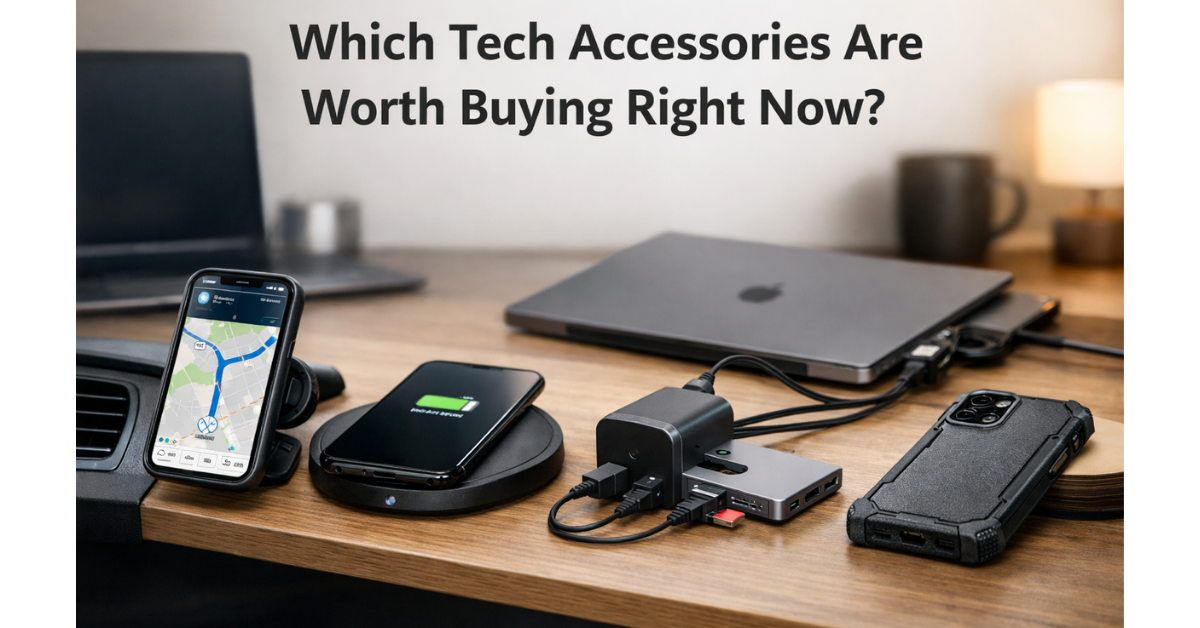
Which Tech Accessories Are Worth Buying Right Now?
Let’s be honest—most of us don’t need a new phone or laptop every year. What actually makes a difference in daily life are the tech accessories that support those devices. The right tech accessories can make your setup more convenient, safer, faster, and even more enjoyable to use.
The problem? The market is flooded with cheap gimmicks, overhyped products, and accessories that look great online but disappoint in real life.
So instead of chasing trends, this guide focuses on tech accessories that are genuinely worth buying right now—based on real-world use, practicality, and long-term value. No fluff. No unnecessary gadgets. Just accessories that actually improve your tech experience.
Contents
Magnetic Phone Holders
Magnetic phone holders have quietly become one of the most useful phone accessories in recent years—and for good reason.
Unlike traditional clamp-style mounts that require two hands and awkward adjustments, magnetic holders let you snap your phone into place instantly. This makes them ideal for drivers, content creators, and anyone who relies on quick access to their phone.
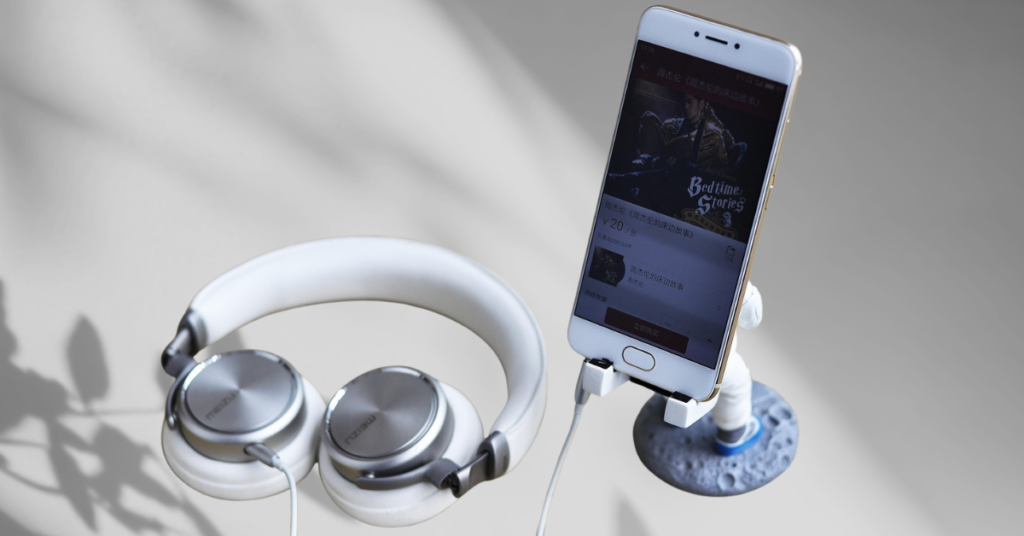
Why Magnetic Phone Holders Are Worth It
- Hands-free convenience: Perfect for navigation, calls, or quick glances while driving.
- Minimal effort: One-hand attachment and removal.
- Cleaner setup: No bulky arms or clamps blocking your screen.
For drivers, magnetic holders significantly reduce distractions. You don’t need to fumble with grips or adjust angles every time you get in the car. The phone simply clicks into place.
If you’re curious how today’s magnetic phone holders for cars actually compare in strength and stability, Techzler has curated a short list of options worth checking out.
What to Look For When Buying One
- Strong magnets (especially if you use larger phones)
- MagSafe compatibility for newer iPhones
- Stable mounting options: Air vent, dashboard, or windshield
- Rotation support for portrait and landscape use
A weak magnet or poor mount can ruin the experience, so this is one accessory where build quality truly matters.
If you’ve ever struggled with adjusting your phone while driving, exploring a well-built magnetic phone holder can make everyday navigation noticeably easier. It’s a small upgrade that adds comfort and safety without changing how you already use your phone.
Fast Wireless Chargers
Wireless charging used to feel slow and unreliable, but that has changed dramatically.
Modern fast wireless chargers are not just convenient; they’re fast enough to replace wired charging in many situations. Whether you’re charging overnight or topping up your phone during the day, a good wireless charger makes the process effortless.
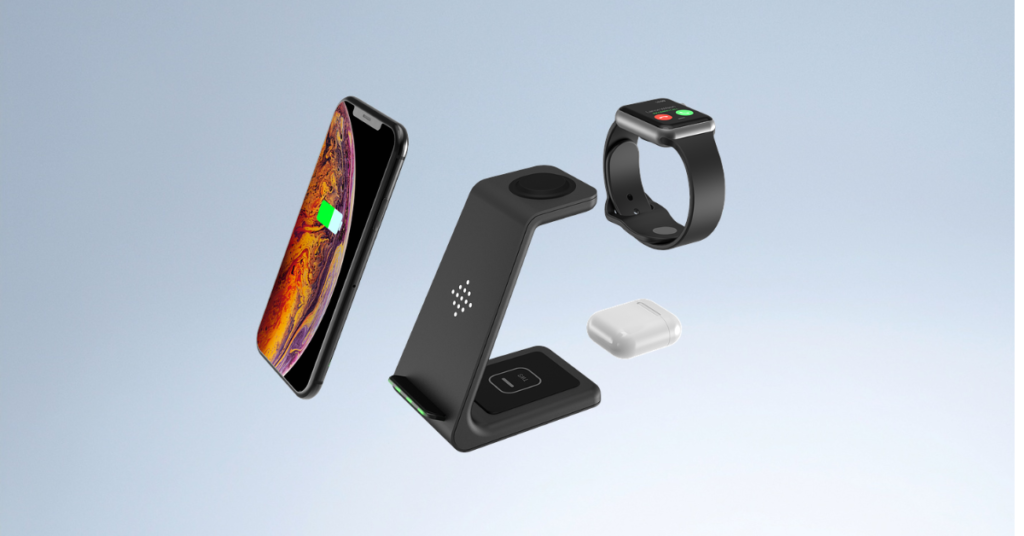
Why Fast Wireless Chargers Are Worth Buying
- No cables to plug in or wear out
- Cleaner desk or bedside setup
- Easy drop-and-charge experience
They’re especially useful for bedside tables and work desks, where convenience matters more than raw charging speed.
Fast vs Standard Wireless Charging
Not all wireless chargers are equal. Older models cap out at lower wattage, while newer fast chargers can deliver 15W or more, depending on your phone.
If your phone supports fast wireless charging and you’re still using an old pad, you’re missing out.
If cable clutter or slow charging has been an issue, it may help to look at fast wireless chargers that are actually optimized for modern smartphones.
How to Choose the Right One
- Wattage compatibility with your phone
- Cooling and safety features
- Non-slip surface to prevent sliding
- Stand vs flat pad, depending on how you use your phone
A quality fast wireless charger won’t replace cables entirely, but it will drastically reduce how often you need them.
If cable clutter or slow charging feels frustrating, taking a look at modern fast wireless chargers might be worth it. The right one can simplify your desk or bedside setup and make charging feel effortless again.
GaN Fast Chargers (65W–120W)
If there’s one accessory category that has completely changed the charging game, it’s GaN fast chargers.
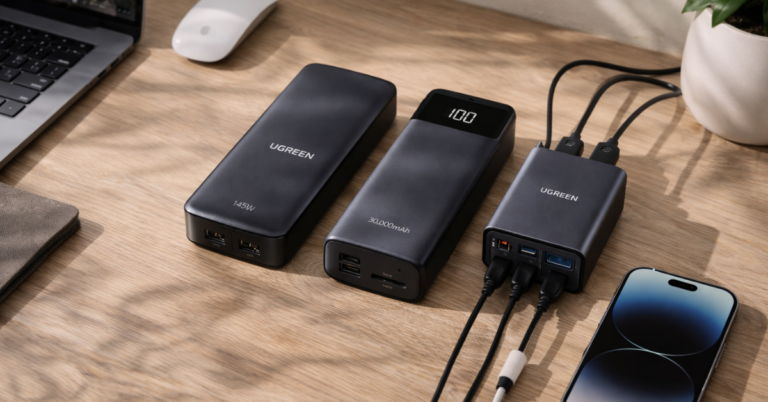
GaN (Gallium Nitride) technology allows chargers to be smaller, faster, and more efficient than traditional silicon chargers. This means one compact charger can power your phone, tablet, and laptop—sometimes all at once.
Why GaN Chargers Are a Must-Have
- Fast charging for multiple devices
- Compact and travel-friendly
- Less heat and higher efficiency
- Fewer chargers, fewer cables
Instead of carrying separate chargers for each device, a single GaN charger can handle everything.
If you’re trying to simplify your charging setup, exploring GaN fast chargers (65W–120W) can be a practical place to start.
Choosing the Right Wattage
- 65W: Ideal for phones, tablets, and ultrabooks
- 100W–120W: Better for power-hungry laptops and multi-device setups
If you work remotely, travel often, or use USB-C laptops, a GaN charger is one of the smartest upgrades you can make.
What to Look For
- Multiple ports (USB-C + USB-A)
- Power distribution management
- Reputable brands with safety certifications
Once you switch to GaN, going back to bulky chargers feels outdated.
If you’re tired of carrying multiple chargers or dealing with bulky power bricks, browsing compact GaN fast chargers could be a smart move. One charger that handles all your devices can quietly become an everyday essential.
USB-C Hubs & Adapters
Modern laptops are sleek and powerful, but they’ve sacrificed ports along the way. That’s where USB-C hubs and adapters come in.
If you’ve ever struggled to connect an external monitor, SD card, Ethernet cable, or USB accessory, a good USB-C hub becomes essential.
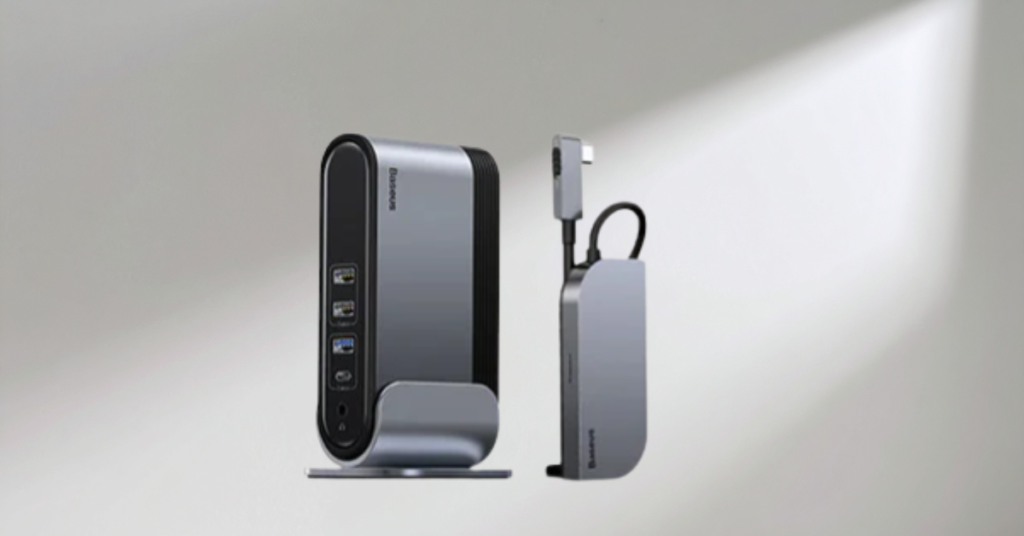
Why USB-C Hubs Are Still Essential
- Expand limited laptop ports
- Support external displays
- Enable wired internet connections
- Transfer files from cameras and drives
For creators, remote workers, and students, a USB-C hub is not optional; it’s foundational.
If your laptop feels limited by ports, a USB-C hub or adapter can instantly expand what your setup can handle.
Common Ports to Look For
- HDMI or DisplayPort
- USB-A ports
- SD / microSD card slots
- Ethernet
- USB-C Power Delivery
Buying Tips
- Choose based on your workflow, not maximum port count
- Look for solid aluminum builds
- Ensure support for power passthrough if you charge while using it
A reliable USB-C hub turns a minimalist laptop into a full workstation.
If your laptop setup feels limited or you’re constantly unplugging accessories, checking out a reliable USB-C hub can instantly expand what your device can do—without adding unnecessary complexity.
Shockproof Phone Cases
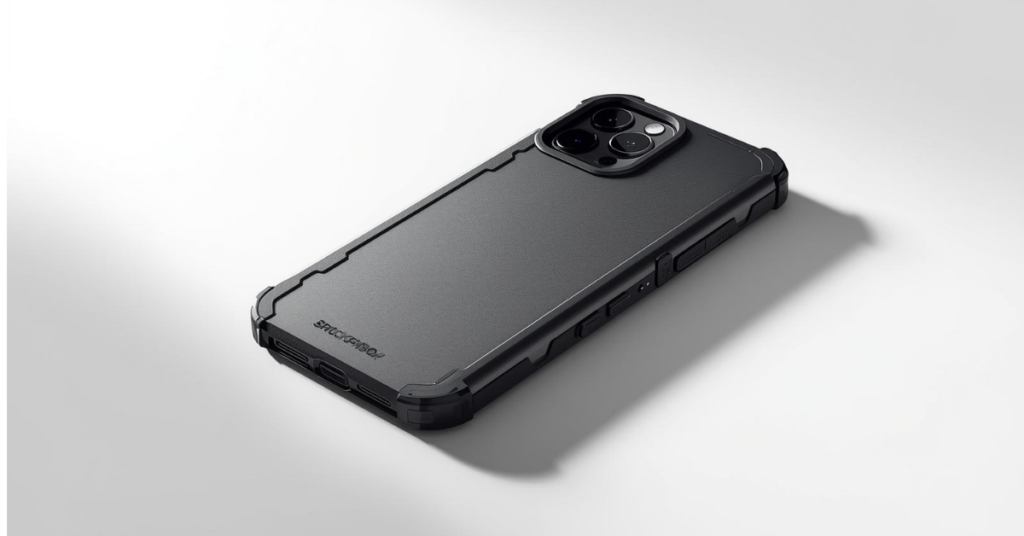
Phones are more expensive than ever, and repairs are not cheap. A good shockproof case isn’t about making your phone bulky, it’s about protecting your investment.
Why Shockproof Cases Are Worth It
- Drop protection
- Better grip
- Longer device lifespan
Most phone damage happens from everyday accidents, slipping out of pockets, falling off desks, or minor drops.
If you want protection without excessive bulk, it’s worth looking at shockproof phone cases designed for real-life drops.
Shockproof Doesn’t Mean Ugly
Modern cases balance protection and design surprisingly well. You can choose between:
- Slim shock-absorbing cases
- Rugged cases for extreme protection
- Clear cases with reinforced corners
What Actually Matters
- TPU or hybrid materials
- Raised edges for screen and camera
- Drop-test ratings
This is one accessory where cheap options often fail. Spending slightly more can save you from costly repairs later.
If you want peace of mind without making your phone feel bulky, it may be worth exploring modern shockproof cases that balance protection and design. Sometimes a simple case is the difference between a small drop and an expensive repair.
Screen Protectors (Privacy & Anti-Glare)
Screen protectors are often treated as optional, but they shouldn’t be.
A scratched screen or visible fingerprints can ruin the experience of even the best phone. Modern screen protectors now go beyond basic scratch resistance.
Privacy Screen Protectors
Privacy protectors narrow the viewing angle so only you can see your screen clearly. They’re perfect for:
- Public transport
- Cafés and airports
- Work environments
If you handle sensitive information on your phone, this is a small upgrade with big benefits.
If screen glare or public visibility is a concern, exploring privacy and anti-glare screen protectors can make daily phone use more comfortable
Anti-Glare Screen Protectors
Anti-glare protectors reduce reflections and eye strain, making screens easier to read outdoors or under bright lights.
They’re especially useful for:
- Frequent outdoor phone use
- Reading-heavy users
- Long screen sessions
Choosing the Right Screen Protector
- Tempered glass for durability
- Edge-to-edge coverage
- Easy installation kits
A good screen protector protects not just your phone, but your daily experience using it.
Techzler features privacy and anti-glare screen protectors that protect your display while improving usability in bright or public environments.
Final Thoughts: Buy Smarter, Not More
The best tech accessories don’t just look good on a product page, they solve real problems.
Instead of buying dozens of cheap add-ons, investing in a few high-quality accessories can dramatically improve how you use your devices every day.
If You’re Prioritizing Value:
- Start with a GaN charger
- Add a shockproof case
- Upgrade to a fast wireless charger
If You Work or Travel Often:
- Get a USB-C hub
- Use a magnetic phone holder
- Protect your screen with privacy or anti-glare glass
Technology moves fast, but smart accessories extend the life and usefulness of what you already own.
The question isn’t which accessories are trending.
It’s which ones actually make your life easier.
And now, you know exactly which ones are worth buying right now.
Looking to upgrade your setup without wasting money on gimmicks?
👉 Explore Techzler’s curated tech accessories, handpicked for real-world use, long-term value, and everyday reliability.
Still deciding? Explore more Tech Accessories reviews, comparisons, and buying guides on our site to find the best option for you.