
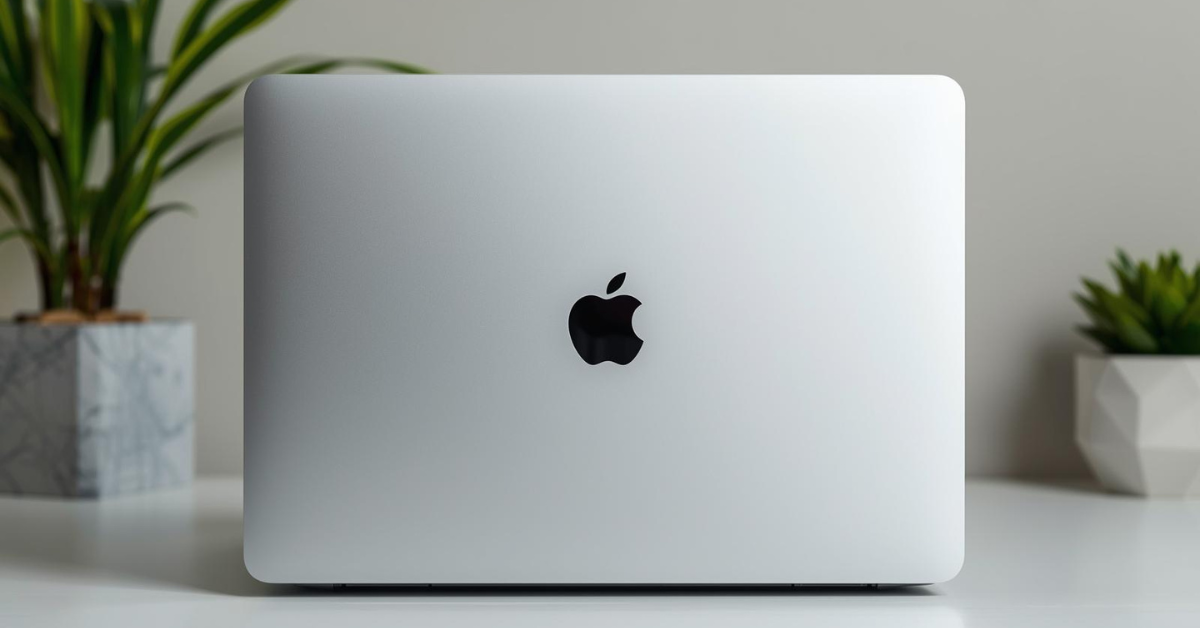
Is Apple’s M4 Max MacBook Pro Really That Powerful?
Contents
- 1 Introduction
- 2 What Is the MacBook Pro 16.2″ with M4 Max Chip?
- 3 Key Features & How They Actually Work
- 4 Real-World Usage & Experience
- 5 Pros and Cons (Honest & Balanced)
- 6 Who Should Buy This Product?
- 7 Who Should Avoid This Product?
- 8 Comparison With Alternatives
- 9 Pricing, Value for Money & Availability
- 10 FAQs
- 11 Final Verdict
Introduction
If you’ve ever hit the limits of your current laptop—long export times, fans screaming during simple tasks, or a battery that can’t survive a full workday—you’re not alone. A lot of people reach a point where their computer stops being a tool and starts becoming a bottleneck. That’s usually when higher-end machines like the 16-inch MacBook Pro enter the conversation.
The MacBook Pro 16.2″ with the M4 Max chip sits firmly in that “serious work” category. It’s the kind of laptop people consider when they want something powerful enough to last several years, handle demanding workloads, and still feel smooth and reliable day after day. At the same time, it’s expensive, heavy compared to ultrabooks, and arguably overkill for many users.
So the real question isn’t whether it’s impressive on paper—it clearly is—but whether it actually makes sense for you. This review takes a grounded, honest look at how this machine fits into real life, not just spec sheets.
What Is the MacBook Pro 16.2″ with M4 Max Chip?
At its core, this is Apple’s flagship professional laptop. The 16.2-inch MacBook Pro is designed for users who need sustained performance, a large high-quality display, long battery life, and a system that can stay fast under pressure.
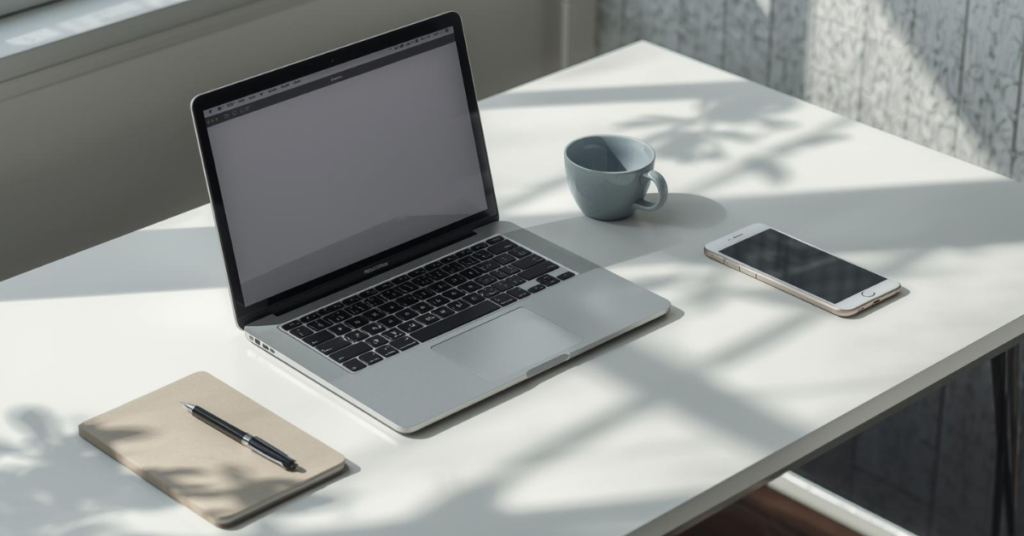
The M4 Max chip represents Apple’s top-tier silicon option in this generation. It’s built for heavy multitasking, creative workloads, and professional applications that benefit from powerful CPU and GPU performance. In plain terms, it’s meant to handle things like video editing, 3D work, software development, data analysis, and large design projects without slowing down.
Who it’s designed for:
- Creative professionals (video editors, designers, photographers)
- Developers and engineers running demanding tools
- Power users who keep many apps and browser tabs open
- Professionals who want desktop-class performance in a laptop
Who it’s not designed for:
- Casual users who mainly browse, stream, and write
- Students who prioritize portability and price
- Anyone who rarely pushes their computer beyond light tasks
This is not a “nice everyday laptop.” It’s a workhorse—and Apple prices it accordingly.
🔥 Looking for the best Laptop right now?
👉 Check today’s top-rated Laptops on Amazon
[🔗 View Best Laptops on Amazon]
Key Features & How They Actually Work
The M4 Max Chip in Real Life
Apple’s chip naming can sound abstract, but here’s what matters day to day: the M4 Max is built to stay fast even when you’re doing multiple demanding things at once. Instead of speeding up briefly and then slowing down due to heat or power limits, it’s designed for sustained performance.
In practical terms:
- Video timelines stay responsive even with effects applied
- Code builds and exports finish noticeably faster
- Heavy multitasking feels smooth rather than fragile
You don’t need to understand cores or neural engines to appreciate that the system simply doesn’t feel stressed easily.
Large 16.2″ Display
The screen is one of the most immediately noticeable features. The size alone makes a difference if you work with timelines, spreadsheets, or multiple windows side by side.
What stands out in real use:
- Text looks sharp and comfortable for long sessions
- Colors are accurate and consistent
- Brightness is high enough for well-lit rooms
It’s especially useful for creative work, but even general productivity benefits from the extra space.
Thermal Design and Quiet Operation
One of the underrated aspects of this MacBook Pro is how calm it feels under load. Fans exist, but they rarely draw attention to themselves during normal use.
Compared to many high-performance laptops:
- Heat is managed more evenly
- Performance doesn’t suddenly dip after a few minutes
- Noise stays minimal most of the time
This matters more than people realize, especially if you work long hours.
Battery Life That’s Actually Usable
Despite its size and power, battery life is one of the strong points. You’re not getting thin-and-light ultrabook endurance, but for a machine of this class, it’s impressive.

In realistic mixed use:
- Several hours of demanding work are achievable
- Light tasks can stretch much longer
- You’re not constantly hunting for an outlet
It’s one of the reasons many professionals choose this over Windows-based alternatives.
👉 Check today’s top-rated Laptops on Amazon
[🔗 View Best Smartphones on Amazon]
Ports and Practical Design Choices
Apple brought back useful ports in recent generations, and that continues here. You’re less dependent on dongles than you might expect.
Typical setup needs:
- External displays
- Storage drives
- Audio equipment
- SD cards for media workflows
The keyboard and trackpad remain industry-leading in comfort and reliability, especially for extended typing sessions.
Real-World Usage & Experience
Using the MacBook Pro 16.2″ with M4 Max feels less like using a “fast laptop” and more like having a portable workstation. Day to day, that translates into fewer pauses and less friction.
Things that feel genuinely convenient:
- Waking instantly from sleep
- Apps launching without hesitation
- Smooth scrolling and navigation even with heavy apps open
It’s particularly noticeable when switching between tasks. You can be editing a video, exporting files, browsing research tabs, and responding to messages without feeling like you need to manage resources carefully.
That said, there are a few adjustments:
- The size makes it less casual to carry around
- It’s best used on a desk or table rather than your lap
- You become more aware of how much you rely on performance once you get used to it
Minor frustrations do exist:
- macOS still has its quirks depending on your workflow
- Some niche software may not be optimized
- External upgrades are not an option after purchase
None of these are dealbreakers, but they’re worth acknowledging.
Pros and Cons (Honest & Balanced)
Pros
- Exceptional sustained performance
- Large, high-quality display
- Quiet and cool under load
- Strong battery life for its class
- Excellent keyboard and trackpad
- Solid build quality and longevity
Cons
- Very expensive once configured
- Large and heavy compared to most laptops
- Limited upgradeability after purchase
- Overkill for everyday tasks
- macOS may not suit everyone
Who Should Buy This Product?
This MacBook Pro makes sense if:
- Your work regularly pushes your current machine
- You earn money from creative or technical work
- You want a laptop that can replace a desktop
- You plan to keep it for many years
It’s especially appealing for professionals who value reliability and consistency over chasing raw benchmark numbers.
Who Should Avoid This Product?
You should think twice if:
- You mostly browse, write, and stream
- Portability matters more than performance
- You’re on a tight budget
- You prefer the flexibility of user-upgradable hardware
In many cases, a MacBook Air or smaller Pro model will deliver a better experience for less money.
Comparison With Alternatives
Versus MacBook Pro 14″:
The 14-inch model is more portable and often enough for many professionals. The 16-inch version wins on screen space and sustained performance.
Versus MacBook Air:
The Air is lighter, cheaper, and quieter, but it can’t match the performance headroom or display quality of the Pro.
Versus High-End Windows Laptops:
Windows machines may offer more customization and GPU options, but often struggle to match Apple’s balance of performance, battery life, and thermals.
Pricing, Value for Money & Availability
This is undeniably a premium-priced laptop. Once you start configuring memory and storage, costs rise quickly.
Is it worth the price?
For the right buyer, yes. If it replaces a desktop, saves time daily, and remains usable for many years, the cost becomes easier to justify. For everyone else, it’s hard to recommend purely on value.
FAQs
1. Is the MacBook Pro 16.2″ good for everyday use?
Yes, but it’s far more than most people need.
2. Can it replace a desktop computer?
For many professionals, absolutely.
3. How portable is it really?
Portable enough for travel, but not ideal for frequent handheld use.
4. Is the M4 Max overkill?
For light tasks, yes. For heavy workloads, no.
5. Does it run cool under pressure?
Generally, yes—much better than most performance laptops.
6. Is it good for gaming?
Some games run well, but it’s not designed as a gaming laptop.
Final Verdict
The MacBook Pro 16.2″ with M4 Max chip is not about luxury or status—it’s about dependable, long-term performance. It excels when pushed hard and stays calm doing it. For professionals who rely on their machine every day, that reliability can be worth the investment.
However, it’s not a universal recommendation. If your workload doesn’t justify the power, you’re better served by a lighter, less expensive option. The value of this laptop comes from using its capabilities, not just owning them.
If you know you need it, it’s one of the best tools available. If you’re unsure, that uncertainty is probably your answer.
Don’t let slow machines hold you back — explore the MacBook Pro 16.2″ with M4 Max chip today.
Need More to Make Your Decision? Explore more honest laptop reviews on Techzler →
2 Comments