
How Do You Choose the Right Smartphone Without Tech Knowledge?
Contents
- 1 Introduction: Why Choosing a Smartphone Feels Harder Than It Should Be
- 2 Step 1: Understand How You Use a Smartphone (Not How Ads Say You Should)
- 3 Step 2: Set a Realistic Budget (And Don’t Let Brands Push You Higher)
- 4 Step 3: Performance – What Actually Makes a Smartphone Feel “Fast”
- 5 Step 4: Display – Where You Spend 90% of Your Time
- 6 Step 5: Camera – Ignore Megapixels, Focus on Results
- 7 Step 6: Battery Life – Capacity Is Only Half the Story
- 8 Step 7: Software & Updates – The Invisible Deal-Breaker
- 9 Step 8: Build Quality & Practical Features People Forget
- 10 Step 9: Smartphone Brand Ecosystem – Lock-In Is Real
- 11 Step 10: Buying Smart – Timing, Reviews, and Reality Checks
- 12 Common Mistakes to Avoid in Choosing a Smartphone
- 13 Final Takeaway: Choose Smartphone for Your Life, Not the Spec Sheet
Introduction: Why Choosing a Smartphone Feels Harder Than It Should Be
Choosing a smartphone today is strangely overwhelming.
On paper, it should be simple: pick a brand, choose a model, pay, done. But once you start researching, you’re hit with processor names you don’t recognize, camera specs that sound impressive but mean little in real life, marketing buzzwords, conflicting reviews, and wildly different prices for phones that seem identical.
I’ve helped friends, family members, and clients choose smartphones for years—students, business owners, photographers, parents, and people who “just want a phone that works.” The biggest mistake I see isn’t buying the wrong phone—it’s buying the wrong phone for your actual needs.
This guide isn’t about chasing the latest flagship or memorizing specs. It’s about understanding how smartphones really fit into daily life, so you can confidently choose a phone that works for you, not the salesperson, not the brand, and not the hype.
By the end of this tutorial, you’ll know:
- How to identify your real usage needs
- Which specs actually matter (and which don’t)
- How to avoid common traps and overspending
- How to balance performance, camera, battery, and longevity
- How experienced buyers think before spending their money
Let’s start where most people skip—and where mistakes begin.
Step 1: Understand How You Use a Smartphone (Not How Ads Say You Should)
Before looking at brands, prices, or specs, take a moment to think about your real usage.
This single step eliminates 70% of bad buying decisions.
Ask Yourself These Questions (Honestly)
- Do I mainly browse social media, watch videos, and chat?
- Do I game heavily or use demanding apps?
- Do I take lots of photos or videos?
- Do I rely on my phone for work or content creation?
- Do I need my phone to last all day without charging?
- Do I replace phones every 2 years—or keep them for 4–5?
Write your answers down if needed. Patterns will appear.

Smartphone Usage Categories (Real-World Breakdown)
1. Basic Users
Calls, WhatsApp, YouTube, Facebook, browsing, light photos.
👉 You do not need a flagship phone.
👉 Mid-range phones will feel just as fast in daily use.
2. Power Users
Gaming, multitasking, editing, heavy app usage.
👉 Performance, cooling, RAM, and storage matter more than camera branding.
3. Camera-Focused Users
Photos, videos, social media content, travel shots.
👉 Sensor quality, image processing, and stabilization matter more than megapixels.
4. Work & Business Users
Email, documents, video calls, reliability, battery life.
👉 Battery efficiency, software stability, and updates matter most.
Common Mistake:
Buying a phone based on one feature you’ll barely use.
Step 2: Set a Realistic Budget (And Don’t Let Brands Push You Higher)
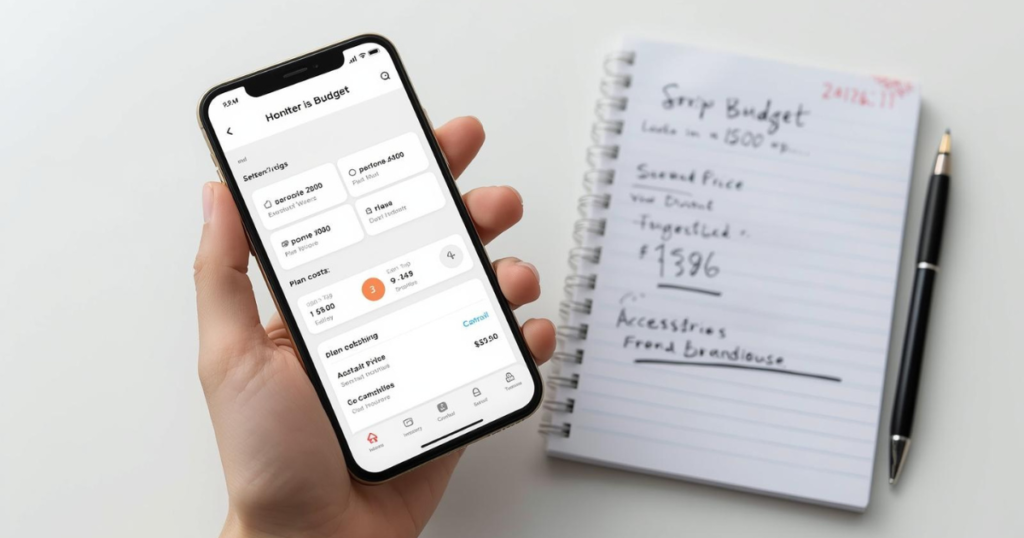
Price doesn’t equal quality anymore. This is one of the biggest shifts in smartphones over the last decade.
Understand Modern Smartphone Pricing
- Entry-level: Affordable, functional, basic performance
- Mid-range: Best value for most people
- Upper mid-range: Premium feel without flagship pricing
- Flagship: Cutting-edge, but diminishing returns
The Truth About Flagship Phones
Flagships are impressive—but often unnecessary.
You’re paying for:
- Marginal camera improvements
- Slightly faster chips you may never notice
- Premium materials that don’t change daily use
- Brand prestige
If money isn’t a concern, that’s fine. But if value matters, mid-range phones often deliver 90% of the experience for 60% of the price.
Pro Tip:
Set your budget before watching reviews. Reviews subconsciously push you upward.
Step 3: Performance – What Actually Makes a Smartphone Feel “Fast”
Most people misunderstand performance.
A phone doesn’t feel fast because of numbers—it feels fast because of optimization.
Processor (Chipset): What to Look For
You don’t need to memorize processor names, but understanding performance basics helps you avoid slow phones.
- Basic users: Mid-range processors are more than enough
- Gamers: Look for strong sustained performance and cooling
- Long-term users: Newer chips age better over time
Reality Check:
A well-optimized mid-range phone can feel smoother than an older flagship.
RAM: How Much Is Enough?
- 4 GB: Bare minimum (avoid if possible)
- 6 GB: Comfortable for most users
- 8 GB+: Ideal for heavy multitasking
More RAM helps with app switching—not raw speed.
Storage: Don’t Underestimate This
- 64 GB: Too small for modern use
- 128 GB: Safe minimum
- 256 GB+: Great for photos and videos
Common Mistake:
Buying a phone with great specs but tiny storage, then constantly deleting files.
Step 4: Display – Where You Spend 90% of Your Time
You interact with the screen more than any other part of the phone.

Screen Size: Comfort vs. Convenience
- Small phones: Easy to use, hard to find today
- Large phones: Better for media, harder for one hand
Choose based on hand comfort, not trends.
Display Type: What Matters
- LCD: Cheaper, decent, less vibrant
- OLED / AMOLED: Better contrast, deeper blacks, more efficient
Once you use a good OLED, it’s hard to go back.
Refresh Rate: Smoothness You Can Feel
- 60Hz: Standard, acceptable
- 90Hz / 120Hz: Noticeably smoother scrolling
This is one spec that does improve daily experience.
Step 5: Camera – Ignore Megapixels, Focus on Results
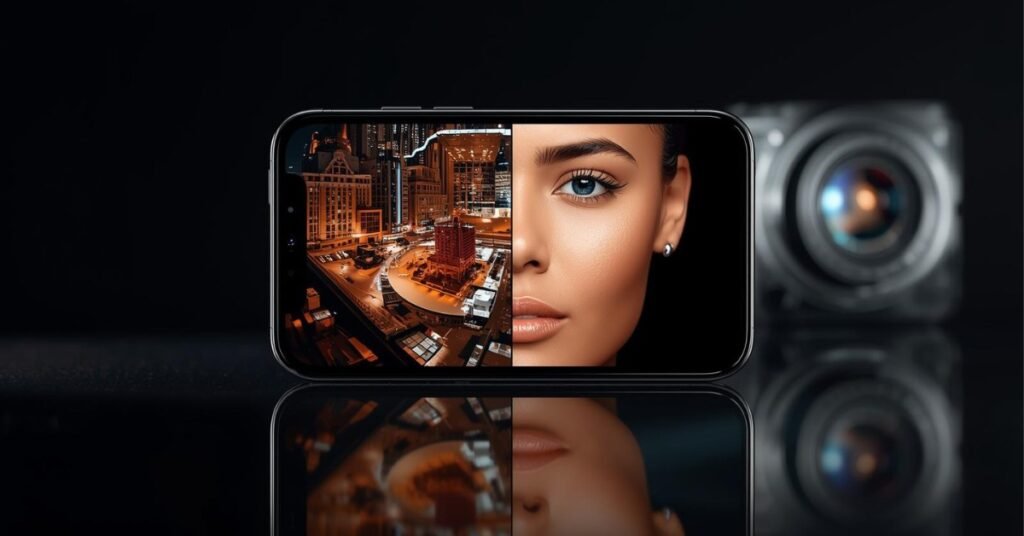
I’ve tested phones with “impressive” camera specs that take average photos—and modest phones that consistently deliver great shots.
What Actually Matters in Cameras
- Sensor quality
- Image processing
- Stabilization
- Low-light performance
Megapixels alone mean almost nothing.
Real-World Camera Considerations
- Do you shoot mostly in daylight or low light?
- Do you record videos or just take photos?
- Do you care about social media readiness?
Pro Insight:
Many mid-range phones take fantastic daylight photos—but struggle at night. Flagships separate themselves in difficult lighting.
Step 6: Battery Life – Capacity Is Only Half the Story
Battery complaints are the #1 reason people replace phones.
What Determines Battery Life
- Battery size
- Processor efficiency
- Display type and refresh rate
- Software optimization
A large battery doesn’t guarantee long life if the phone is poorly optimized.
Charging Speed: A Quality-of-Life Feature
Fast charging doesn’t replace good battery life—but it reduces anxiety.
Wireless charging is convenient, but not essential.
Step 7: Software & Updates – The Invisible Deal-Breaker
Hardware ages slowly. Software determines how long a phone stays usable.
What to Look For
- Clean, stable interface
- Regular security updates
- Major OS updates (2–4 years minimum)
Common Mistake:
Ignoring software support and ending up with a phone that feels outdated early.
Step 8: Build Quality & Practical Features People Forget
Small details matter more over time.
- Fingerprint scanner placement
- Face unlock reliability
- Speaker quality
- Vibration motor
- Haptic feedback
You’ll notice these every single day.

Step 9: Smartphone Brand Ecosystem – Lock-In Is Real
If you already use:
- A smartwatch
- Wireless earbuds
- A tablet or laptop
Staying within the same ecosystem often improves experience.
But don’t let ecosystem pressure override bad value.
Step 10: Buying Smart – Timing, Reviews, and Reality Checks
When to Buy
- Avoid launch prices unless you must have it
- Prices drop within months
- Last year’s models are often incredible deals
How to Read Smartphone Reviews Like an Expert
- Ignore first-week reviews
- Look for long-term usage feedback
- Watch for complaints that repeat
Common Mistakes to Avoid in Choosing a Smartphone
- Buying specs instead of experience
- Overspending “just in case”
- Ignoring ergonomics
- Trusting marketing over real use
- Choosing future-proofing over present needs
Final Takeaway: Choose Smartphone for Your Life, Not the Spec Sheet
The best smartphone isn’t the most expensive or powerful—it’s the one that fits seamlessly into your daily routine.
When you understand your needs, set a realistic budget, and focus on real-world experience instead of marketing noise, choosing a smartphone becomes simple—and even enjoyable.
Smart buyers don’t chase phones.
They choose tools.
Ready to choose your perfect smartphone?
👉 Compare prices, reviews, and deals on Amazon now
🔗 Find the Best Smartphone for You





One Comment